
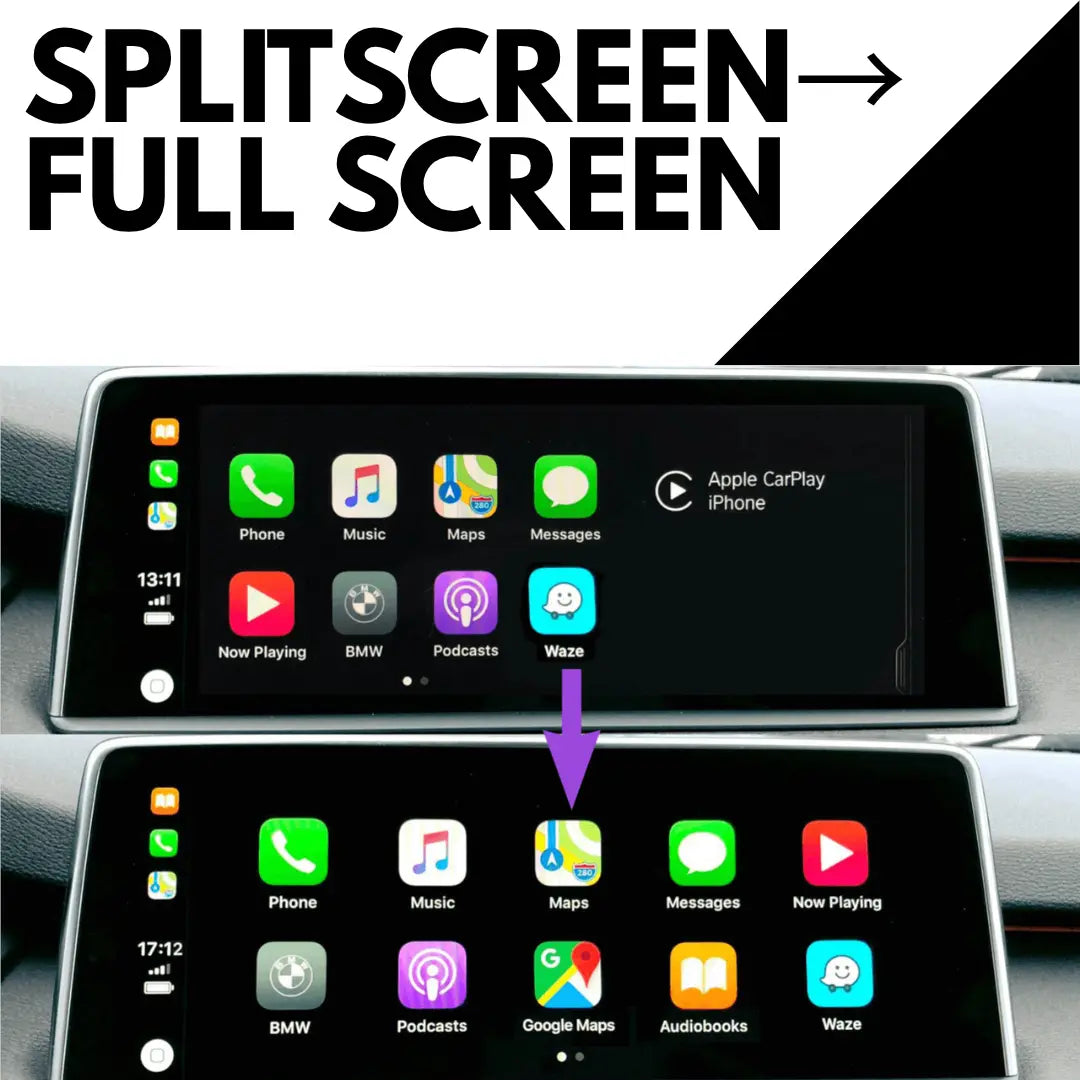
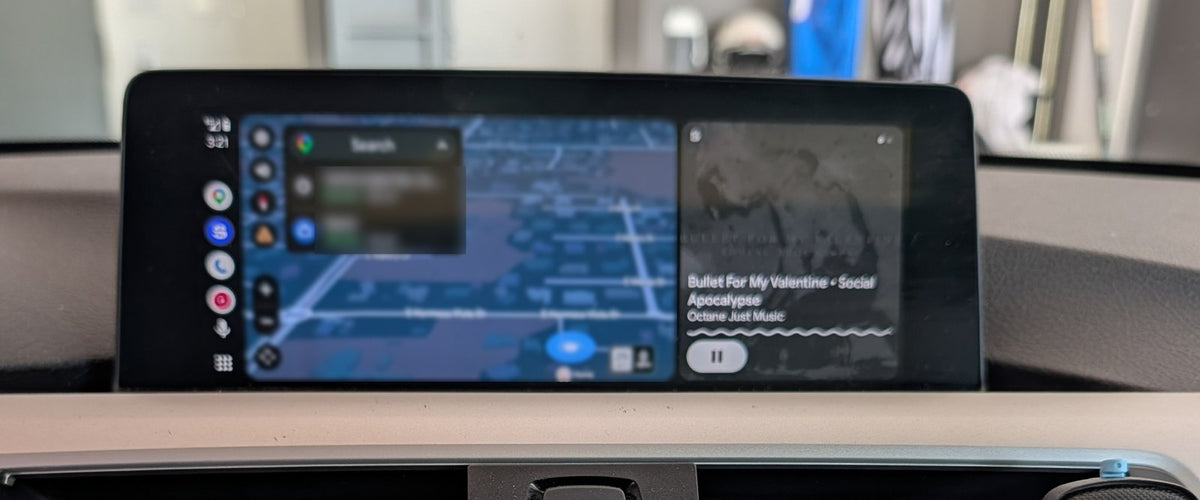

NBT EVO Android Auto: Is Your BMW Ready? The Full Checklist
Native Android Auto on NBT EVO is a software job. There's no box behind the dash and no new screen. That also means everything depends on what's already in your car, and six things have to line up before a session can work.
When they do, activation takes about 10 minutes once we're connected. When one is missing, it's usually the WiFi antenna or the software version, and both can be sorted before you book. Here's how to check each one yourself in about five minutes.
The six checks at a glance
| Check | What you need | If it fails |
|---|---|---|
| Head unit | NBT EVO | Original NBT, CIC and CCC can't run it. See Android Auto on NBT and CIC |
| Software | iDrive 5 or 6, letters H to Y | Letters A to F are iDrive 4. Use the iDrive 4 route |
| WiFi antenna | Plugged into the back of the head unit | Fit one first. It's a small part |
| CarPlay status | Tell us if CarPlay is active | We confirm what your car needs before you pay |
| Phone | Android 11 or newer, 5GHz WiFi, data plan | Update or change the phone |
| Session kit | Windows laptop, ENET cable, USB flash drive, internet | Borrow a Windows laptop. Mac isn't supported |
Check 1: the head unit
The head unit is the computer behind your screen. Two BMWs of the same model and year can have different ones, so don't go by the badge or the build year.
- On the iDrive, go to Navigation → Options → Settings → Position & Version History → Version.
- Read the code at the bottom of the list.
A code starting with NBTEvo_ means NBT EVO, and you can keep going. A code starting with NBT_ is the original NBT, which can't run Android Auto natively. Anything else, like CIC or a WAY code, is a different system. Our guide to checking for NBT EVO has photos of each.
On MINI, the activation is listed for cars with NBT EVO and the 8.8 inch screen.
Check 2: the software letter
Look at the same code again. The letter straight after the underscore tells you which iDrive generation the unit is running.
| Letter after NBTEvo_ | iDrive | What it means for Android Auto |
|---|---|---|
| A to F | iDrive 4 | Needs the iDrive 6 upgrade first. Both are done in one booking for $449 AUD |
| H to Y | iDrive 5 or 6 | Ready for activation at $299 AUD |

The iDrive 4 case catches a lot of late 2015 and 2016 cars. The screen says EVO, the menus look old, and the owner assumes it's ready. It isn't yet, but it's the same hardware, so it can get there in software.
Check 3: the WiFi antenna
This is the check that most often stops a session. Android Auto on NBT EVO is wireless only. Bluetooth starts the connection, then everything on the screen travels over WiFi. The head unit can only do that with a WiFi antenna plugged into the back of it.
Three ways to tell if yours has one:
- Wireless CarPlay already works in the car. CarPlay on NBT EVO uses the same antenna, so if an iPhone connects, the antenna's there.
- The car came with factory CarPlay. Most iDrive 5 and 6 cars that did already have one fitted.
- You look. The antenna plugs into a port on the back of the head unit. Our guide shows which port and how to check.

If there's no antenna, fit one before you book. The OEM part is 61119278133, or an aftermarket FAKRA antenna does the same job. We sell a WiFi antenna that suits. Activation can't add one, and it isn't included.
Check 4: CarPlay status
You don't need an iPhone, and you don't need to use CarPlay. It still helps us to know whether CarPlay is switched on in your head unit.
Some owners on Bimmerpost found that Android Auto wouldn't finish connecting on a head unit that had never had CarPlay enabled. One M4 owner's phone sat on the connecting screen until CarPlay was activated on the car. So when you send your VIN, tell us whether CarPlay works in the car today. We'll confirm exactly what yours needs before you pay.
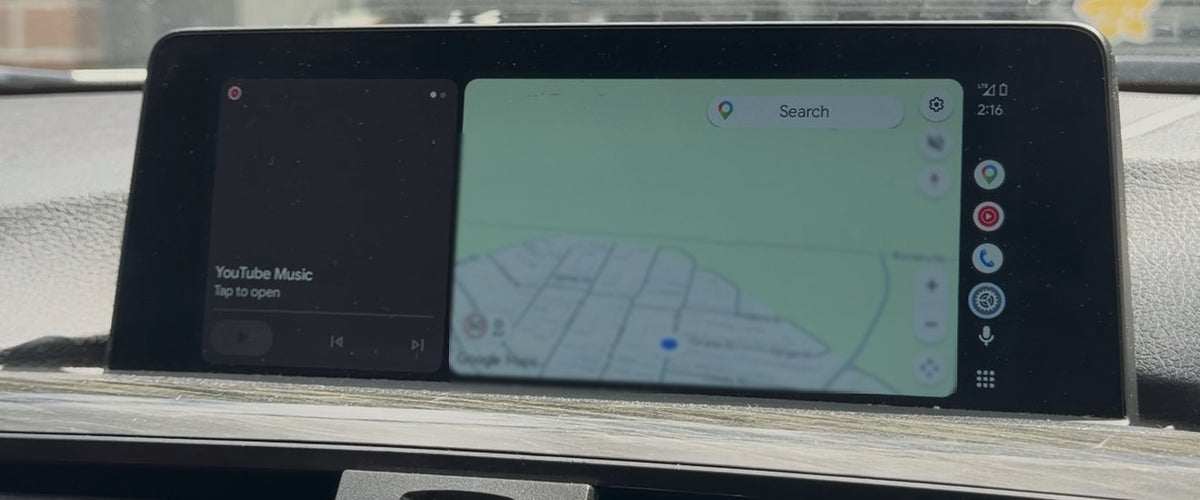
If CarPlay is already active, it stays. Both work after activation, so a house with an iPhone and an Android phone is covered.
Check 5: your phone
Google sets the rules here, not BMW. For wireless Android Auto, Google lists:
- Android 11 or newer. Check Settings → About phone
- 5GHz WiFi support on the phone
- An active data plan
Phones running Android Go edition aren't supported. Most Samsung and Pixel phones from the last few years are fine.
In late 2024 some phones wrongly showed a message saying they didn't support 5GHz WiFi. Google confirmed it was sent in error and fixed it in Android Auto 13.3. If you ever see it, update the Android Auto app before you blame the phone.
More detail is in which phones work with BMW Android Auto.
Check 6: the session kit
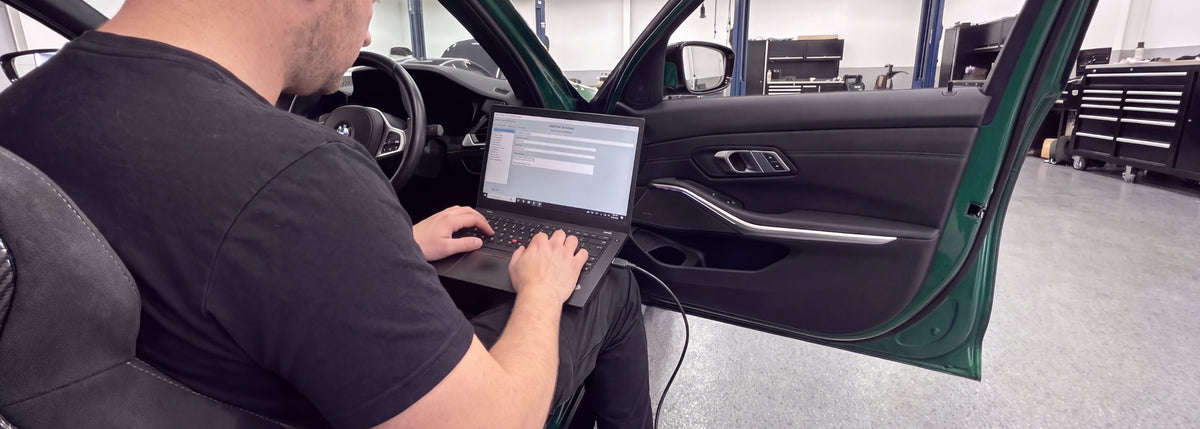
The activation is done remotely while you sit in the car. You need:
- A Windows laptop. Mac isn't supported for this service. If your laptop has no Ethernet port, add a USB to Ethernet adapter.
- An ENET cable. It runs from the OBD port in the driver's footwell to your laptop. Here's what it is.
- Internet on the laptop. Home WiFi or a phone hotspot both work, as long as it's stable.
- A USB flash drive. It goes in the car's USB port during the session.
- The car, started and parked.
On the day, you plug in, get the laptop online, and our technician connects and does the rest. It takes around 10 minutes once we're connected. Then you pair your phone. You don't need any coding knowledge. If you've never done one, read what remote coding is first.
The iDrive 4 option is a longer job with extra requirements, including a battery charger. That's covered in the iDrive 4 guide.
Cars it's listed for
| Series | Models |
|---|---|
| 1 and 2 Series | F20, F21, F22, F23 |
| 3 and 4 Series | F30, F31, F34, F32, F33, F36 |
| 5, 6 and 7 Series | G30, G31, F06, F12, F13, G11, G12 |
| X models | F15, F16, F25, F26, G01, G02 |
| M cars | F87 M2, F80 M3, F82 and F83 M4 |
| BMW i | i3, i8 |
| MINI | F54, F55, F56, F60 with NBT EVO and the 8.8 inch screen |
Being on this list isn't enough by itself. The head unit and software in your car decide it, which is why checks 1 and 2 come first.
FAQ
My BMW is a 2017. Is that new enough?
The year doesn't decide it. Plenty of 2017 cars have NBT EVO on iDrive 5 or 6, and some have original NBT or EntryNav. Read the version code.
Can I use a Mac?
Not for this service. It needs a Windows laptop.
Does it work with a USB cable if I have no antenna?
No. It's wireless only, so the antenna has to be there. See why USB doesn't start it.
What if you confirm my car and it turns out not to work?
Send your VIN, model and year, and a photo of your iDrive screen before you buy. If we confirm it and the car turns out not to be compatible, you get a full refund.
Will I lose anything I've already had coded?
Activation keeps your factory iDrive and existing features. Tell us what's been done to the car so we know what we're connecting to.
Want us to check it for you?
Send your VIN and a photo of the version screen through our contact page. We'll tell you which of the six you pass, and what to fix first if one's missing. Then see what works once it's on.

Leave a comment
This site is protected by hCaptcha and the hCaptcha Privacy Policy and Terms of Service apply.