
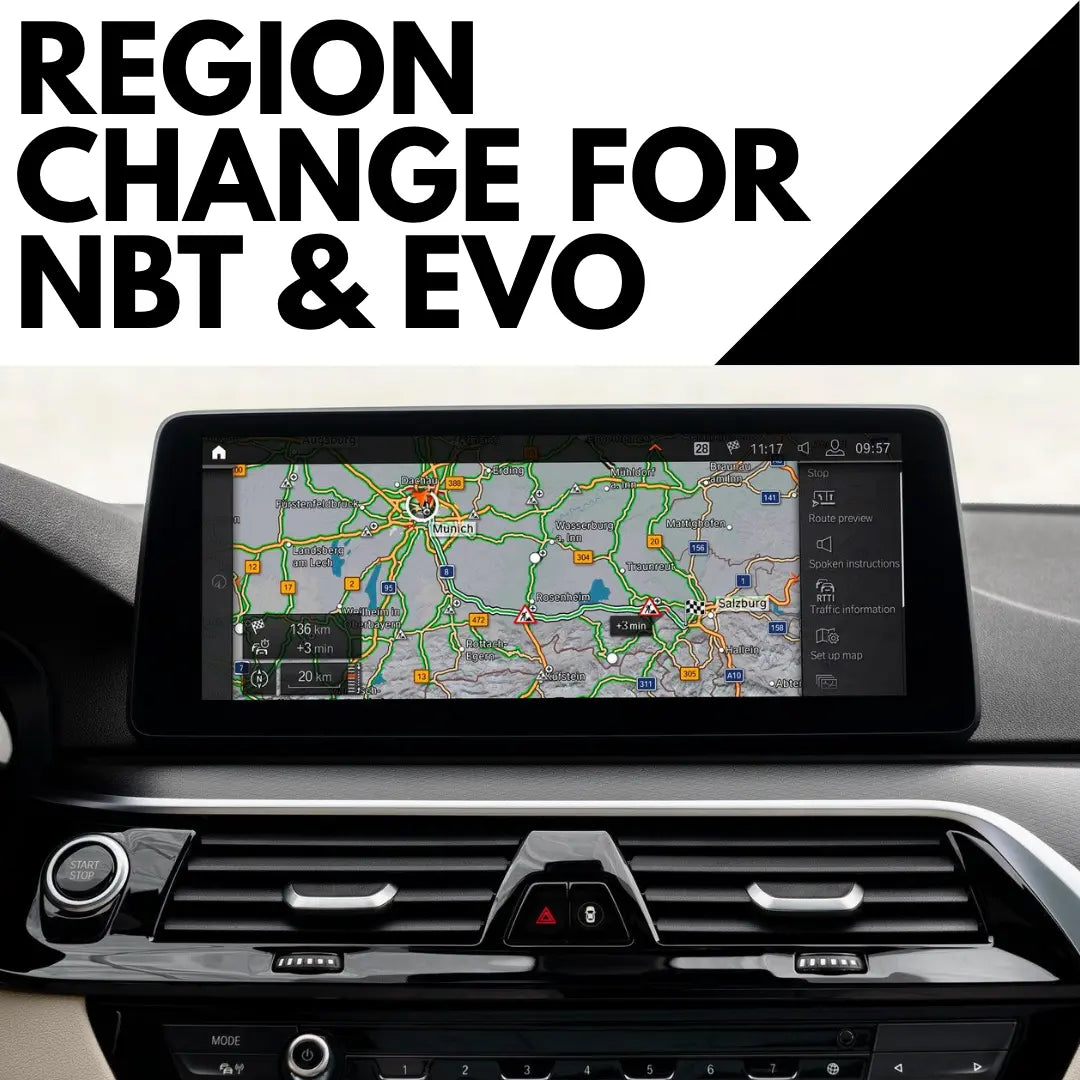
BMW NBT / NBT EVO Navigation Region Change | iDrive 4, 5, 6
Description
Imported your BMW, or stuck with the wrong maps and region settings? We convert your iDrive to the country, region and navigation maps you actually need, with the latest available maps for your new region included.
Works on NBT and NBT EVO systems running iDrive 4, 5 or 6.
Supported regions
Australia, New Zealand, Europe, USA, Japan, Korea, Southeast Asia, Turkey, North Africa, South America, India, Israel, Taiwan, Argentina, South Africa and the Middle East.
How it's done
Depending on your car, the conversion is done one of two ways:
- USB update, available for many cars
- Remote ENET session, needed for some systems and conversions
Conversions from Japanese, Korean or Chinese regions always need a remote session with our technician. After purchase we'll set up the right method for your car.
What you may need
- A BMW compatible ENET cable
- A USB stick, 32GB or larger recommended
- A Windows PC
- A reliable internet connection
For remote sessions, our technician connects to your computer and handles the region configuration. The coding part usually takes 10 to 15 minutes, not counting map download or install time.
What's included
- iDrive region conversion
- Country and region configuration
- Latest compatible maps for your new region
- Remote help where needed
Just want newer maps for the region you already have? See our BMW map update.
Not sure which method your car needs?
Send us your VIN, model and year, and current iDrive system through our contact page. We'll confirm whether it's USB or remote before you buy. Compatibility depends on your existing hardware, software and current region.
Pick a time and we'll guide you through the setup live, then you'll go straight to checkout to lock it in.
FAQ
If we havent answered your question here, email us at support@bimmerdrive.com
Which iDrive systems can be converted?
NBT and NBT EVO running iDrive 4, 5 or 6. Not sure which you have? Send your VIN and a photo of your screen.
Which regions can I switch to?
Australia, New Zealand, Europe, USA, Japan, Korea, Southeast Asia, Turkey, North Africa, South America, India, Israel, Taiwan, Argentina, South Africa and the Middle East.
Is it done by USB or a remote session?
It depends on your car. Many are done by USB. Some systems need a remote ENET session, and conversions from Japanese, Korean or Chinese regions always do. We confirm the method before you buy.
Do I get new maps for my new region?
Yes. The latest compatible maps for your new region are included.
What will I need?
A USB stick (32GB or larger), a Windows PC and a reliable internet connection. Remote sessions also need an ENET cable. The coding part takes about 10 to 15 minutes, plus map download and install time.
I just want newer maps for my current region.
Then you need our BMW & MINI Map Update instead.
What if it turns out my car isn't compatible?
If we checked your car, recommended this and got it wrong, you get a full refund. If the details we were given were wrong (VIN, model or current region), we refund the order minus a fee that covers the time we've already spent. Send your VIN before you buy and we'll confirm it first.