
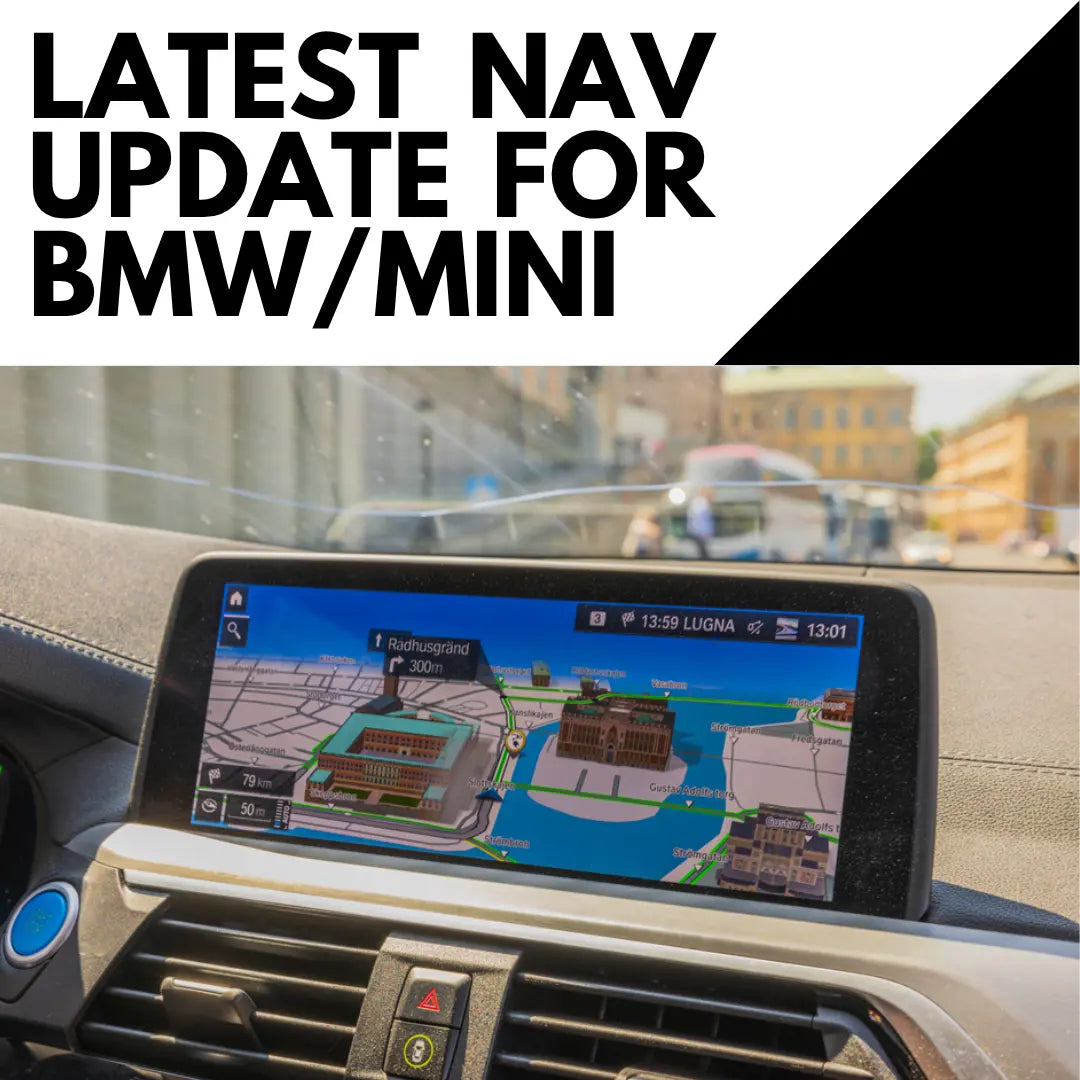
BMW & MINI Navigation Map Update (Latest Maps)
Description
Outdated maps on your iDrive? Get the latest OEM navigation maps for your BMW or MINI's current region, with the FSC activation code included where your car needs one.
Supported systems
Head units: CIC, NBT, NBT EVO, EntryNav2 and MGU
Map types: Premium, Move, Motion, Next, Route, EVO, WAY and LIVE
We supply the newest map version compatible with your car, including supported 2026 releases where available.
Regions
- Australia & New Zealand
- Europe
- North America & Canada
- Southeast Asia
- India
- Japan
- Middle East and Arabian Gulf
- South America
- Turkey
- Other supported BMW navigation regions
What's included
- Latest compatible map files
- FSC activation code where required
- Download link
- Step by step installation instructions
- Help identifying your navigation system if you need it
Same region updates only
This updates the maps within your car's existing region, for example older Australia/NZ maps to the newest Australia/NZ maps.
Want to switch regions, like a Japanese import to Australian maps, or USA to Europe? You need our BMW navigation region change instead.
Not sure which maps you have?
Send us your VIN, model and year, and a photo of your current map version through our contact page and we'll confirm the right package before you buy.
Pick a time and we'll guide you through the setup live, then you'll go straight to checkout to lock it in.
FAQ
If we havent answered your question here, email us at support@bimmerdrive.com
Which iDrive systems does this work on?
BMW and MINI with CIC, NBT, NBT EVO, EntryNav2 and MGU, covering Premium, Move, Motion, Next, Route, EVO, WAY and LIVE map types.
Can I switch to a different map region with this?
No. This updates maps within your car's current region, like older Australia / NZ maps to the newest Australia / NZ maps. To change region, like a Japanese import to Australian maps, you need our Navigation Region Change.
Do I need an FSC code?
If your car needs one, it's included. You don't need to buy it separately.
Which map version will I get?
The newest version your car supports, including 2026 releases where they're available for your system.
How do I install it?
We send a download link and step by step instructions for your system. Keep the car running or on a battery charger while the maps install, as large updates take a while.
What if I buy the wrong one for my car?
If we checked your car, recommended this and got it wrong, you get a full refund. If the details we were given were wrong (VIN, model or current map version), we refund the order minus a fee that covers the time we've already spent. Send your VIN and a photo of your current map version before you buy and we'll confirm it.
This product has no reviews yet.