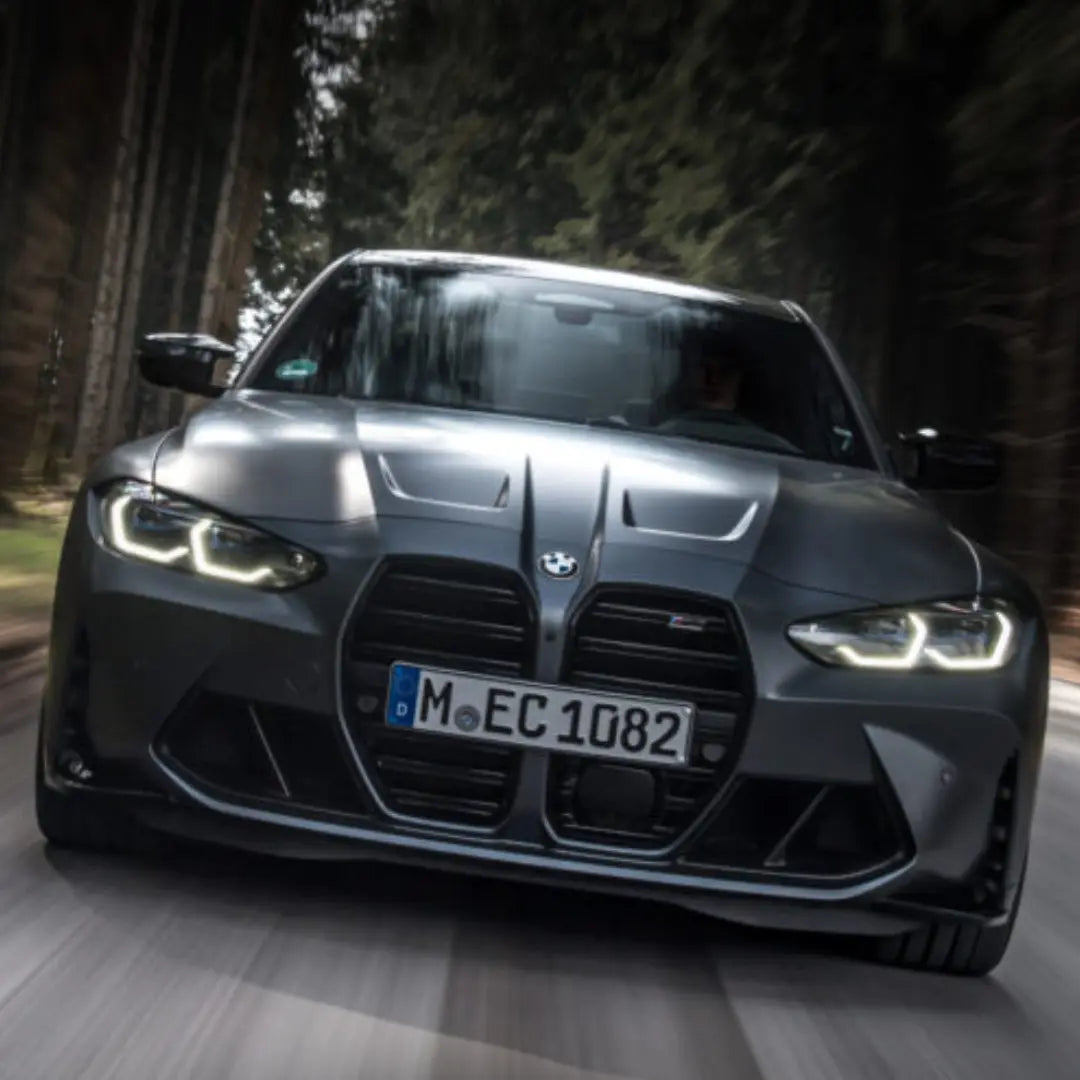
Steering & Brake Sport+ Coding for BMW M3 / M4 G8X
Add Sport+ to your G8X steering and brakes. Heavier, sharper steering and a firmer brake bite, saved to your M1 / M2 buttons. Factory BMW settings, coded remotely, about 15 minutes.
✅ Sport+ steering with heavier, sharper weighting
✅ Sport+ brakes with a firmer initial bite
✅ Assign it to your M1 / M2 buttons
✅ Works with your other M Drive settings
✅ No hardware, no ECU unlock
Is My Car Compatible?
Built for pre LCI G8X cars, manual or auto.
- M3: G80 (pre LCI)
- M4: G82, G83 (pre LCI)
LCI car? You already have these settings from the factory.
Not sure? Send your VIN to support@bimmerdrive.com and we’ll confirm before you buy.
What's Included
The coding
- Sport+ steering mode
- Sport+ brake mode
- M1 / M2 button setup
- Lifetime, one payment
Want more?
Pair it with our CS / CSL Flash for CS gearbox, traction, diff and suspension in the same session.
What You Need
- ENET cable (OBD2 to Ethernet, grab one from our store or Amazon AU)
- Windows laptop or Mac (both work natively)
- TeamViewer installed
- Stable internet (WiFi or a phone hotspot)
- Battery charger or tender connected during the session
How it works
- Order and send us your VIN
- We email you a booking link for a time that suits you
- Plug in the ENET cable and open TeamViewer
- Our technician codes Sport+ live
- About 15 minutes later, set it up on M1 / M2 and go for a drive
FAQ
Is it permanent? Yes, one payment.
Why pre LCI only? LCI cars already have these settings from the factory.
Does it change anything else? No. Only the steering and brake modes are added.
Will a dealer update undo it? A dealer software update can reset it. Let us know and we’ll sort it.
Pick a time for your technician session, then you'll go straight to checkout to lock it in.
OVER 1,000
LOYAL BMW ENTHUSIASTS
Had the NBT EVO ID4 to ID6 upgrade done on my 2016 M4 and the difference is huge. The new iDrive interface looks much more modern and having full-screen Apple CarPlay makes the interior feel years newer. Process was smooth and everything worked perfectly.

My X1 came with the newer EntryNav2 system but didn't have Apple CarPlay activated from factory. Bimmer Drive enabled it remotely and now CarPlay works wirelessly exactly like OEM. Very easy process just connected the ENET cable and they handled the rest.
My G30 5 Series already had factory Apple CarPlay but it was stuck in the smaller split-screen layout. The fullscreen activation made such a big difference. Looks cleaner and uses the whole display like newer BMWs. No aftermarket hardware needed.
I was looking at aftermarket CarPlay screens for my F30 but decided to keep the factory system instead. The NBT EVO CarPlay activation gave me everything I wanted while keeping the original BMW interface, steering wheel controls and sound quality.
Got CarPlay and Android Auto activated on my G20 3 Series. The whole process took around 15 minutes and now everything works exactly like it should from factory. Great service and saved me a trip to BMW.
FAQ
If we havent answered your question here, email us at support@bimmerdrive.com
Which cars is Sport+ coding for?
Pre LCI G80 M3 and G82 / G83 M4, manual or auto.
I have an LCI M3 or M4.
You already have Sport+ steering and brakes from the factory, so you don't need this.
How do I use it after?
Save Sport+ steering and brakes to your M1 or M2 button setup like any other drive setting.
Want more in the same session?
Pair it with our CS / CSL Flash for CS gearbox, traction, diff and suspension.
What if it turns out my car isn't compatible?
If we checked your VIN, recommended this and got it wrong, you get a full refund. If the details we were given were wrong, we refund the order minus a fee that covers the time we've already spent. Send your VIN before you buy and we'll confirm it first.