

Home / BMW CarPlay Guides / CarPlay keeps disconnecting

Why Does BMW CarPlay Keep Disconnecting?
BMW CarPlay runs over a direct WiFi link between your iPhone and the head unit, with Bluetooth used to set it up. If either link is unstable, the screen drops back to iDrive and reconnects a moment later. Won't connect at all? See CarPlay not connecting instead.
Phone or car? A quick test
Connect a different iPhone and drive with it for a while. If it stays connected, look at your phone. If both drop, look at the car.
If it's the phone
- Do a clean pairing. Forget the car on your iPhone in both CarPlay and Bluetooth settings, delete the phone on the iDrive, restart your phone and pair again. A stale pairing is common after an iOS update.
- Turn off VPN. Some VPNs interfere with the connection.
- Clear out extra phones. If several are saved on the iDrive, delete the ones you don't use.
- Check for overheating. If your phone gets hot on a wireless charging pad, try it off the pad, since a hot phone can behave oddly.
- Update iOS. Apple recommends the latest version.
If it's the car
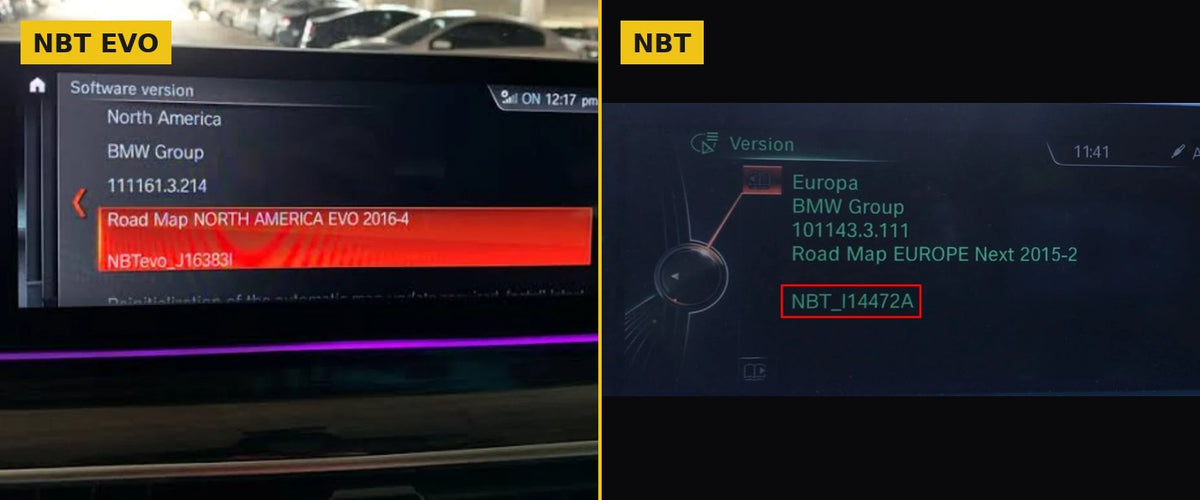
- WiFi antenna: on NBT EVO, CarPlay relies on the antenna plugged into the back of the head unit. A weak, damaged or poorly seated one can affect range and stability. Here's how to check, and a replacement is $29.99 AUD.
- iDrive restart: hold the volume knob for 20 to 30 seconds with the ignition on.
- Software: Apple suggests making sure your stereo has the latest firmware from the manufacturer. Don't flash anything without a battery charger, and if you've had coding done, remember a dealer update can reset it.
- Older activation files: if your CarPlay came from a cheap file, it may not be a stable setup. Here's what to look for.
FAQ
Does it drop more on certain roads?
If it only drops in one place, your phone may be switching to known WiFi nearby. Test it with WiFi joins to that network turned off.
Can a USB cable fix it?
Not on a factory BMW system, because CarPlay is wireless there. Here's more on wired CarPlay.

Leave a comment
This site is protected by hCaptcha and the hCaptcha Privacy Policy and Terms of Service apply.