


Android Auto vs Screen Mirroring on a BMW: What's the Difference?
This trips up a lot of Android owners, because both put your phone on the iDrive screen. They're not the same thing, and it matters when you're deciding what to buy.
The difference
Android Auto is Google's own driving interface. You get big icons, Google Maps or Waze, music apps and voice control, built for use while driving.
Screen mirroring shows whatever is on your phone on the car's screen. It's more of a copy of your phone than a car interface.
Side by side
| Android Auto | Screen mirroring | |
|---|---|---|
| Made for driving | Yes | No, it's your phone's normal screen |
| Apps shown | Apps made for Android Auto | What your phone is showing |
| Our NBT EVO price | $299 AUD | Included with CarPlay activation ($99.99 AUD) |
| Fullscreen | Yes, on our NBT EVO activation | Check with us for your car |
Availability depends on your head unit and software. Using a phone interface while driving may be restricted by local law, so only use what's legal and safe.
Which one are you buying?
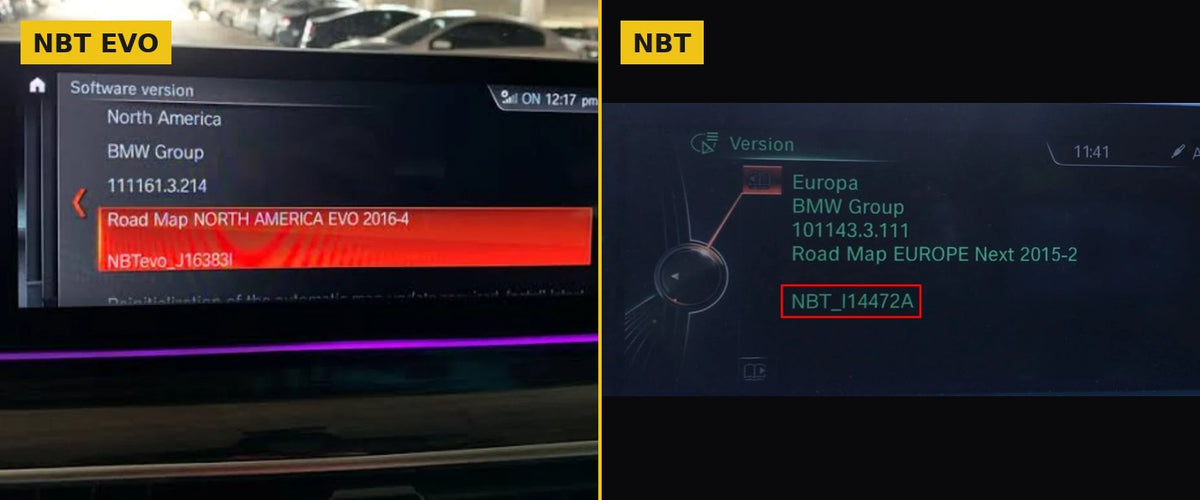
If you have an Android phone and want the proper driving experience, you want native Android Auto activation. It needs NBT EVO on iDrive 5 or 6, a phone on Android 11 or newer, and a WiFi antenna.
Our $99.99 CarPlay activation is built around CarPlay for iPhones. It includes Android screen mirroring as an extra, so don't buy it expecting Android Auto. If you have an iPhone and an Android in the house, you can have both activated.
See every Android Auto route or send your VIN through our contact page if you're not sure which applies.


Leave a comment
This site is protected by hCaptcha and the hCaptcha Privacy Policy and Terms of Service apply.