

BMW iDrive 6 vs iDrive 7: Can You Upgrade?
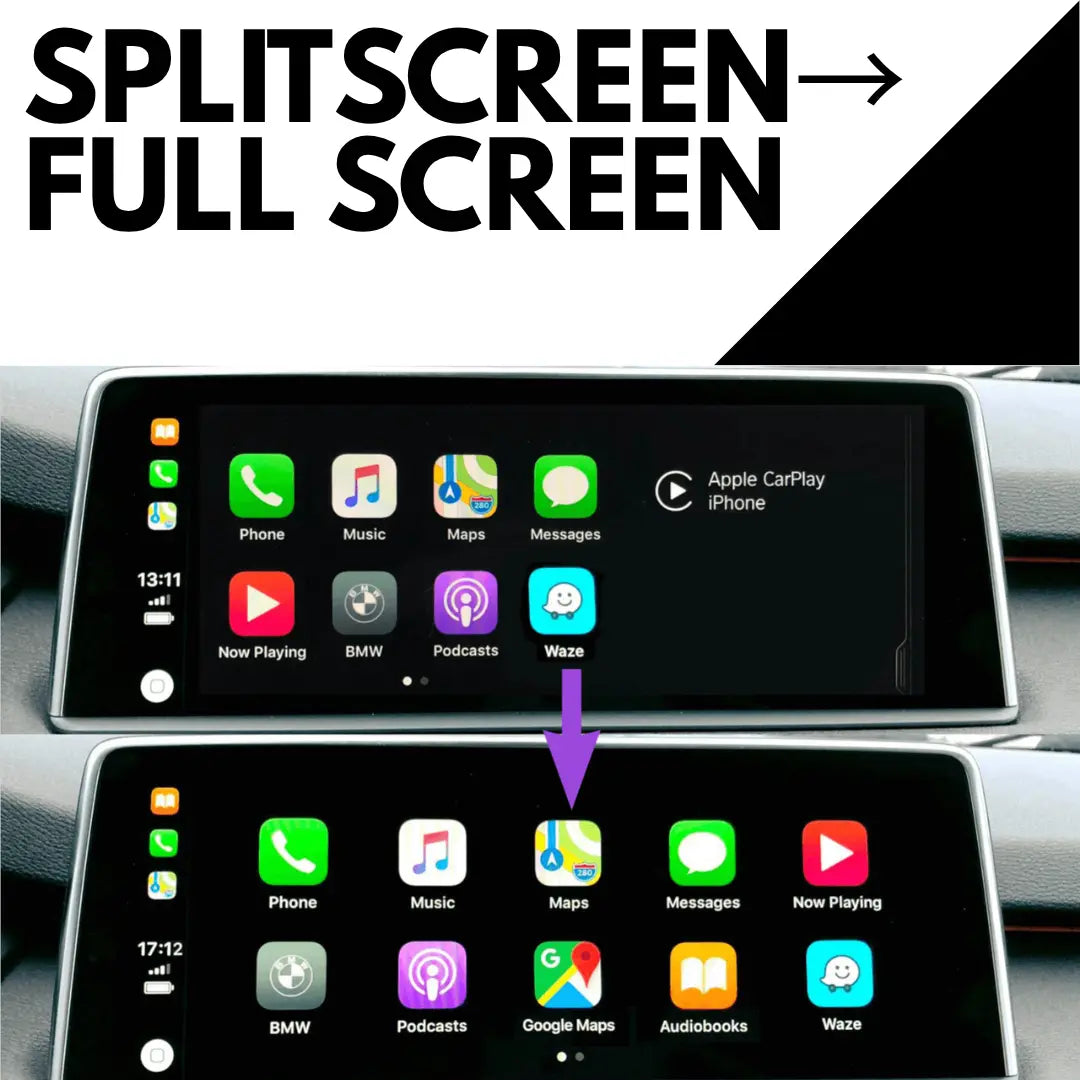
iDrive 7 is the newer system with the bigger layout changes, but iDrive 6 has aged well. It can run fullscreen CarPlay and even Android Auto now. Whether you need 7 at all may depend on what you were hoping to get.
What's different
| iDrive 6 | iDrive 7 | |
|---|---|---|
| Head unit | NBT EVO | MGU |
| Arrived | Around 2016 on F Series | 2018 with the G05 X5 |
| Home screen | Large live tiles | Updated tile layout, with more customising |
| BMW's own Android Auto | No, but can be activated | Yes, on software 07/2020 or newer |
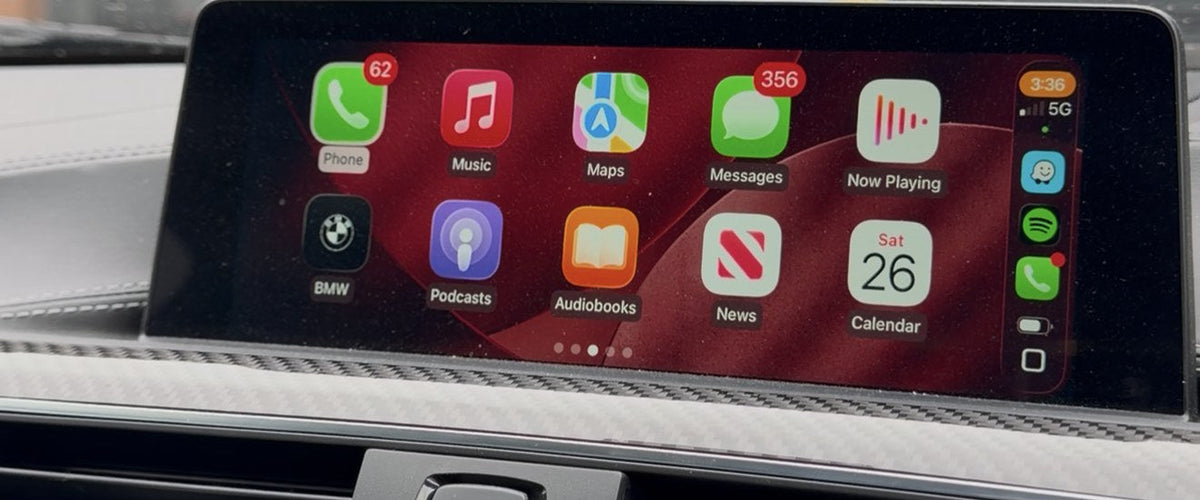
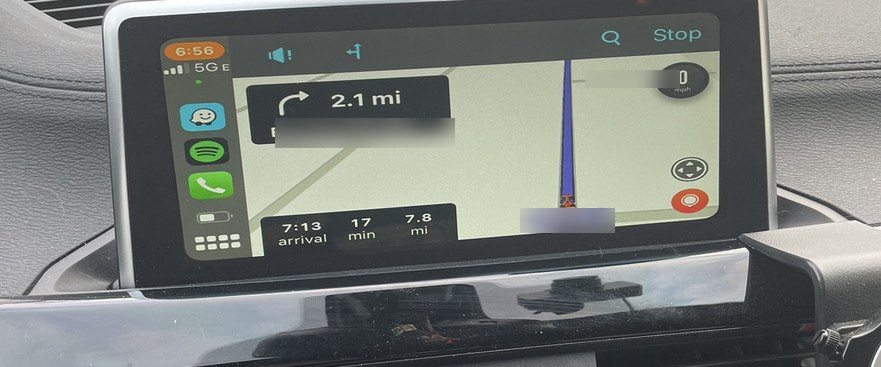
| CarPlay | Wireless, fullscreen on supported software | Wireless |
How to tell which you have
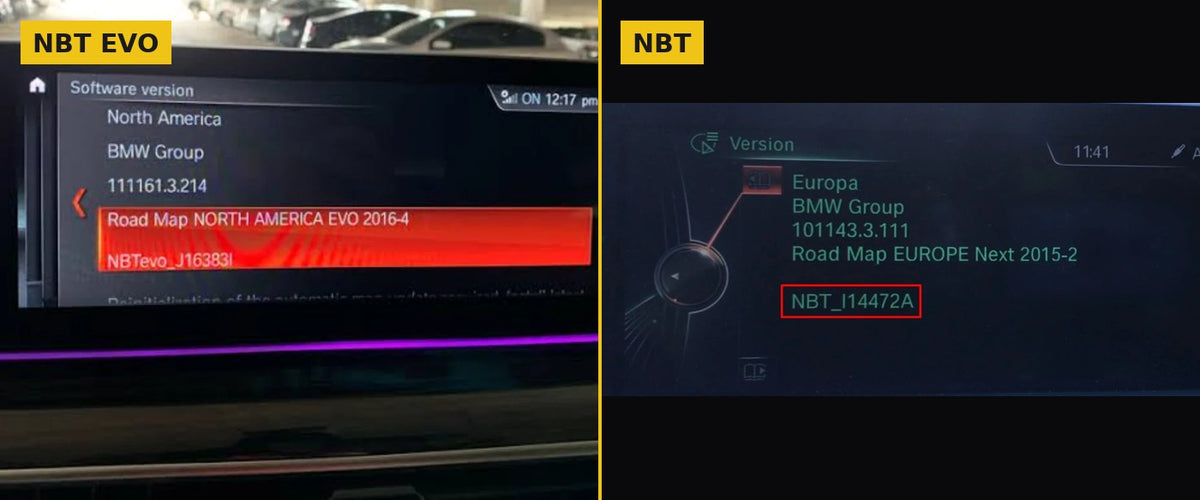
On iDrive 6, your version screen shows a code starting with NBTEvo_. Go to Navigation → Options → Settings → Position & Version History → Version. iDrive 7 cars have a different menu layout and are usually on a G Series from around 2019 onwards, often with a 10.25 inch screen. Some cars from this period, like the G01 X3 and G30 5 Series, could come with either, so check rather than go by year. Send us a photo if you're not sure.
Can you upgrade iDrive 6 to 7?
Not with a software update. iDrive 6 and 7 run on different head units, so it isn't just a matter of loading new software. Getting from one to the other is a hardware retrofit job, and it may involve other modules in the car. We don't list it as a service, so if you've got your heart set on it, research the full parts list first.
Getting more from iDrive 6
- Fullscreen CarPlay: activation from $99.99 AUD
- Android Auto: native activation from $299 AUD
- Newer maps: map update, $79.99 AUD
- On iDrive 5: the iDrive 6 look, $59.99 AUD

Leave a comment
This site is protected by hCaptcha and the hCaptcha Privacy Policy and Terms of Service apply.