


BMW iDrive 5 vs iDrive 6: What's the Difference?
Less than you'd think. iDrive 5 and iDrive 6 both run on the NBT EVO head unit and work the same way underneath. The main difference is how the home screen looks.
The real difference
| iDrive 5 | iDrive 6 | |
|---|---|---|
| Head unit | NBT EVO | NBT EVO |
| Home screen | Main menu options all on one screen | Larger live tiles, three at a time |
| CarPlay activation | Yes | Yes |
| Android Auto activation | Yes | Yes |
How to tell which you have
Look at your home screen. If it shows large live tiles, you're on iDrive 6. If it shows a newer style menu with no tiles, you're on iDrive 5. Cars with this usually date from mid 2016 on. iDrive 4 has an older style menu, and it's a different story, so here's how that upgrade works.
Switching to the iDrive 6 look
Because the system is the same, you can switch the layout without changing your software. Our iDrive 5 to iDrive 6 coding ($59.99 AUD) turns on the newer interface with no reflash.
- NBTEvo_H, I, J, K, L, M, N or O: done by USB
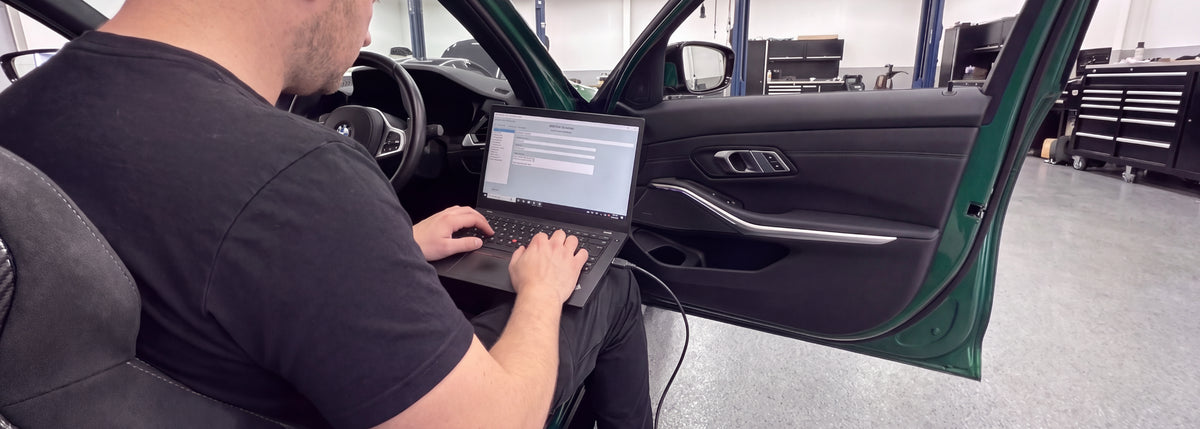
- NBTEvo_P, Q, R, S, U, V, W, X or Y: done over an ENET cable with a PC
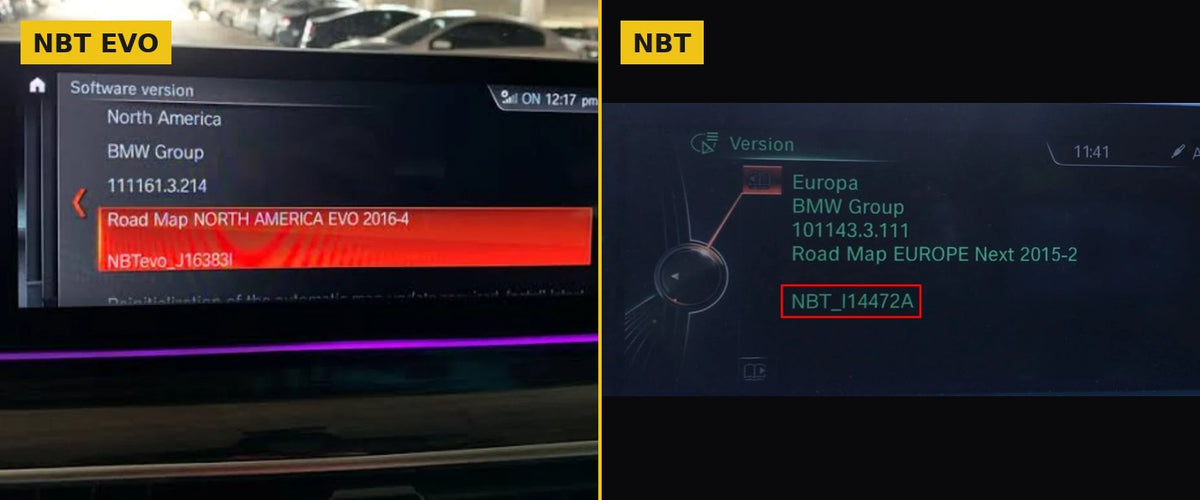
Find your letter at Navigation → Options → Settings → Position & Version History → Version.
FAQ
Do I need iDrive 6 to get CarPlay?
No. CarPlay activation works on iDrive 5 too, and fullscreen depends on your software letter.
Do I need a firmware update as well?
Not for the look. You'd only need the firmware upgrade for fullscreen on an older letter. It includes the iDrive 6 look where supported, so don't buy both without checking.
Can iDrive 6 become iDrive 7?
Not with software. Here's why.

Leave a comment
This site is protected by hCaptcha and the hCaptcha Privacy Policy and Terms of Service apply.