

If your G8X M car didn't come with M Drive Professional, you're missing one of the best features for spirited and track driving: 10 stage M Traction Control. The good news is it's a software feature, so it can be added later.
Here's what M Drive Professional does, which cars can get it, and how the retrofit works.
What M Drive Professional adds
M Drive Professional is BMW's track focused option for its M cars. The headline feature is 10 stage M Traction Control.
Normally, traction control is either on, in a sport mode, or off. With 10 stage M Traction Control, you choose exactly how much wheel slip the car allows before it steps in.
- Level 1 gives the most help
- Level 10 gives the least
- Everything in between lets you dial in the car for the conditions and your confidence
It's far more useful than an on or off switch, especially on track or in the wet, where you want some slip but still want a safety net.
Which cars can get it?
The retrofit suits G8X M cars that didn't come with M Drive Professional from the factory:
- M2: G87
- M3: G80 Sedan and G81 Touring
- M4: G82 Coupe and G83 Convertible
Manual and automatic cars are both covered.
Does it work with a tune?
Yes. It works alongside calibration only tunes, including MHD and BM3. It doesn't need an ECU unlock and doesn't touch your engine software.
How the retrofit works
Our M Drive Professional retrofit is the factory BMW feature, coded remotely. No hardware, no workshop.
- Order and send your VIN so we can confirm your car is compatible.
- Book a session at a time that suits you.
- Connect the car. Plug in the ENET cable, connect a battery charger and open TeamViewer.
- Our technician codes it live. When it's done, you'll find it in your M settings.
What you need
- An ENET cable (OBD2 to Ethernet)
- A Windows laptop. This one is Windows only, as the retrofit tools don't run on Mac
- TeamViewer installed
- Fast, stable internet. A strong WiFi connection rather than a weak hotspot
- A battery charger or tender connected during the session
Build the full package
Most G8X owners doing M Drive Professional add a few other things in the same session:
- CS / CSL Flash for factory CS and CSL gearbox, steering, diff and suspension software
- Sport+ steering and brake coding for pre LCI G80 and G82 cars
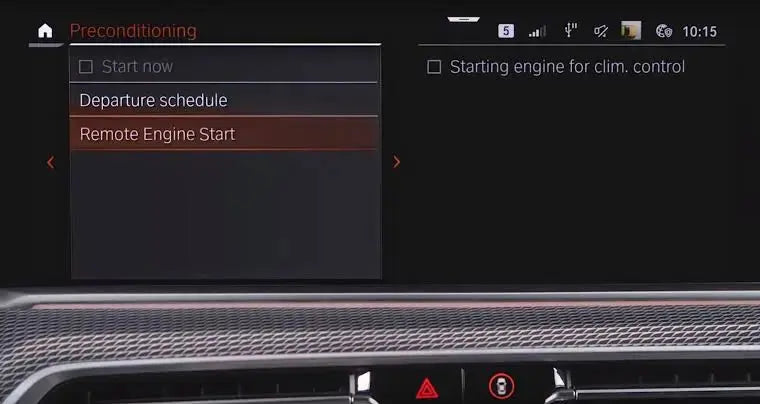
- Remote start from your key fob
Running track wheels, coilovers or a mechanical diff? See our guide to TPMS, EDC and Active Diff code outs.
FAQ
Can you retrofit M Drive Professional to a BMW M3 or M4?
Yes. On G8X M cars that didn't come with it, M Drive Professional can be activated in software, including 10 stage M Traction Control. No hardware or ECU unlock is needed.
What does 10 stage M Traction Control do?
Instead of traction control being simply on or off, you choose one of 10 levels of how much wheel slip the car allows before it steps in. Level 1 gives the most help and level 10 the least.
Does M Drive Professional work with a tune?
Yes. It works alongside calibration only tunes, including MHD and BM3.
Does it work on manual cars?
Yes. Manual and automatic G8X M cars are both covered.
Why is a Windows laptop needed?
The retrofit tools used for M Drive Professional only run on Windows, so a Mac won't work for this one.
Check your car
Send your VIN to support@bimmerdrive.com and we'll confirm your car is compatible before you buy.

Leave a comment
This site is protected by hCaptcha and the hCaptcha Privacy Policy and Terms of Service apply.