
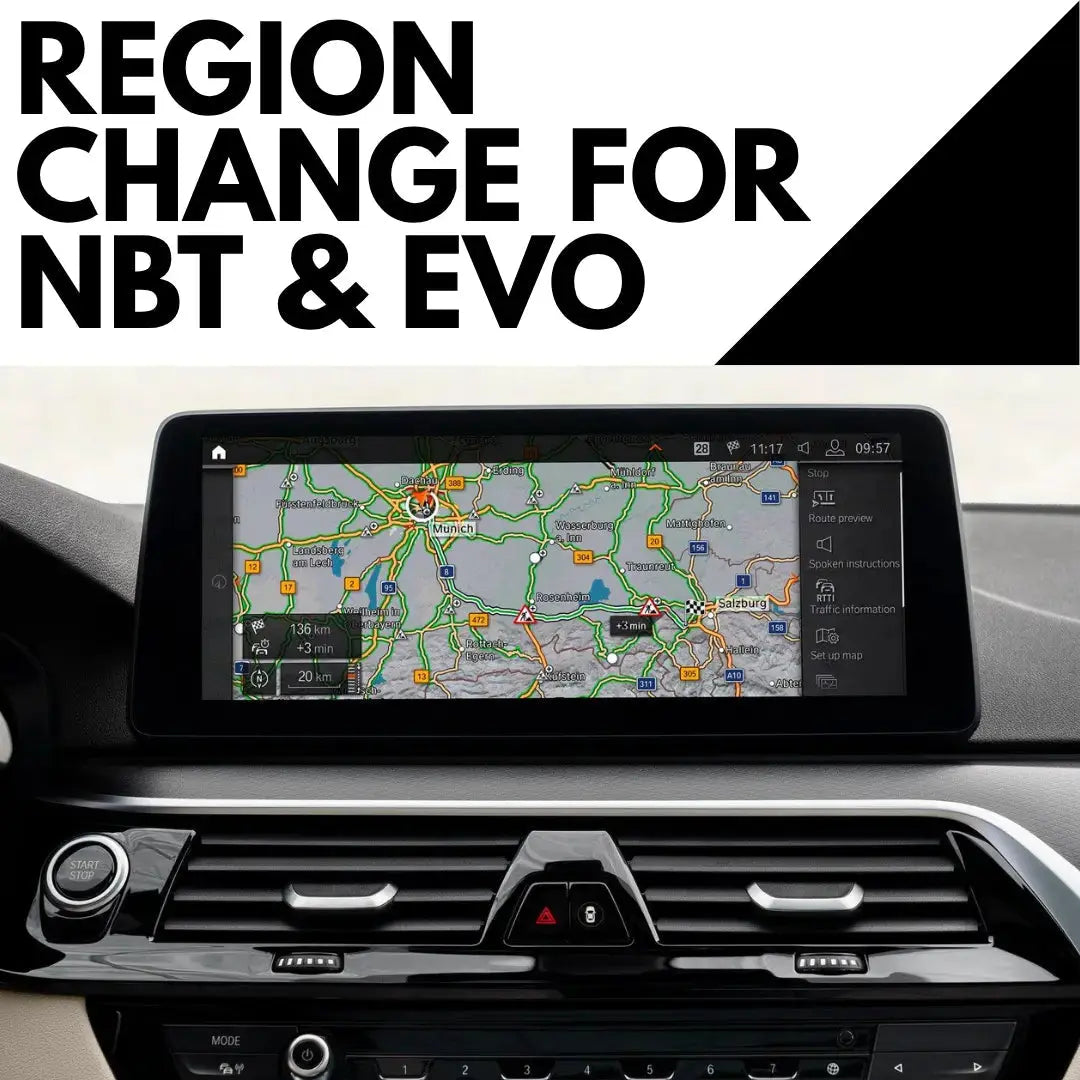
Japanese import BMWs are popular in Australia for good reason. They're often well kept, well optioned and good value. But the navigation usually isn't much use here. It's set to Japanese maps and region settings, and often in Japanese too.
Here's how to convert a Japanese import BMW to Australian maps, which cars can be converted, and what's involved.
What's wrong with the navigation on a Japanese import?
A BMW built for Japan has its iDrive set up for the Japanese market. That usually means:
- Japanese maps, so navigation is useless on Australian roads
- Japanese country and region settings
- A Japanese radio band, so many Australian FM stations won't tune in
None of this is a fault. The car is just set up for the wrong country.
Why a normal map update won't fix it
This is the most common mistake. A standard BMW map update keeps your car in its existing region. On a Japanese import, that just gets you newer Japanese maps.
What you need is a region change, which switches the car's country and region over to Australia and installs Australian maps.
Which Japanese import BMWs can be converted?
Our BMW navigation region change works on NBT and NBT EVO head units running iDrive 4, 5 or 6. That covers most F Series BMWs and some early G Series models.
Not sure which head unit your car has? Our guide on how to check your BMW iDrive version shows you in 30 seconds. If your car has iDrive 7 (MGU) or EntryNav2, send us your VIN and we'll check what's possible.
Compatibility depends on your car's hardware, software and current region, so every car is confirmed before you buy.
How the conversion works
Some region changes can be done by USB, but conversions from Japanese, Korean or Chinese regions are always done in a remote session with our technician.
What you need
- An ENET cable (OBD2 to Ethernet)
- A USB stick, 32GB or larger recommended
- A Windows PC
- A reliable internet connection
The process
- Send us your VIN, model and year so we can confirm the right method.
- Our technician connects to your computer remotely and converts the country and region configuration.
- You install the latest Australian maps for your new region.
The coding part usually takes 10 to 15 minutes. Downloading and installing the maps takes longer, depending on your internet and the map size.
What's included
- iDrive region conversion
- Country and region configuration
- The latest compatible maps for your new region
- Remote help where needed
What about the radio?
Japan uses a different FM band to Australia, so a Japanese import often can't pick up many local stations. If that's happening in your car, ask about radio frequency coding when you book your region change so it's sorted in the same session.
Imported from somewhere else?
The same region change covers other conversions too, including cars from Europe, the UK, the USA, Korea, Southeast Asia and the Middle East, converted to Australian maps.
Already have Australian maps but they're just out of date? You need a BMW map update instead.
FAQ
Can you change a Japanese BMW's navigation to Australian maps?
Yes. A navigation region change converts your iDrive to Australian country, region and map settings, with the latest Australian maps included. On NBT and NBT EVO, it's done in a remote session for Japanese cars.
Will a normal BMW map update fix a Japanese import?
No. A map update keeps the car in its existing region, so a Japanese car would just get newer Japanese maps. You need a region change to switch to Australia.
Which BMW head units can be converted?
NBT and NBT EVO systems running iDrive 4, 5 or 6. For iDrive 7 and EntryNav2 cars, contact us with your VIN to check.
Why doesn't my Japanese import BMW pick up Australian radio stations?
Japan uses a different FM band to Australia, so many local stations won't tune in. Ask about radio frequency coding when you book your region change.
How long does a BMW region change take?
The coding part usually takes 10 to 15 minutes, plus the time to download and install the new maps.
Check your import
Send your VIN, model and year, and a photo of your iDrive screen to support@bimmerdrive.com. We'll confirm whether your car can be converted and which method it needs before you buy.


Leave a comment
This site is protected by hCaptcha and the hCaptcha Privacy Policy and Terms of Service apply.