
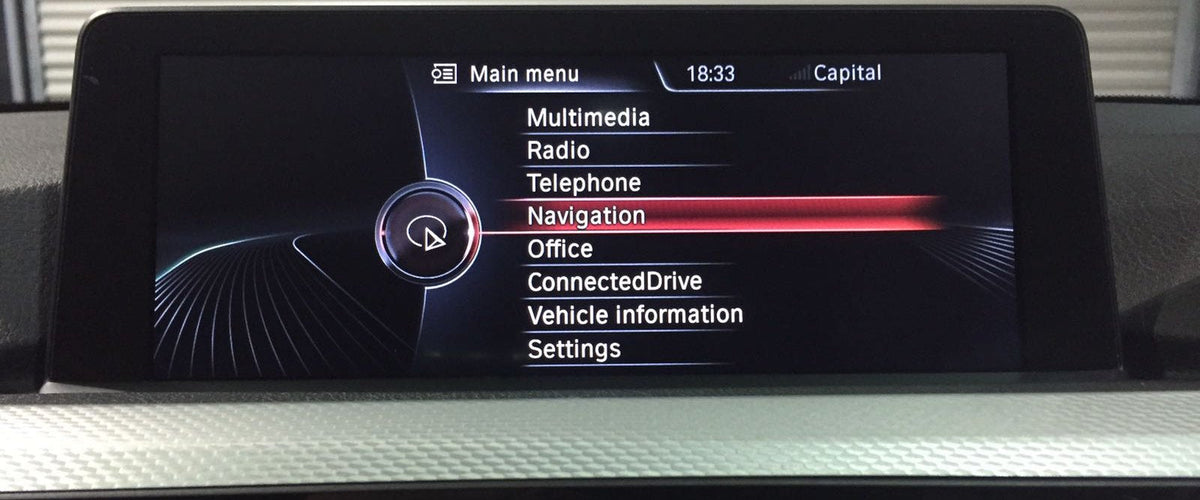

BMW MMI Box No Signal or Black Screen: What to Check
A black screen or "no signal" straight after fitting a retrofit box is usually an installation issue, not a dead unit. Video runs through the box on its way to your screen, so one bad connection can take your iDrive picture with it. Exact steps vary by brand, so use your kit's manual alongside this.
Before you start: switch the car off before unplugging anything behind the screen or head unit. If you're not comfortable doing that, use an installer.
What to check, in order
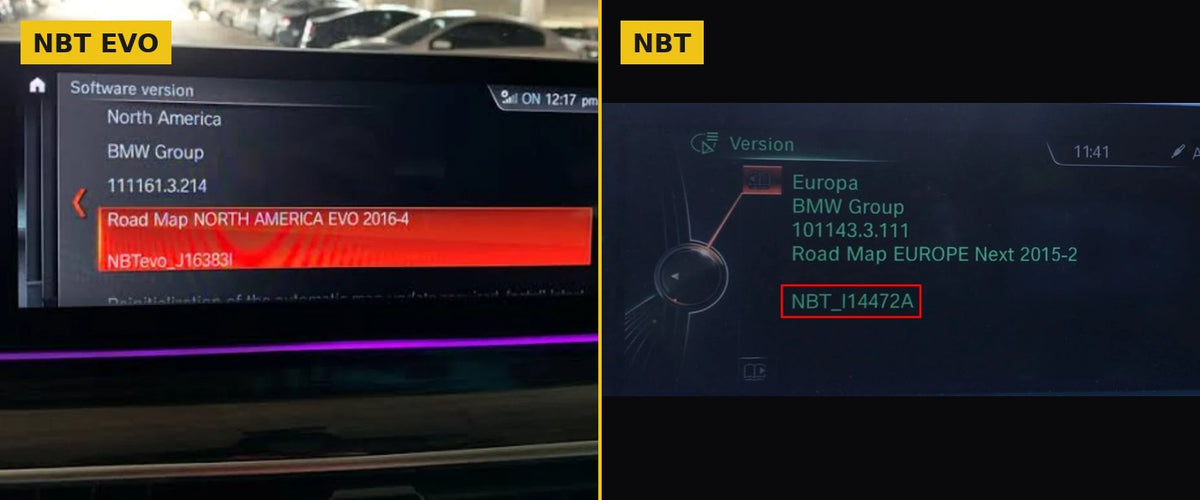
- The video cable. The LVDS cable is the most common cause. Make sure it's the right one for your system and fully clicked in at both ends. CCC, CIC, NBT and EVO don't all use the same connector, so a wrong kit can look right and still not work.
- DIP switches. Many boxes use small switches to set the system type and screen size. Wrong settings can mean no picture, or a zoomed or distorted one. Cut power to the box for a few seconds before you change them.
- Power. Check the harness is fully seated and the box shows signs of power, usually an LED.
- Fibre optic cable. If your car has one and it wasn't moved to the new harness, you can end up with no sound or a head unit that doesn't start properly.
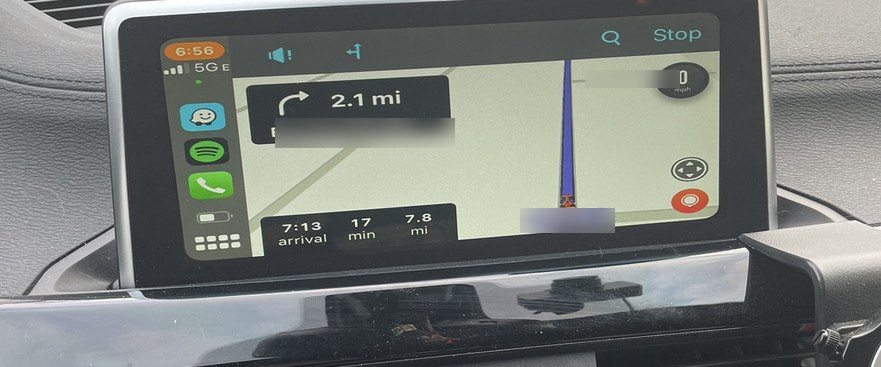
- Input. You may simply be on the wrong source. On one common kit, holding MENU on NBT or MEDIA on EVO for about 3 seconds switches between iDrive and CarPlay. Check your manual for yours.
- WiFi antenna. Keep the box's antenna away from the glovebox and metal, because poor placement can cause weak signal or dropouts.
If it worked before
If nothing was touched, look for a loose connector first, then restart the box and the car. Hold the iDrive volume knob for about 30 seconds to reboot the factory system. If a phone or box update came just before it failed, contact the seller, since that's specific to their software.
When to give up on the box
If you've gone through all this and the seller won't help, you have other options. On NBT EVO, you don't need a box at all, because activation works on the factory system. On older cars, a direct fit head unit is a cleaner replacement. Remove the box and put your factory wiring back first, or tell us it's fitted so we can advise.

Leave a comment
This site is protected by hCaptcha and the hCaptcha Privacy Policy and Terms of Service apply.