
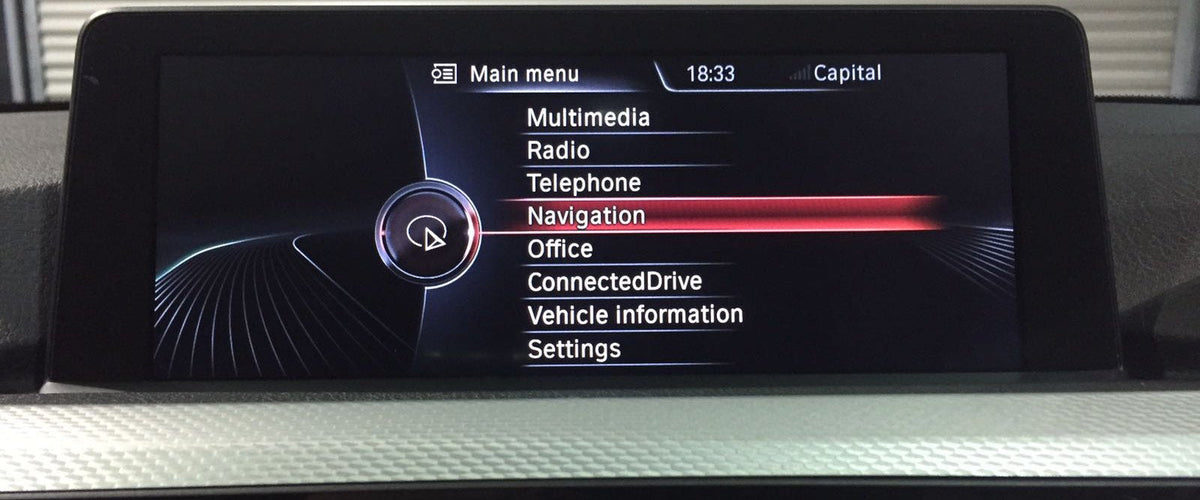

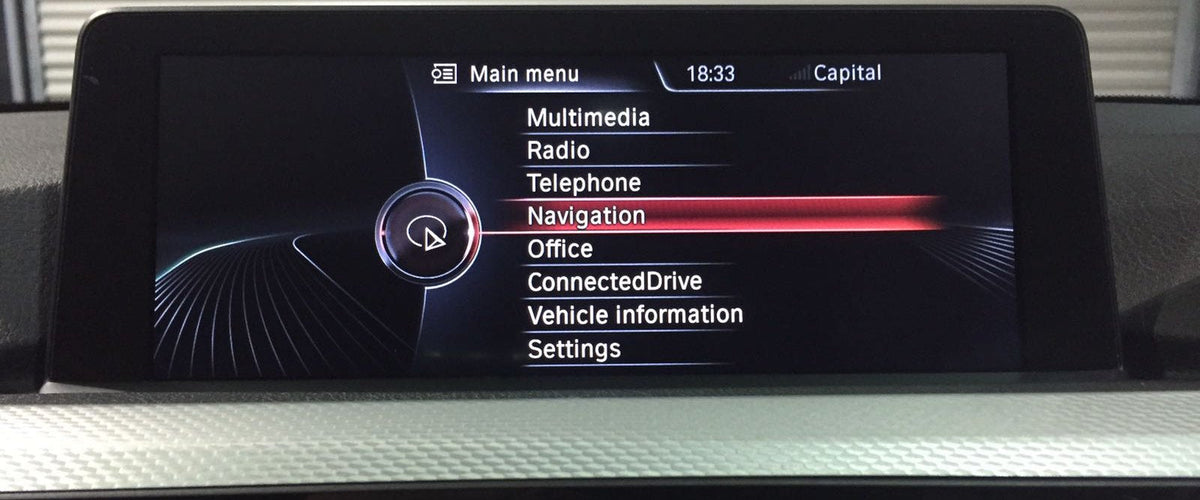
BMW MMI Box Firmware Update Failing? Try This
A firmware update promises fixes and new features for your MMI box. In practice, it's the step where a working box most often stops working.
Should you update at all?
If your box does what you need, leave it. Update when the new version fixes a problem you actually have. In Bimmerpost's main thread on one popular box, new firmware changed how Android Auto connects and how the widescreen picture is drawn. Those are worth having if they affect you, and a risk for nothing if they don't.
Before any update, find out exactly which box and hardware version you have. Firmware for a different variant is the quickest way to a dead unit.
The USB stick matters
This is the pattern owners found:
- The usual instructions call for a stick formatted as FAT32, with the file in the top folder, not inside another folder.
- Guidance in the thread said to use a small stick, under 16GB.
- Even so, one owner's 16GB stick from one brand failed over and over, and a 32GB stick from another brand worked first time.
- Some boxes start the update when you hold the back button for a few seconds.
So if it won't start, change the stick before you change anything else. Try two or three different ones.
If it fails
- It never starts: another stick, a fresh format and a fresh download of the file.
- It fails part way: one owner got a burn failure message and couldn't recover with any stick. At that point it's the seller's problem, so contact them before trying random files.
- Don't cut power mid update. Keep the ignition on, and don't start or stop the engine while it's writing.
- Keep the old firmware file, if you can get it, so there's a way back.
Updates on the car's own head unit are a different thing, with their own rules. See what an iDrive firmware update does.
We don't sell or update MMI boxes, so your seller is the right contact for files. If you're tired of maintaining a box and your car has NBT EVO, compare it with activation.


Leave a comment
This site is protected by hCaptcha and the hCaptcha Privacy Policy and Terms of Service apply.