


BMW Increased Battery Discharge After an Install
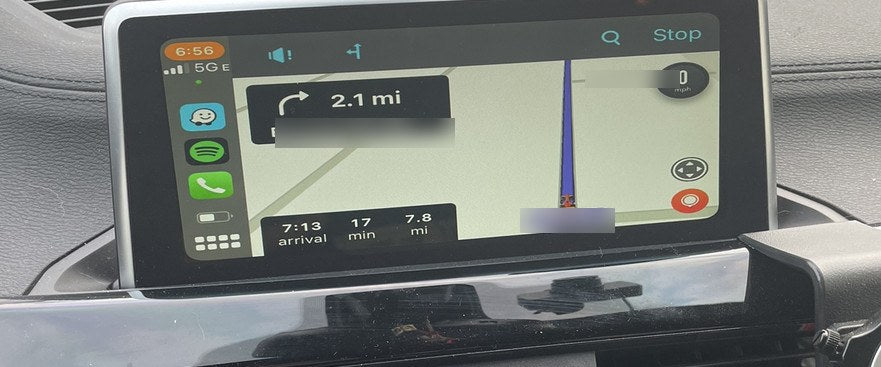
You fit a CarPlay box, a new screen or an amplifier, and a week later the car warns of increased battery discharge. It might be the new part. It might also be a battery that was already on its way out.
What the warning means
The car monitors its battery closely. This message means it's seen more power going out than coming in, usually while parked or idling. Ignore it for long enough and you get a car that won't start.
The usual causes
- An ageing battery. It still starts the car, and it can't hold charge like it used to.
- Short trips. The battery never gets topped back up.
- Something not going to sleep. A module or an added device keeps drawing power after you lock the car.
- Charging faults. A tired alternator, or a faulty battery sensor giving false readings.
Parts guides list aftermarket amplifiers and alarms as common culprits for the third one. Any added device that's wired to stay powered, or that keeps the car's network awake, can do the same.
Is it the new hardware?
- Check the timing. Did the warning start within days of the install? That's a strong hint.
- Feel the device. After the car's been locked for an hour, is the box or screen still warm? It shouldn't be.
- Unplug it for a week. If the warning stops, you've found it.
- Check how it's powered. A device wired to a permanent feed stays on. It should be on a feed that switches off with the car.
- Have the battery tested. If it's more than about five years old, test it before blaming anything else.
A workshop can measure the drain properly with the car asleep, and pull fuses to find the circuit. A new battery on a BMW also has to be registered to the car, so tell them if yours has been swapped.
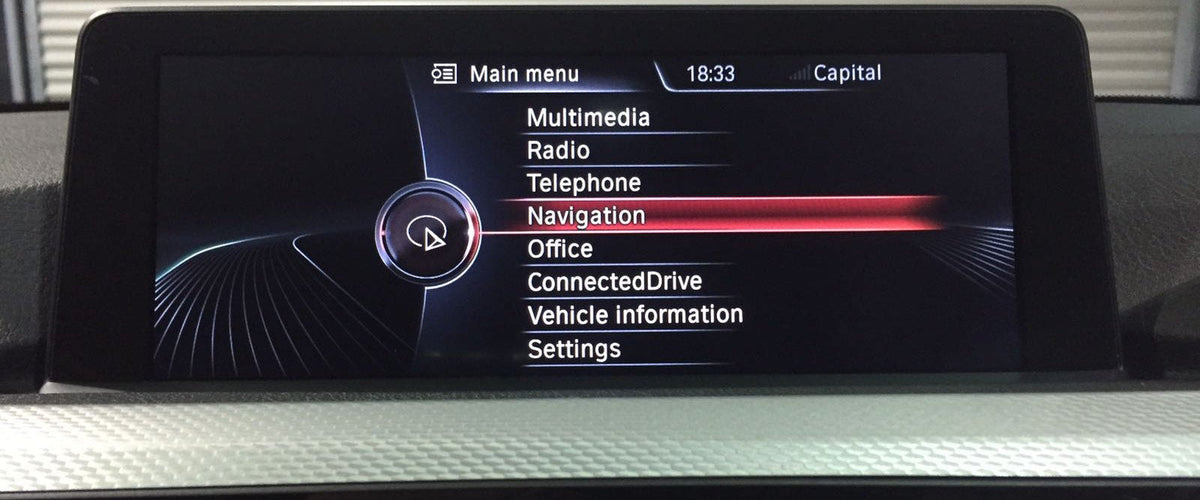
This is one more reason we point NBT EVO owners to activation. Nothing's added to the car, so there's nothing to drain it. Here's how the options compare. And if a session is coming up, a healthy battery matters there too: see why we ask for a charger.

Leave a comment
This site is protected by hCaptcha and the hCaptcha Privacy Policy and Terms of Service apply.