
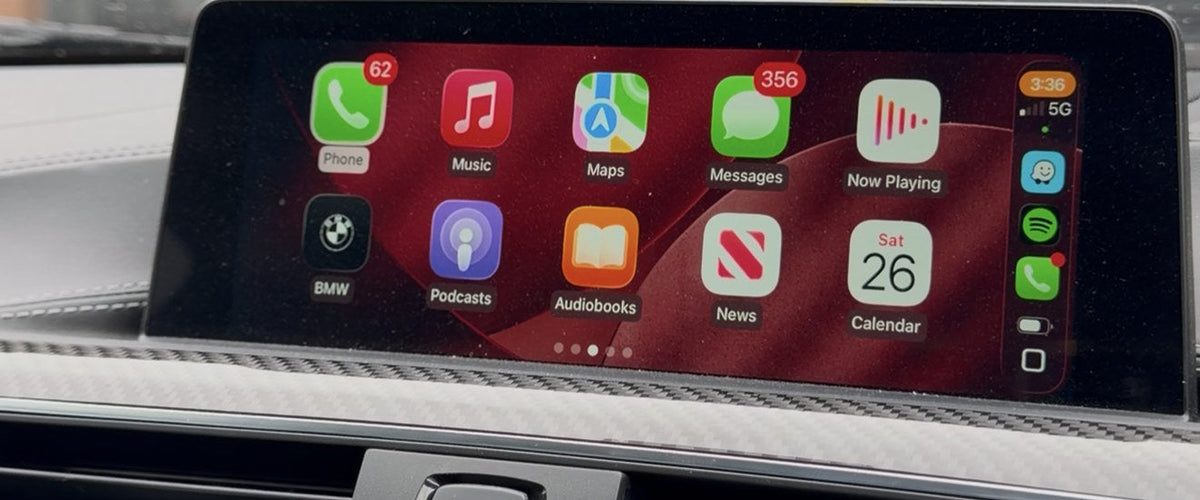

BMW 2 Series iDrive 6 Upgrade: F22 and F23 iDrive 4 to 6
A 2015 or early 2016 2 Series is right in the window where BMW had fitted the newer head unit and not yet released the newer software for it. If that's your car, iDrive 6 and CarPlay are a software job. This covers the F22 coupe and F23 convertible, from a 220i to an M235i.
Can a 2 Series get iDrive 6?
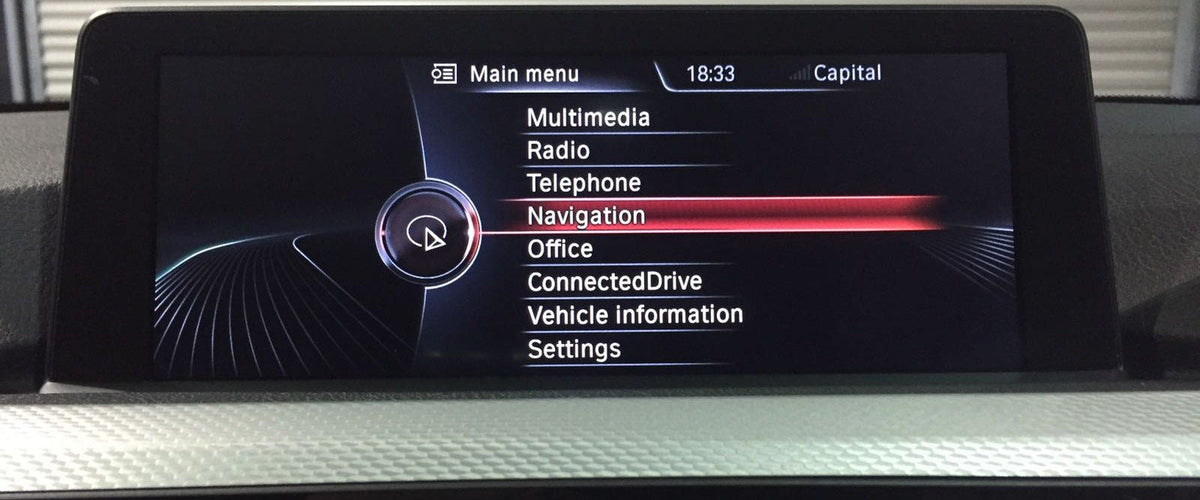
Yes, if it has NBT EVO running iDrive 4. The hardware for iDrive 6 is already in the dash. On the 2 Series, NBT EVO came with Professional Navigation.
F22 and F23 by build date
| Built (Professional Navigation) | Head unit | Route to iDrive 6 | From (AUD) |
|---|---|---|---|
| F22: Nov 2013 to Mar 2015 | Original NBT | OEM NBT EVO swap | $1,299 |
| F22: Mar 2015 to Jun 2016. F23: Nov 2014 to Jun 2016 | NBT EVO on iDrive 4 | iDrive 4 to iDrive 6 upgrade | $280 |
| Jul 2016 onwards | NBT EVO on iDrive 5 or 6 | Coding only, or already there | $59.99 |
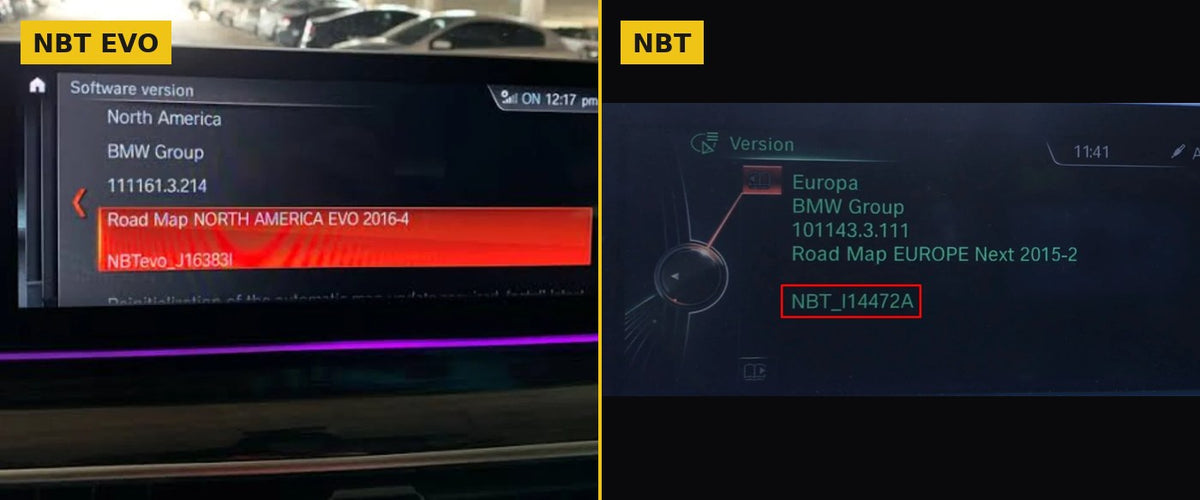
Dates are a guide only and vary by model, country and build. Cars without Professional Navigation may have a different system. Confirm with the version screen.
Go to Navigation → Options → Settings → Position & Version History → Version. A code starting NBTEvo_A, C, D, E or F is the one this upgrade is for. As a rough steer, an M235i often falls in the iDrive 4 window, while an M240i usually arrived on later software.
A 2 Series owner's report
The most useful account we've found for this car comes from a Bimmerpost member with a 2015 F23 220i convertible. His version screen read E16382A, which is NBT EVO on iDrive 4, with the early 2GB hardware.
- Why he chose the flash: he wanted native CarPlay without an add on box, and he wanted to keep his own head unit so his ConnectedDrive setup stayed as it was.
- A month in: he reported it working very well, with no problems.
- After a 3,300 km road trip through Italy on Apple Maps and Spotify: a few reboots, mostly after more than two hours of driving. The screen came back in about 15 seconds each time. His verdict was that he can live with that.
That's an honest picture of the early hardware. Day to day it runs well, and very long stints can catch it out. We go through the whole forum record in iDrive 4 to 6 problems.
What the upgrade gives you
- The iDrive 6 interface with live tiles
- Fullscreen wireless Apple CarPlay
- Android screen mirroring and Video in Motion
- A coding pack, where you choose your favourites
- Your factory screen, iDrive controller, steering wheel controls and audio unchanged
It's one remote session of about an hour. Here's what changes and what you keep.
What you need
- A Windows laptop with at least 30GB free. A Mac only works if it runs Windows
- An ENET cable
- A battery charger connected for the whole session
- A WiFi antenna on the head unit. Many iDrive 4 cars don't have one, and it isn't included
On a convertible, do the session with the roof up and the car somewhere your laptop has a steady internet connection.
FAQ
Does this cover the 2 Series Active Tourer or Gran Tourer?
No. The F45 and F46 are different cars and aren't on the listing. Send your VIN and we'll check what yours can run.
What about the M2?
The F87 M2 is on the listing and has its own guide: M2 iDrive 6 upgrade.
My 2 Series has original NBT. What then?
Software can't get it to iDrive 6. You can fit a CarPlay head unit for $549 AUD, or swap in an OEM NBT EVO unit. See every option.
Can I add Android Auto?
Yes. The iDrive 4 option covers the upgrade, CarPlay and Android Auto for $449 AUD.
Check your 2 Series first
Send your VIN and a photo of your version screen through our contact page. The full process is in how the iDrive 4 to 6 upgrade works, and everything else for this car is in our F20 and F22 CarPlay guide.

Leave a comment
This site is protected by hCaptcha and the hCaptcha Privacy Policy and Terms of Service apply.