
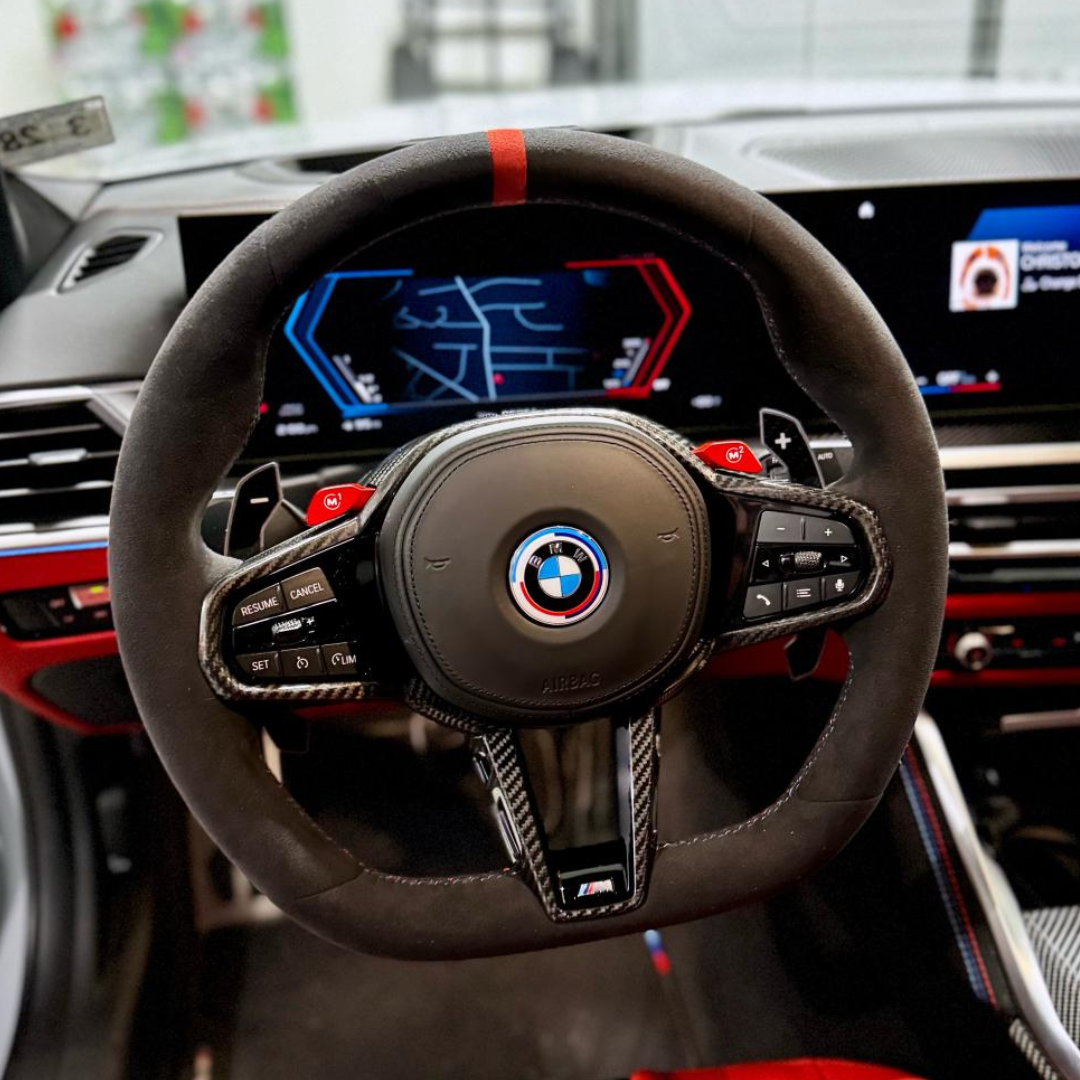


Why Does Android Auto Keep Disconnecting in My BMW?
Factory style Android Auto on a BMW runs over WiFi, with Bluetooth handling the first handshake. Drop either one and the connection falls over, so disconnects usually trace back to one of those two links. If it won't connect at all, start with our Android Auto not working guide instead.
Why it happens
| You notice | Likely cause |
|---|---|
| Drops after a phone update | Old pairing record that needs clearing |
| Connects to the wrong phone or not at all | Several phones saved on the iDrive |
| Drops at home or in the garage | Your phone switching to known WiFi |
| Happens with the battery low | Phone battery saver limiting background activity |
| Happens on any phone, any time | WiFi antenna or head unit, so worth checking |
These are common causes rather than a diagnosis. Your car may have a different problem, so tell us what you're seeing.
What to try
- Clear old pairings. Remove your phone on the iDrive and forget the car on your phone, then pair again.
- Delete other saved phones from the Mobile Devices menu, or select yours as the main one.
- Turn off VPN and battery saver and test on a drive.
- Stop auto joining nearby WiFi at home, if that's where it drops.
- Restart the iDrive. With the ignition on, hold the volume knob for about 30 seconds.
- Test a different phone if you can. If a second phone stays connected, the car is probably fine.
When it's the car
If two different phones both drop, look at the car. On NBT EVO, Android Auto and CarPlay rely on the WiFi antenna plugged into the back of the head unit, and a weak or damaged antenna can affect range and stability. Here's how to check for one. It's also worth asking whether the car has had recent software work.
Still dropping? Send us your VIN, phone model and when it happens through our contact page.


Leave a comment
This site is protected by hCaptcha and the hCaptcha Privacy Policy and Terms of Service apply.