
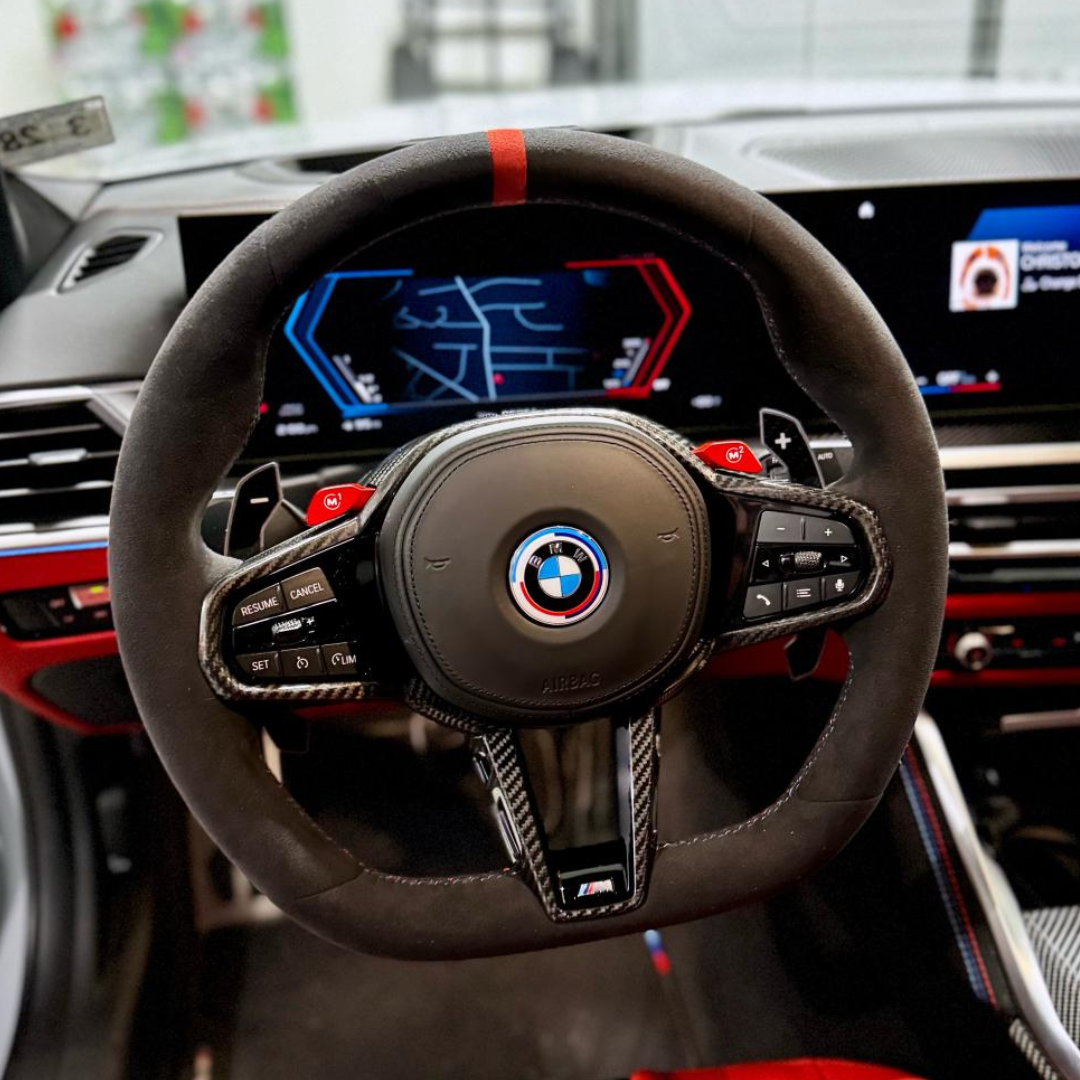


BMW Android Auto Not Working? How to Fix It
Most Android Auto problems in a BMW come down to phone settings or an old pairing, so start there. Work down this list in order, and only worry about the car once the phone's been ruled out. Park the car first, because some of this only works in P.
Check these first
- Android version: Google requires Android 11 or newer.
- 5GHz WiFi: wireless Android Auto needs a phone that supports it.
- Mobile data: your phone needs an active data plan and signal.
- Settings: keep Bluetooth, WiFi and Location on.
- VPN: turn it off while you connect.
Fixes to try, in order
- Restart your phone, then restart the car.
- Restart the iDrive. With the ignition on, hold the volume knob for about 30 seconds until the screen goes black and restarts. This doesn't erase your settings.
- Delete the pairing on the car. In the Mobile Devices menu, remove your phone.
- Delete the pairing on the phone. Go to Settings → Connected devices → Connection preferences → Android Auto → Previously connected cars, open the top right menu and choose Forget all cars. Remove the car from Bluetooth too.
- Pair from scratch. Add your phone as a new device on the iDrive and allow Android Auto when both screens ask.
- Update Android Auto and your phone, then try again.
If it worked, then stopped
Think about what changed. A phone update usually only needs the fresh pairing above. A new phone needs pairing as a new device. If the car has just had a dealer software update, that can reset coding, so message us and we'll check it. On our NBT EVO activation, we redo it for free if a dealer update resets it.
If it keeps dropping out rather than failing outright, see why Android Auto keeps disconnecting.
If it has never worked
- iDrive 7: the software must be 20-07 or newer. Here's what that means.
- NBT EVO: Android Auto wasn't offered from the factory, so it has to be activated, and the head unit needs a WiFi antenna.
- NBT, CIC or CCC: these can't run it natively. See your options by head unit.
Fitted an MMI box or Android screen? Those have their own settings, so check with whoever supplied it.


Leave a comment
This site is protected by hCaptcha and the hCaptcha Privacy Policy and Terms of Service apply.