
Home / BMW CarPlay Guides / WiFi antenna part number

BMW WiFi Antenna Part Number and How to Choose One
If you've landed on this page, you've probably heard your BMW needs a WiFi antenna for CarPlay or Android Auto, and you want to get the right part the first time.
The part number
The OEM BMW WiFi antenna we quote is part number 61119278133. A suitable aftermarket FAKRA WiFi antenna can also work. Check the part with your dealer or parts supplier against your VIN before you order, since parts can change.
Do you need one?
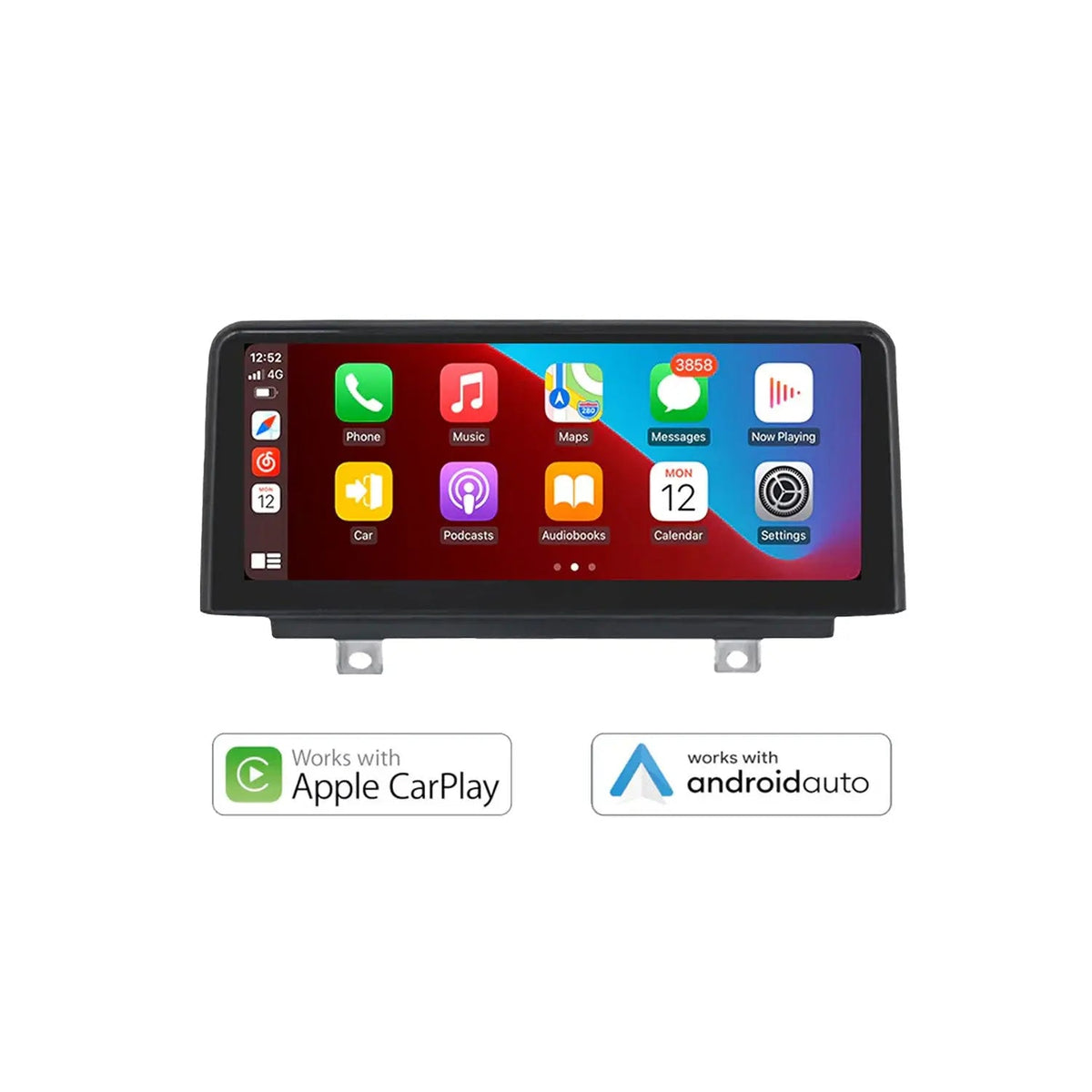
Wireless CarPlay and Android Auto connect over WiFi, so the head unit needs an antenna plugged in. Without one, they'll drop out or won't connect. Most cars with factory CarPlay already have one, and here's how to check yours.
OEM or aftermarket?
| OEM BMW | Our antenna | |
|---|---|---|
| Fitment | Check against your VIN | For NBT EVO head units |
| Fitting | Plugs into the back of the head unit | Plugs into the back of the head unit, no cutting |
| Instructions | Find them yourself | We send you a video |
| Price (AUD) | Ask your parts supplier | $29.99 |
Some EntryNav2 units don't have a WiFi socket at all. An antenna can't fix that, so send us your VIN if yours is EntryNav2.

Leave a comment
This site is protected by hCaptcha and the hCaptcha Privacy Policy and Terms of Service apply.