
Home / BMW CarPlay Guides / MMI box vs Android screen

BMW MMI Box vs Android Screen: Which Is Better?
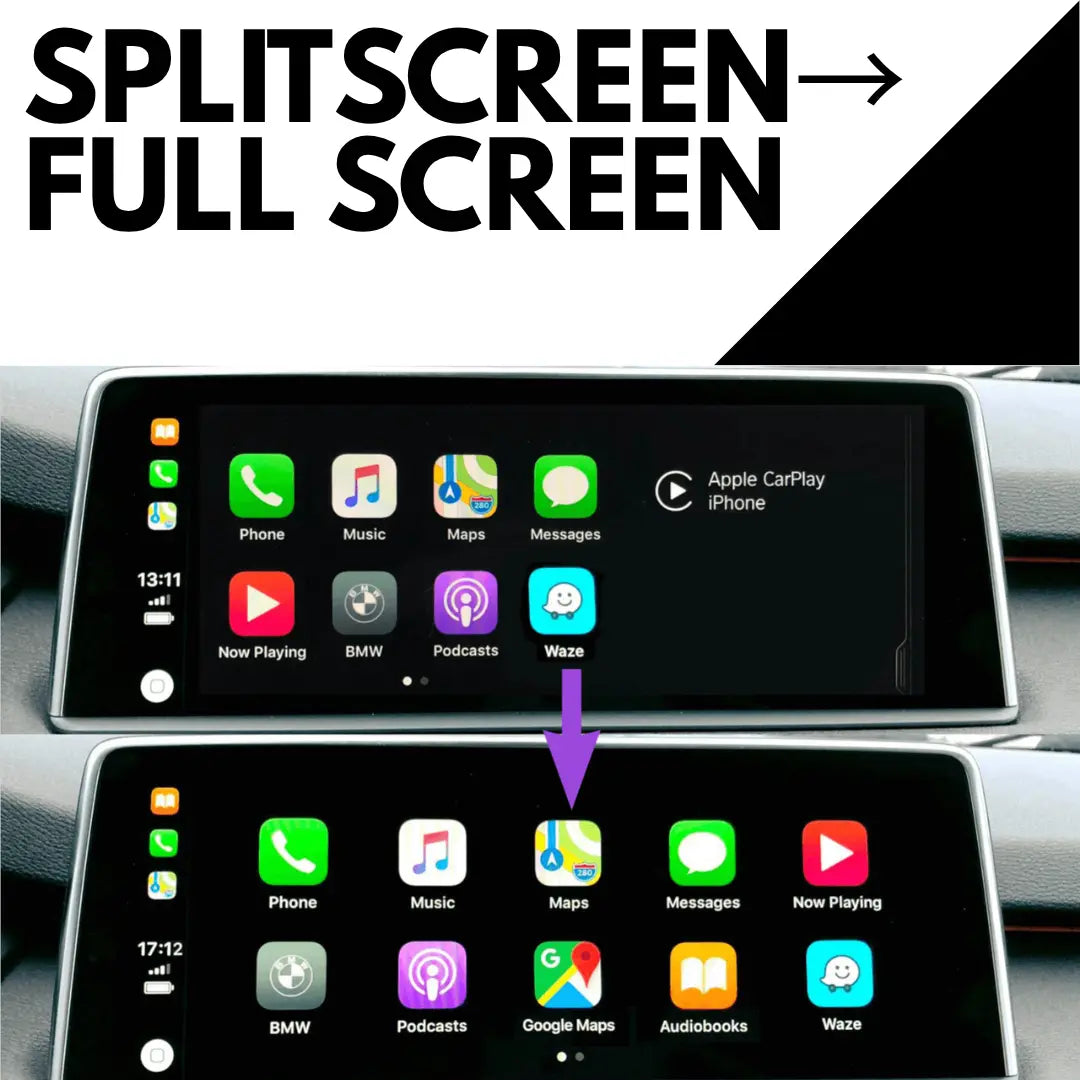
If your BMW can't have CarPlay switched on, these are the two usual hardware routes. They suit different people. One's about keeping the factory look, and the other's about getting a better screen.
Side by side
| MMI box | Replacement screen | |
|---|---|---|
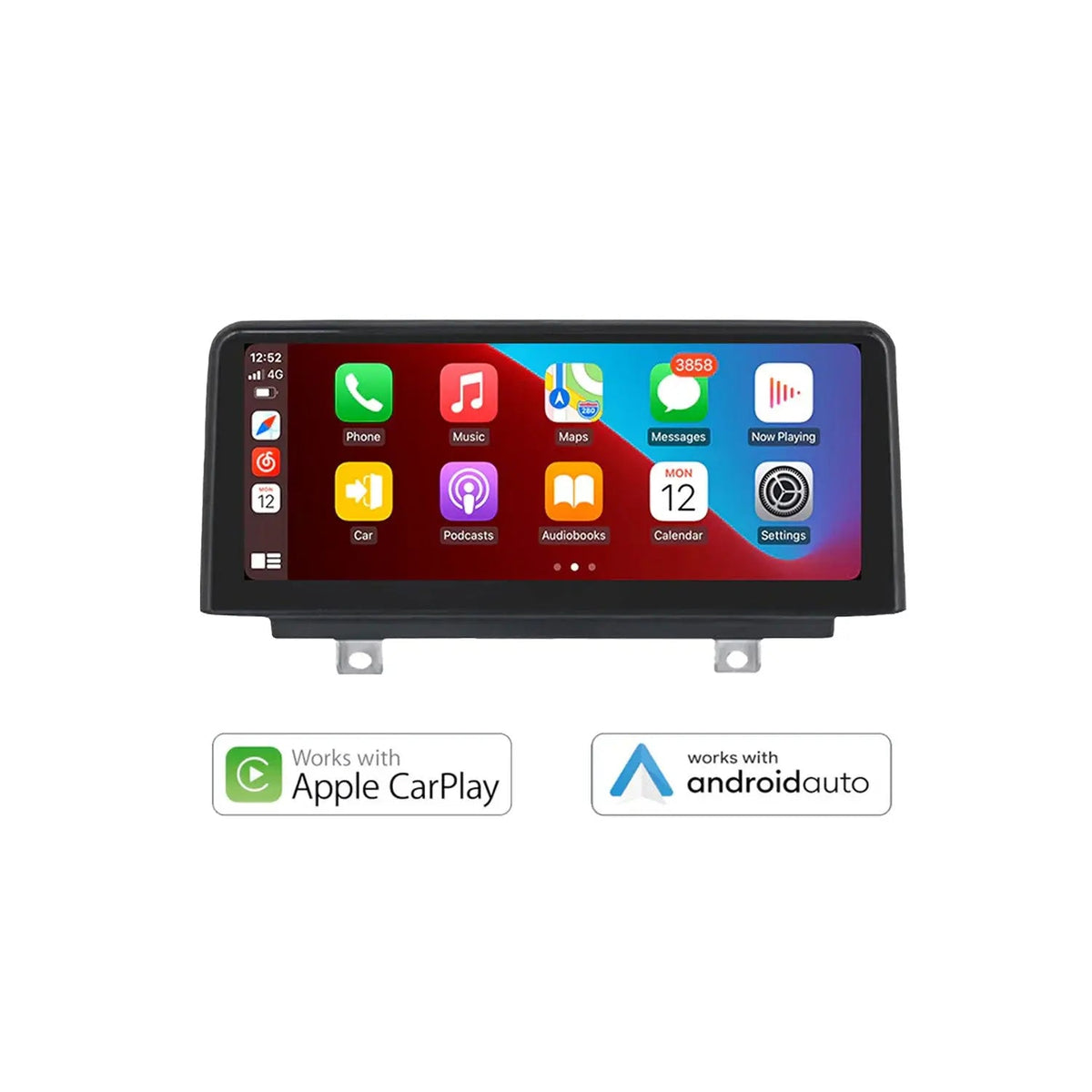
| Your screen | Factory screen stays | Replaced with a larger touchscreen |
| Control | iDrive knob and steering wheel buttons | Touch, plus knob and buttons |
| Install | Hidden box and more wiring behind the dash | Direct swap in the dash |
| Common complaints | Dropouts, freezes, panning maps with a knob | Lag on cheaper units, a less factory look |
| Going back to stock | Remove the module and harness | Keep your original parts safe |
This varies by brand and quality. Check the specific kit, and whether there's local support.
Which to choose
- You love your interior as it is: an MMI box.
- You want a big screen and touch: a CarPlay head unit. Ours are direct fit, with wired and wireless CarPlay and Android Auto.
- You only want to use CarPlay and Android Auto: don't pay for extras you won't use. A full Android tablet in the dash can mean more that can go wrong.
Check this first
Before spending on either, check your head unit. If it's NBT EVO, you likely need neither, because activation runs from $99.99 AUD on the factory system. Here's how all the routes compare.


Leave a comment
This site is protected by hCaptcha and the hCaptcha Privacy Policy and Terms of Service apply.