

Android Auto Missing on iDrive 7? Try This First
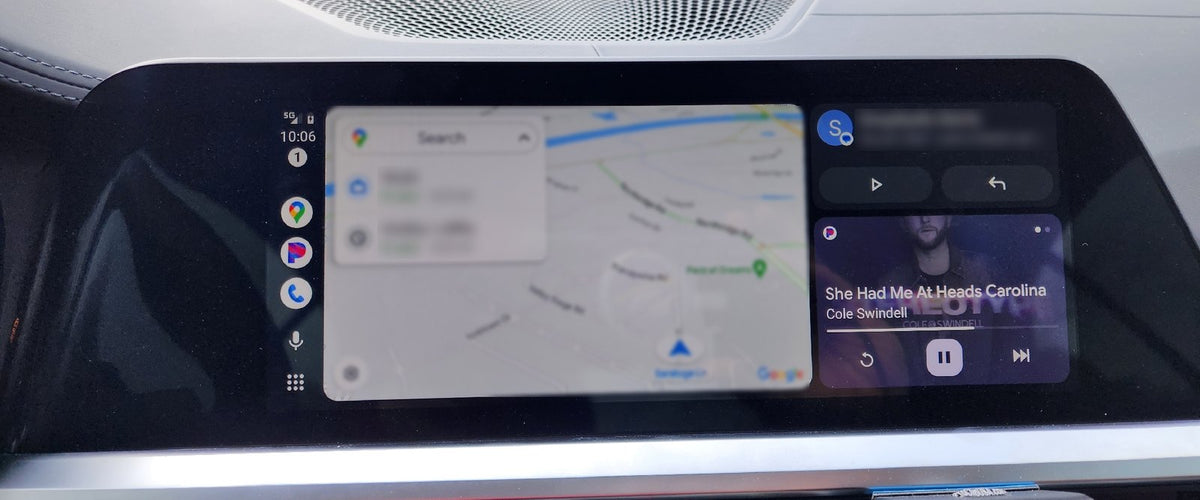
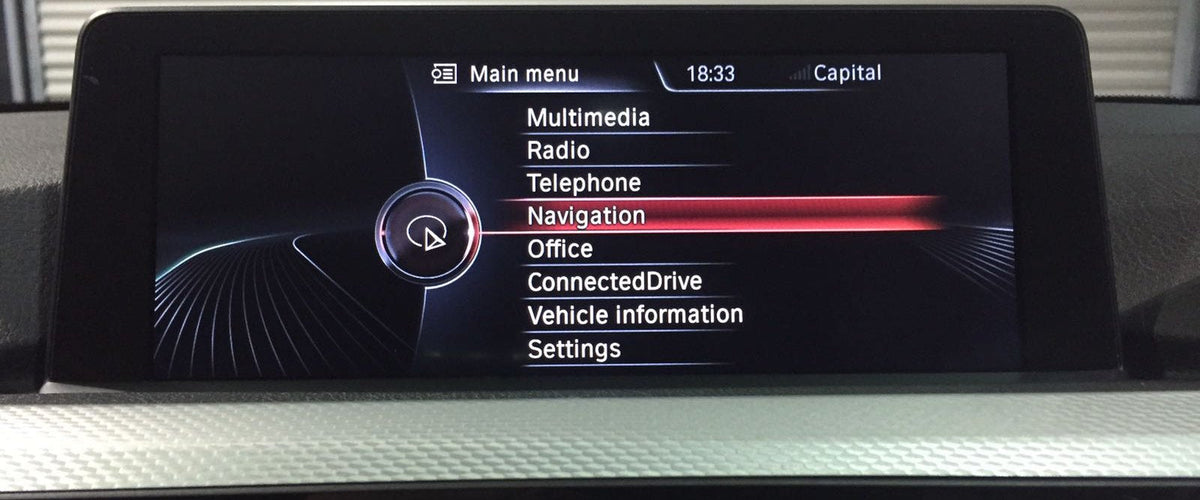
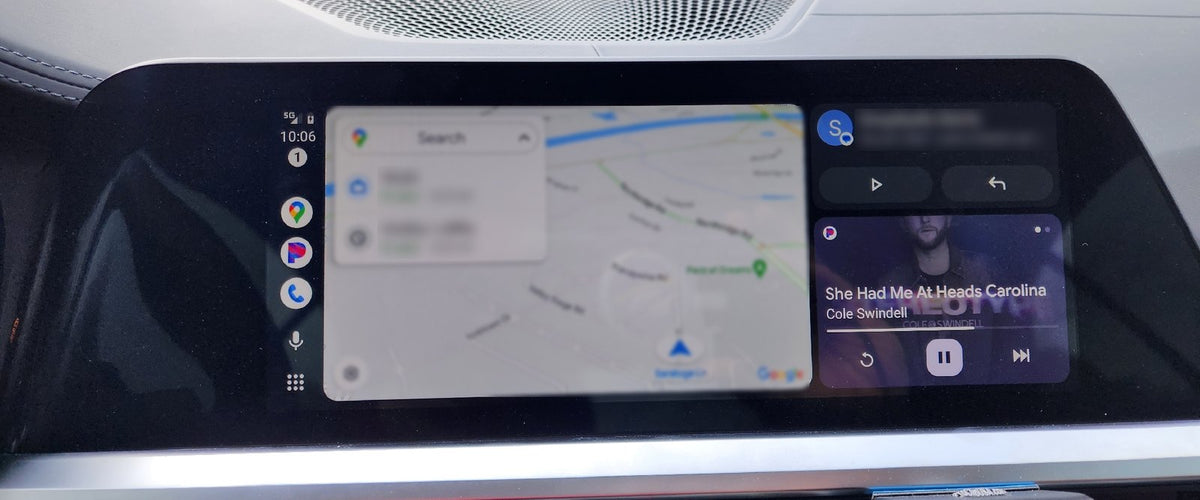
Your car has the right software, your phone says wireless Android Auto is ready, and the iDrive app list only shows CarPlay. G20 owners on Bimmerpost hit this often enough to work out a pattern, usually right after a dealer software update.
Check the phone first
- Turn on Bluetooth and WiFi. Android Auto only appears in the car's list once the phone has connected over both.
- In the Android Auto settings on your phone, make sure wireless Android Auto is on.
- Check your phone meets the wireless requirements.
- Delete the phone from the car and the car from the phone, then pair it again.
The fix owners found
For several owners, none of that worked, because the problem wasn't in the car or the phone. It was on BMW's side.
- One owner opened a ticket with ConnectedDrive support, had it escalated, and Android Auto started working once the ticket was resolved.
- Another phoned ConnectedDrive, a formal ticket was raised, and it worked the next day.
- In these cases the dealer and the general BMW hotline couldn't fix it. The ConnectedDrive ticket did.
- Sending photos of the app screen helped as evidence.
One owner also found other apps had gone and add ons couldn't be bought online, which points the same way.
These are owner reports, not official BMW guidance. They're still the best lead if your car had Android Auto and lost it.
If the car never had it
That's a different situation. Android Auto needs software 20-07 or newer, and it has to be enabled for your car. Our iDrive 7 activation ($300 AUD) adds CarPlay and Android Auto to listed cars. Read the iDrive 7 update guide to see where your car stands.

Leave a comment
This site is protected by hCaptcha and the hCaptcha Privacy Policy and Terms of Service apply.