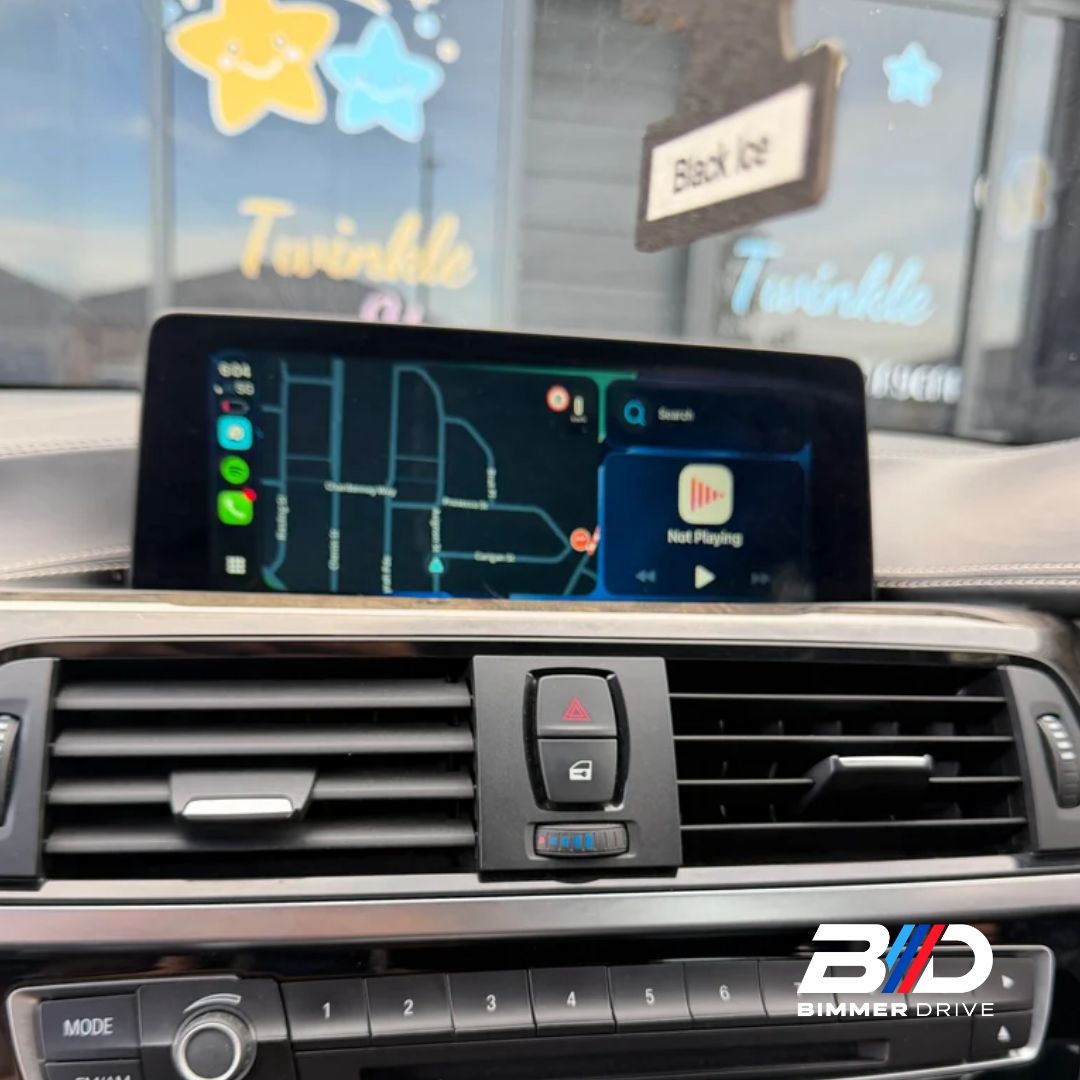
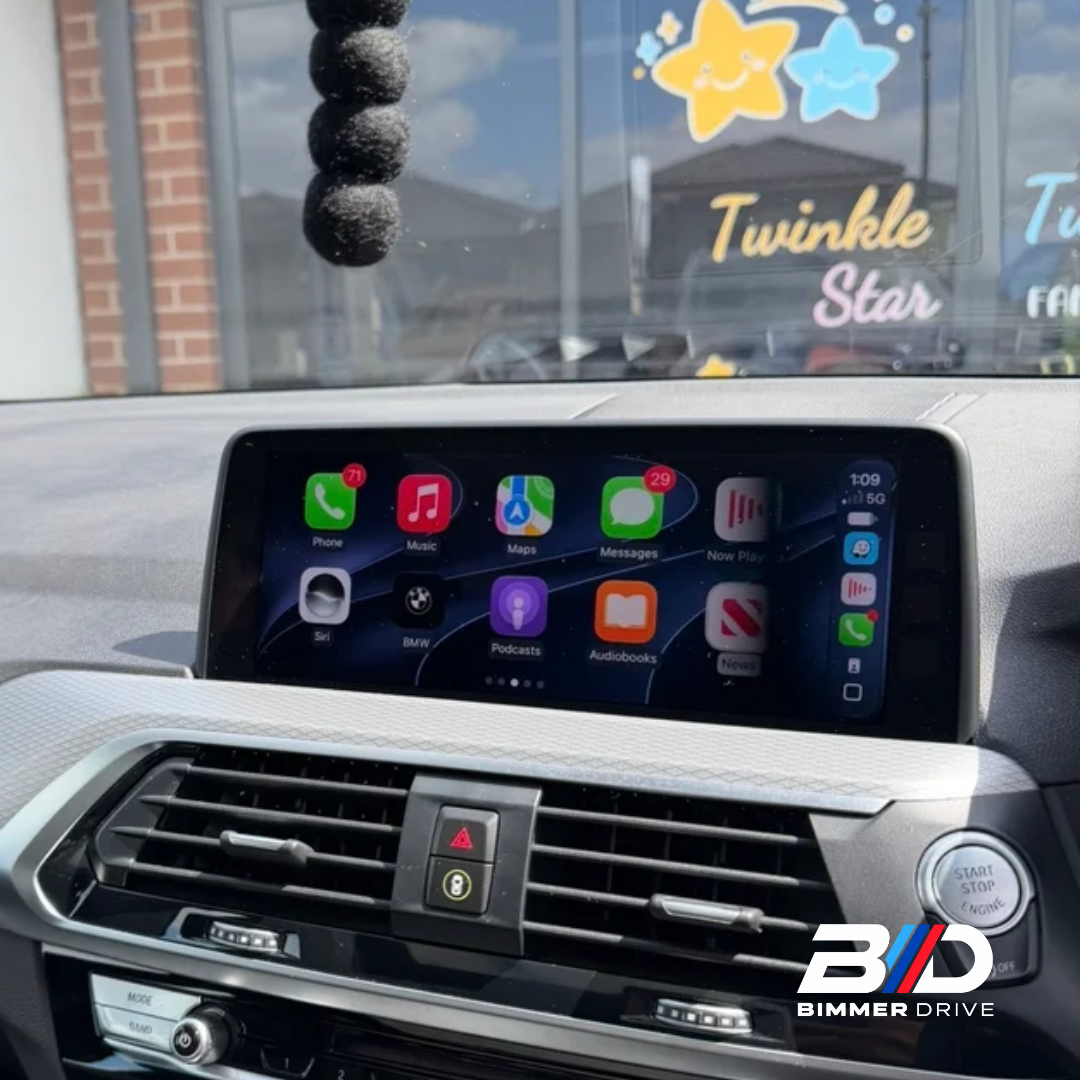
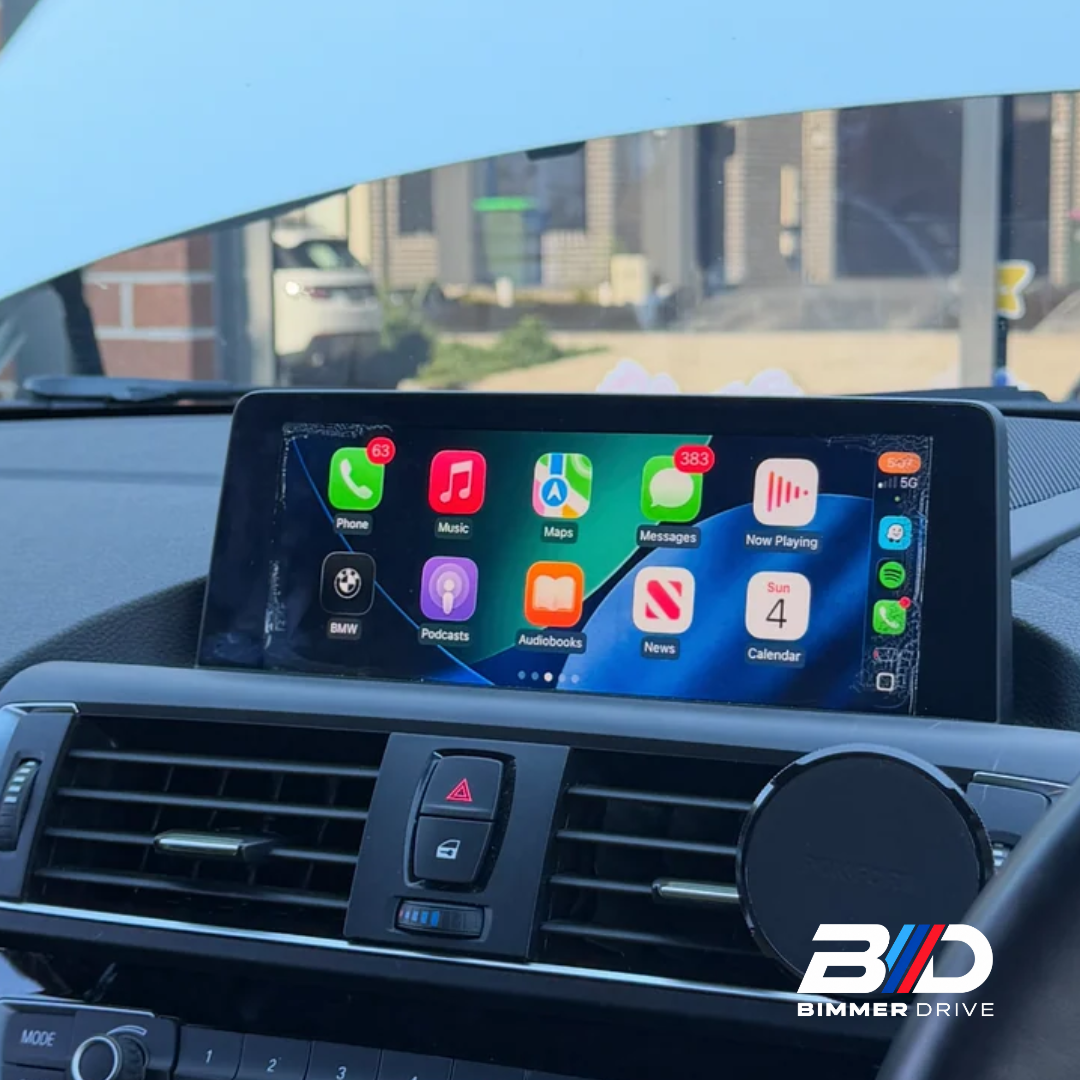
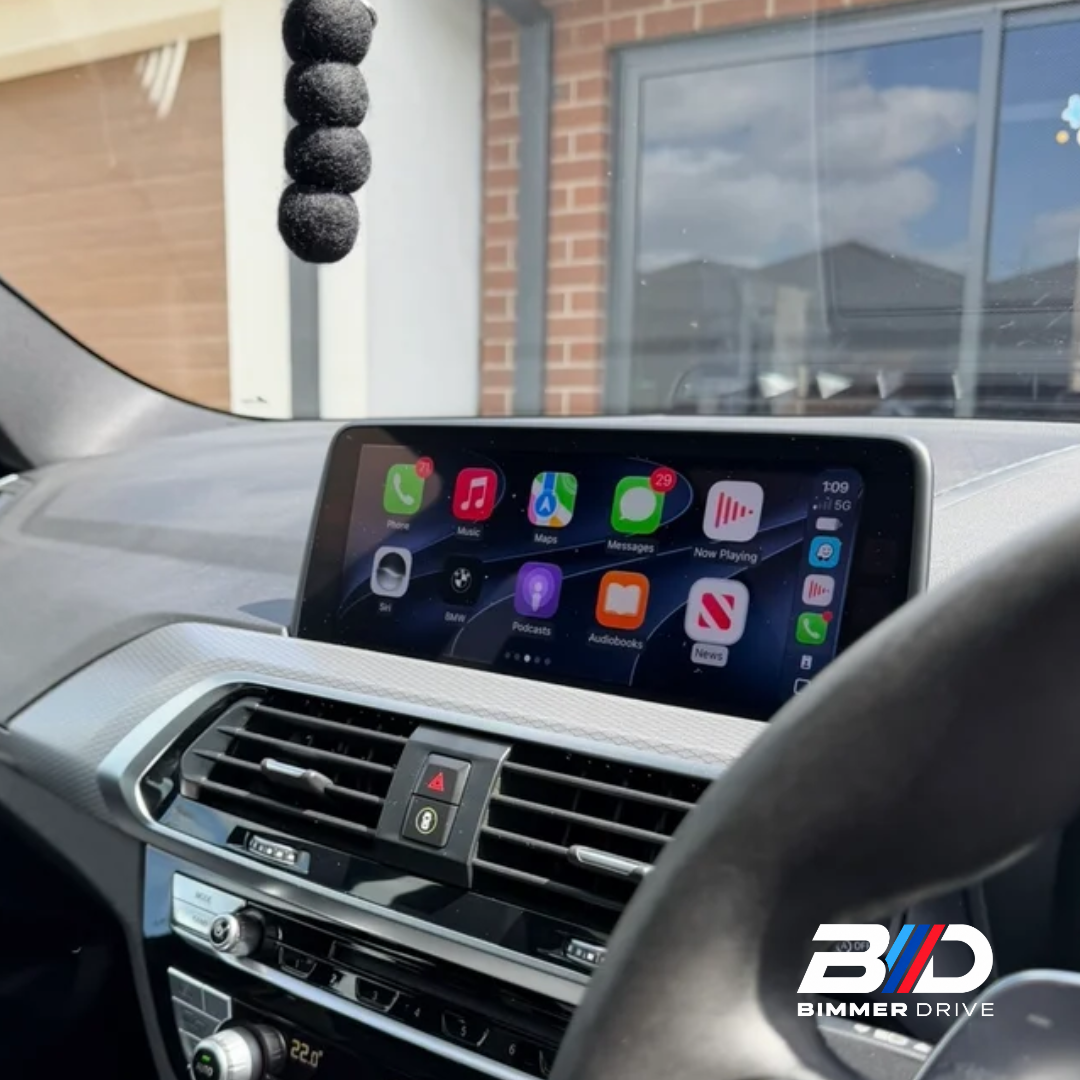
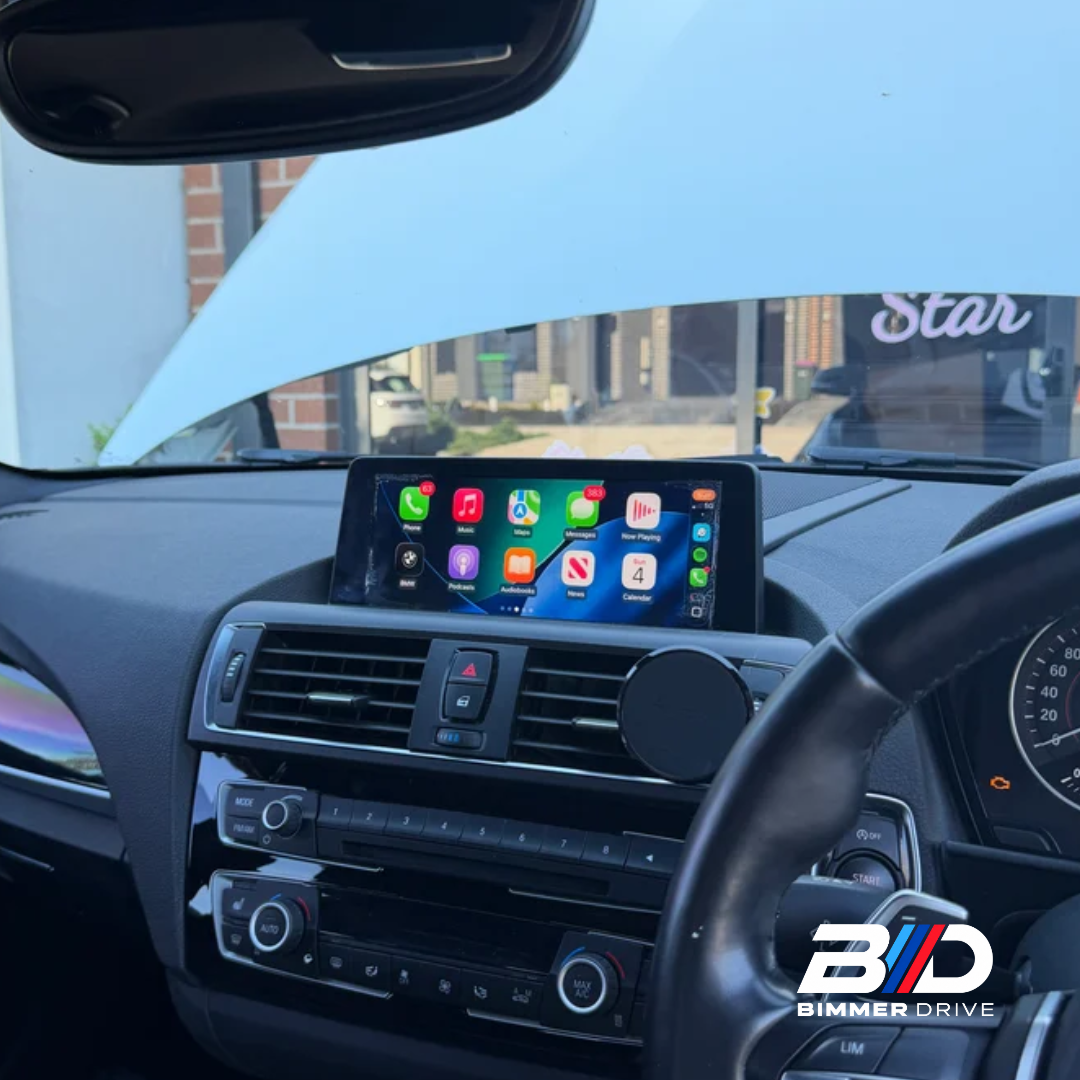
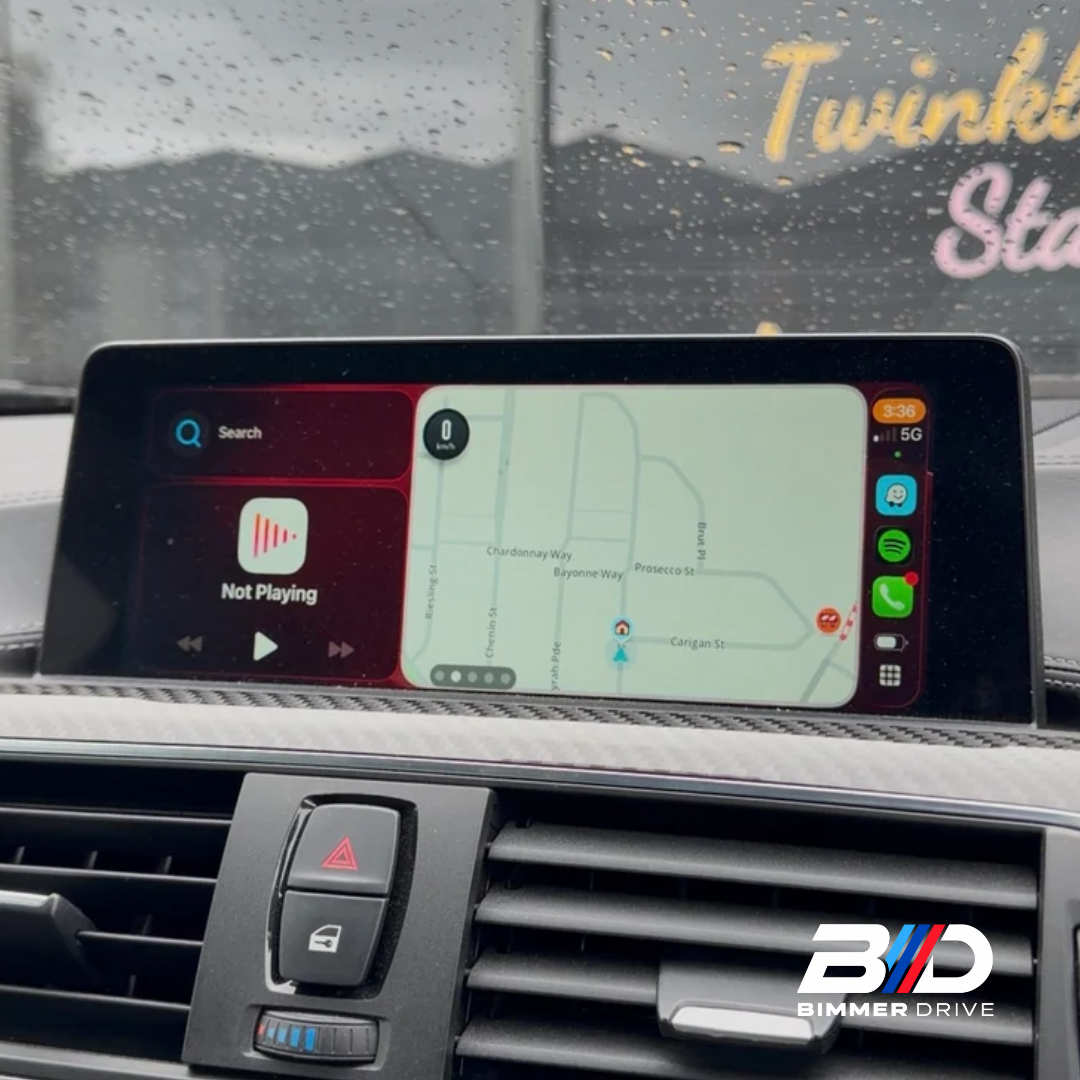
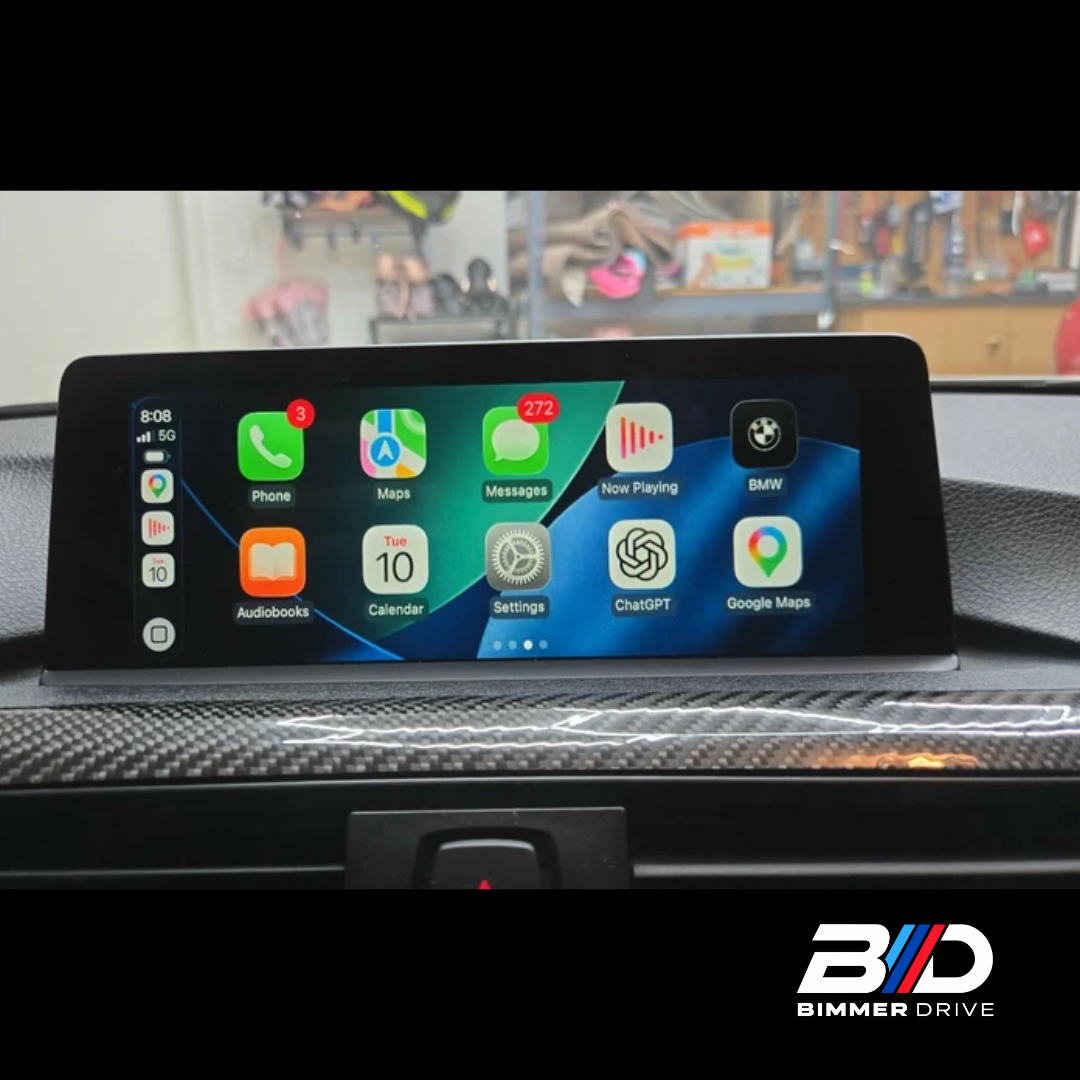
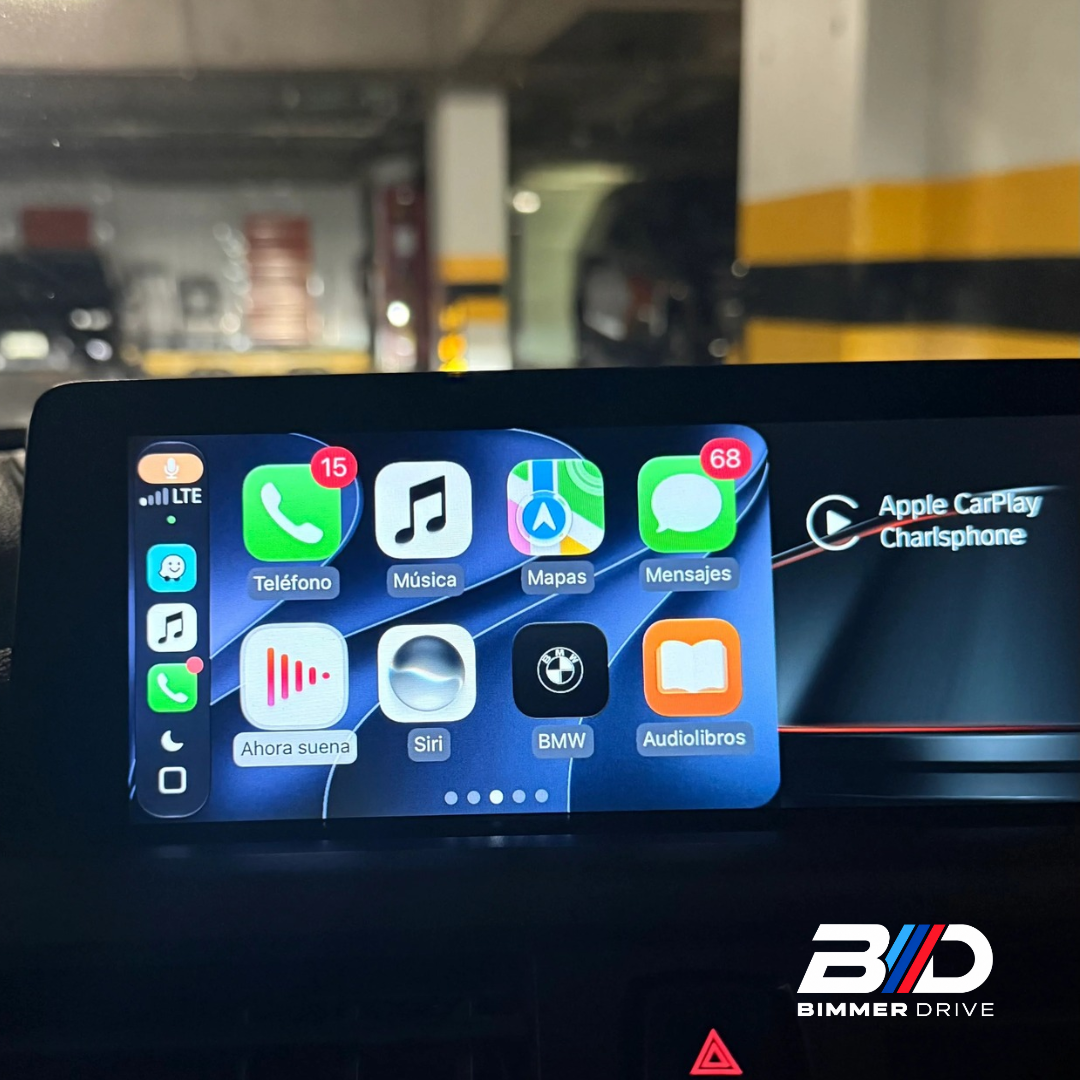
BMW Apple CarPlay Activation Lifetime + Fullscreen
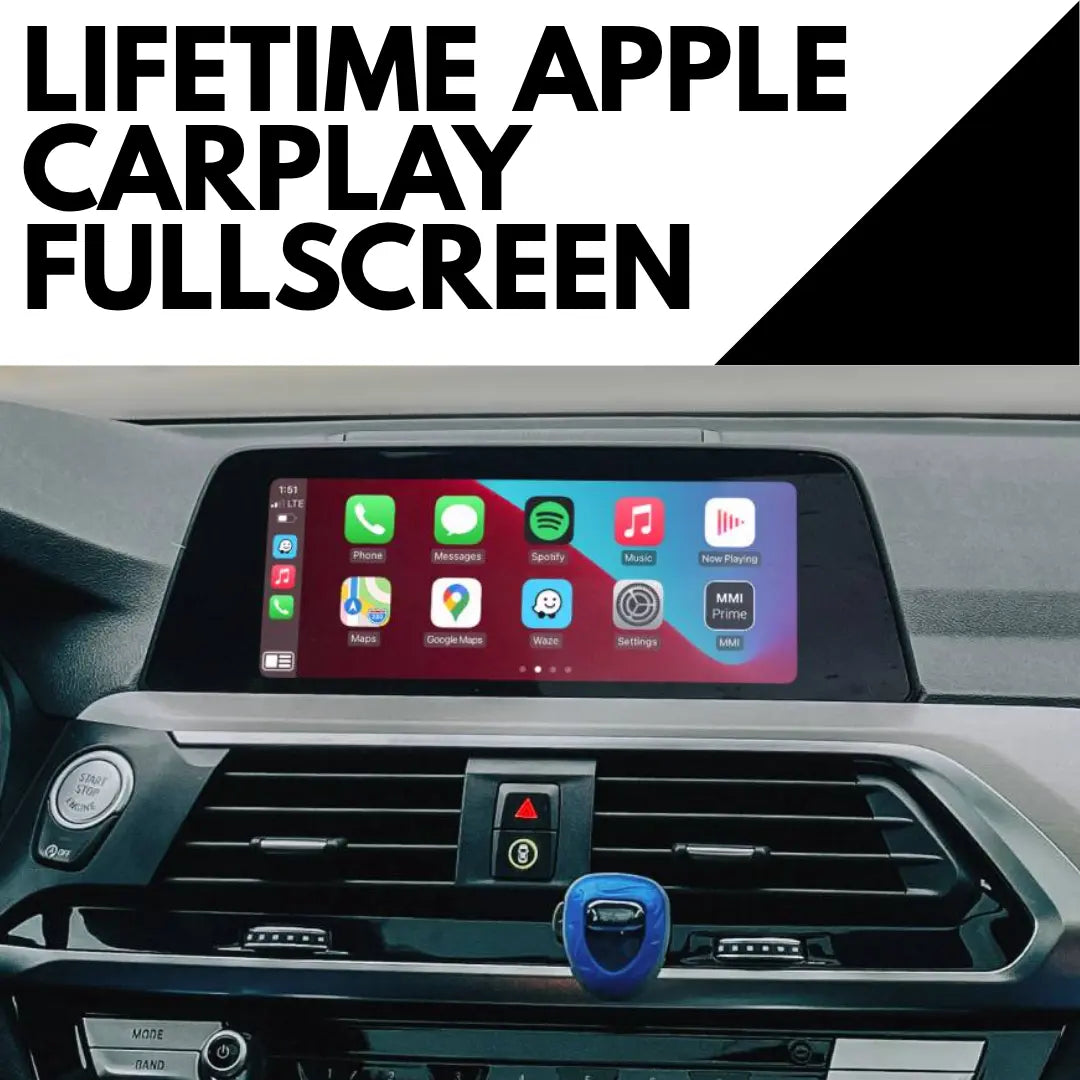
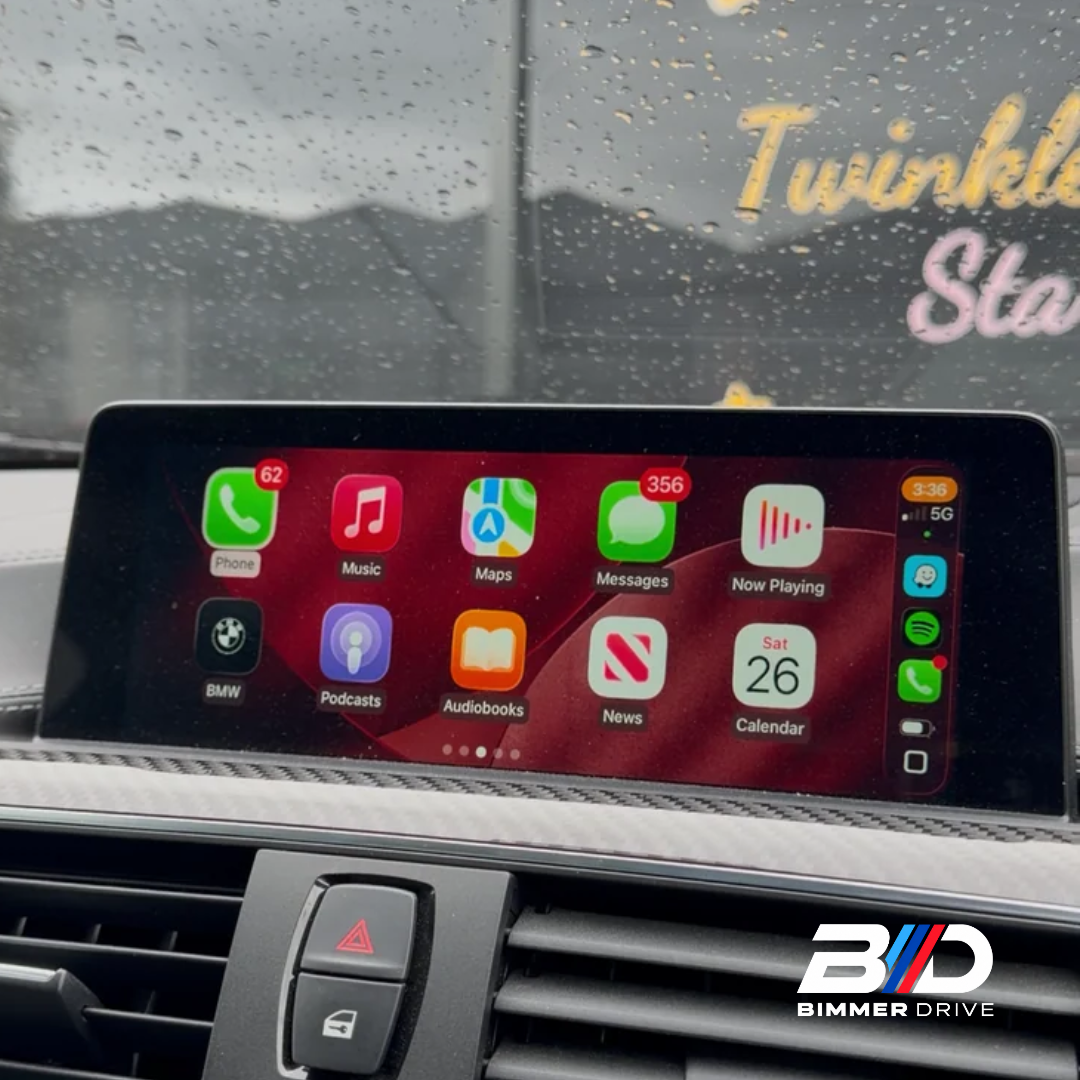
Unlock factory Apple CarPlay on your BMW or MINI’s existing iDrive screen, with fullscreen, Android screen mirroring and video in motion included. No new screen, no workshop. Done by USB or our one click app in a few minutes.
✅ Lifetime Apple CarPlay on your factory screen
✅ Fullscreen CarPlay that uses the whole display
✅ Android screen mirroring for non iPhone users
✅ Video in motion for USB and DVD
✅ Keeps your steering wheel controls, iDrive knob, mic and speakers
Already have CarPlay, just want it bigger? Get our Fullscreen CarPlay Upgrade instead
Will this work on my car?
Check in 30 seconds.
Is My Car Compatible?
Built for BMW and MINI with NBT EVO Professional Navigation (8.8 or 10.25 inch screen), built from mid 2016 onwards.
- 1 Series: F20, F21
- 2 Series: F22, F23
- 3 Series: F30, F31, F34
- 4 Series: F32, F33, F36
- 5 Series: G30 with iDrive 6
- 6 Series: F06, F12, G32
- 7 Series: G11, G12
- X3 / X4: F25, G01, F26, G02
- X5 / X6: F15, F85, F16, F86
- M cars: F87 M2, F80 M3, F82 / F83 M4, F90 M5, F97 / F98 X3M X4M
- i3, i8
Check your version in 30 seconds:
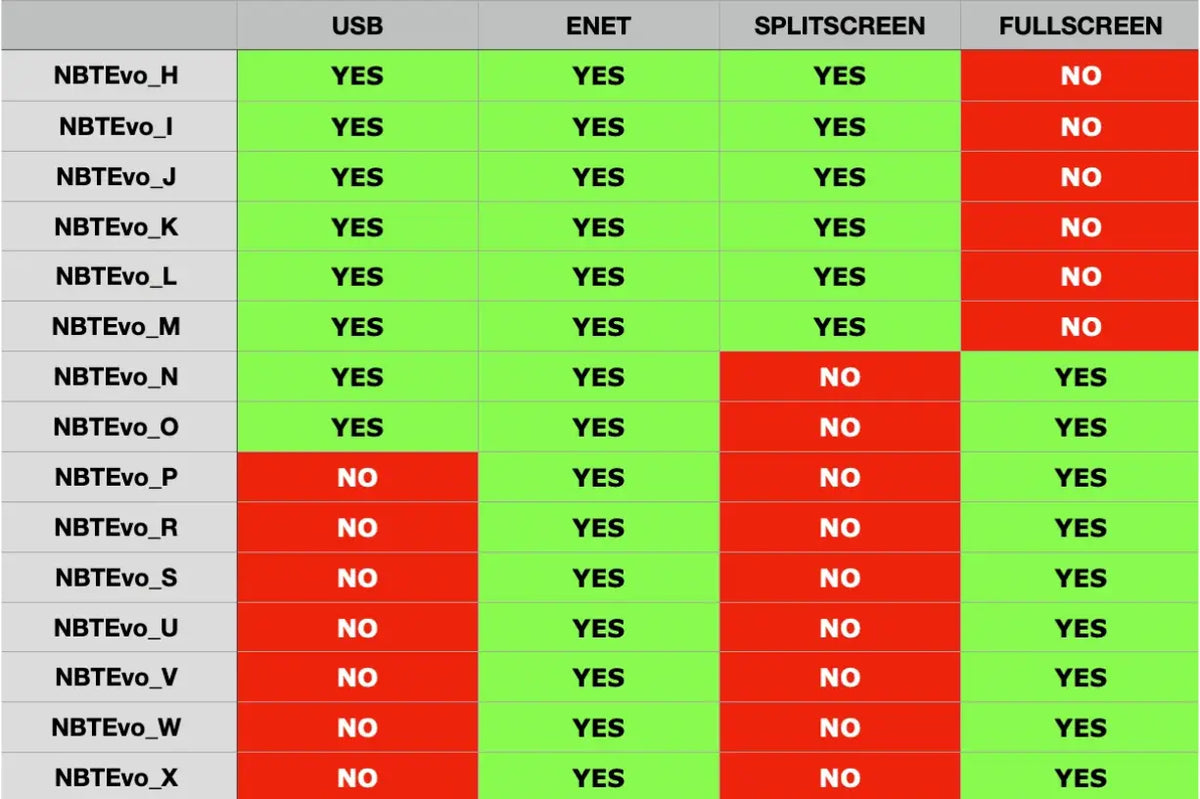
Navigation → Options → Settings → Position & Version → Version. You’ll see NBTEvo_ and a letter. Anything from H to Y works.
Showing A to F? You’re on iDrive 4. You need our iDrive 4 to iDrive 6 Upgrade instead.
Not sure? Send a photo of that screen and your VIN to support@bimmerdrive.com and we’ll confirm before you buy.
What's Included
The activation
- Lifetime Apple CarPlay
- Fullscreen CarPlay (supported versions)
- Android screen mirroring
- Video in motion (USB and DVD, for passengers)
About fullscreen
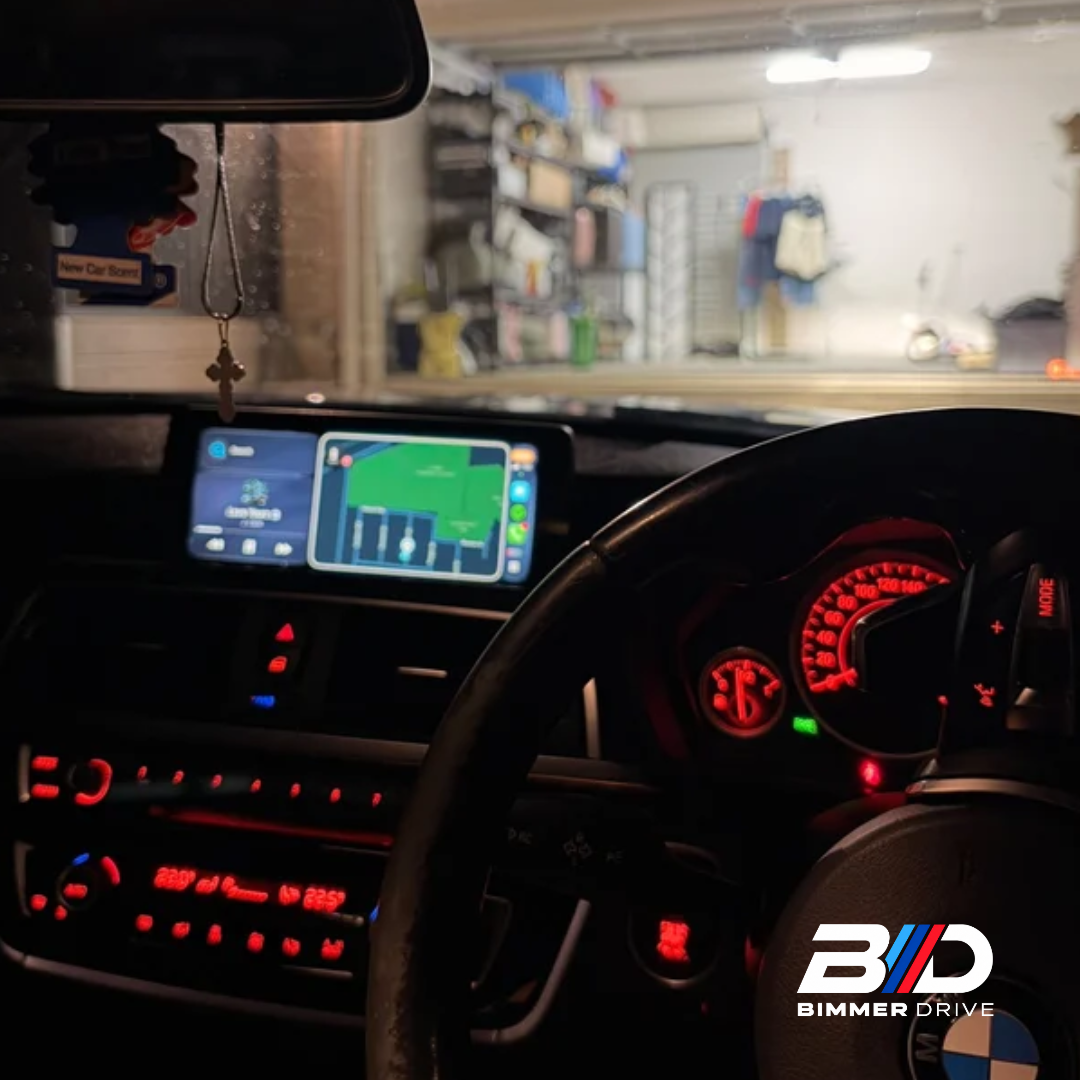
Fullscreen works on NBTEvo_N, O, P, Q, R, S, U, V, W, X and Y. On older versions CarPlay still works but fills about three quarters of the screen. Want fullscreen on an older version? Grab our Firmware Upgrade + Fullscreen CarPlay.
What You Need
NBTEvo_H to O (USB activation)
- A USB stick. That’s it.
NBTEvo_P to Y (app activation)
- ENET cable (OBD2 to Ethernet, grab one from our store or Amazon AU)
- Windows laptop or Mac (our app runs on both)
- Stable internet (WiFi or a phone hotspot)
How It Works
USB (H to O)
- Order and we email your activation file
- Copy it onto a USB stick
- Plug it into the car and let it run
- About a minute later, CarPlay is on
App (P to Y)
- Order and we email you our app and your activation code
- Start the car and plug in the ENET cable
- Open the app, enter your code, hit Start
- About 3 minutes later, CarPlay is on
FAQ
Is it permanent? Yes, lifetime activation, one payment. No BMW subscription.
Is it wireless? Yes. CarPlay connects wirelessly once activated.
Do I need to be technical? No. USB is plug and wait. The app is one code and one click. If anything goes wrong, message us and we’ll help.
Will a dealer update undo it? A dealer software update can reset it. Let us know and we’ll sort it.
Already have CarPlay, just want fullscreen? You need our Fullscreen CarPlay Activation instead.
Pick a time and we'll guide you through the setup live, then you'll go straight to checkout to lock it in.
How to check your software version
Your version decides whether CarPlay can be activated straight away or needs a firmware update first. Follow these steps in your car.
What your version means
Check the letter straight after NBTEvo_ on the Version information screen.
Ready for fullscreen CarPlay
Your software supports fullscreen CarPlay straight away.
CarPlay works, not fullscreen
CarPlay fills about three quarters of the screen. For fullscreen, update your software and activate in one go.
iDrive 4, needs an upgrade
This software has to be upgraded before CarPlay can be activated.
Not sure what you're looking at?
Send us a photo of the screen and we'll tell you exactly which package fits.
OVER 1,000
LOYAL BMW ENTHUSIASTS
Had the NBT EVO ID4 to ID6 upgrade done on my 2016 M4 and the difference is huge. The new iDrive interface looks much more modern and having full-screen Apple CarPlay makes the interior feel years newer. Process was smooth and everything worked perfectly.

My X1 came with the newer EntryNav2 system but didn't have Apple CarPlay activated from factory. Bimmer Drive enabled it remotely and now CarPlay works wirelessly exactly like OEM. Very easy process just connected the ENET cable and they handled the rest.
My G30 5 Series already had factory Apple CarPlay but it was stuck in the smaller split-screen layout. The fullscreen activation made such a big difference. Looks cleaner and uses the whole display like newer BMWs. No aftermarket hardware needed.
I was looking at aftermarket CarPlay screens for my F30 but decided to keep the factory system instead. The NBT EVO CarPlay activation gave me everything I wanted while keeping the original BMW interface, steering wheel controls and sound quality.
Got CarPlay and Android Auto activated on my G20 3 Series. The whole process took around 15 minutes and now everything works exactly like it should from factory. Great service and saved me a trip to BMW.
FAQ
If we havent answered your question here, email us at support@bimmerdrive.com
Which software versions get fullscreen CarPlay?
NBTEvo_N, O, P, Q, R, S, U, V, W, X and Y. On H to M, CarPlay still works but fills about three quarters of the screen. Want fullscreen on an older version? Our Firmware Upgrade + Fullscreen CarPlay updates your software and activates it in one go.
My version screen shows NBTEvo_A to F. Will this work?
No. That's iDrive 4, which needs a software upgrade first. Get our iDrive 4 to iDrive 6 Upgrade, which includes fullscreen CarPlay.
Do I need a technician session?
No. You get the activation file or our app, your code and simple instructions, and you do it yourself in a few minutes. Prefer some help? Book a guided setup call and we'll walk you through it live.
Does it work with Android phones?
Android phones get screen mirroring, which is included. This activation doesn't add Android Auto.
CarPlay connects but keeps dropping. Why?
Wireless CarPlay runs over WiFi, so the head unit needs its WiFi antenna. If it's missing, grab our WiFi Antenna or the OEM part 61119278133. Not sure? We'll check your VIN.
What if it turns out my car isn't compatible?
If we checked your VIN, recommended this activation and got it wrong, you get a full refund. If the details we were given were wrong (VIN, model or software version), we refund the order minus a fee that covers the time we've already spent. Send your VIN before you buy and we'll confirm it first.