
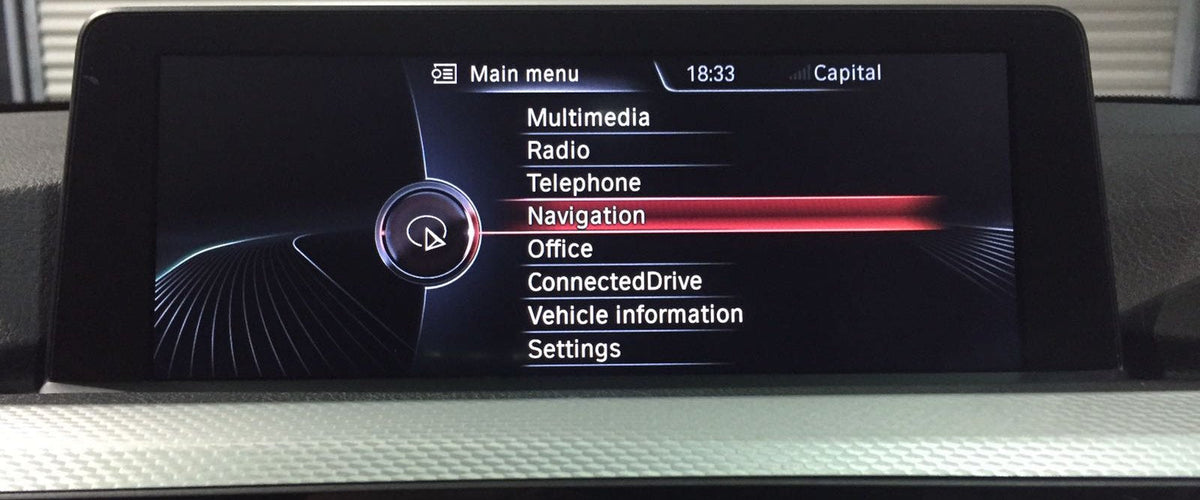

Japanese Import BMW Radio: Fixing the FM Band
You've brought in a Japanese BMW and the radio stops at 90. It's the first thing most import owners notice, and it's rarely a hardware problem on a BMW.
Why stations are missing
Japan broadcasts FM between 76 and 90 MHz. Australia and New Zealand use 88 to 108 MHz. A radio still set for Japan can only reach the bottom sliver of the local band.
Band expanders
A band expander is a small box in the aerial lead that shifts local stations down into the Japanese range. They're cheap, and they come with problems. New Zealand's radio regulator says they're unsuited to local conditions, and lists wrong frequency readouts, distortion, mixed up stations and dead spots. Its testing also found some cause interference to other radio services.
The coding route
BMW's tuners are built to work in more than one region, and the region is a setting. Owners on Bimmersport describe it this way:
- Around 2000 era radios: some have a hidden service menu where the area can be changed from Japan to Oceania or Europe.
- E Series with iDrive: the region is changed with coding tools.
- F and G Series: the head unit's country and radio country settings are coded, usually over an ENET cable.
Results vary by car. One E91 owner reported that stations below 90 only showed with one country setting and not another, so it can take the right combination. One guide also warns that picking the wrong national version affects how the radio follows a station between transmitters.
What to check first
- Which head unit you have. Here's how to tell.
- Whether someone's already fitted a band expander, since it'll need to come out.
- What else you want changed at the same time, like language and maps.


Leave a comment
This site is protected by hCaptcha and the hCaptcha Privacy Policy and Terms of Service apply.