
Home / BMW CarPlay Guides / Z4 and 8 Series

BMW Z4 G29 and 8 Series CarPlay: iDrive 7 Activation
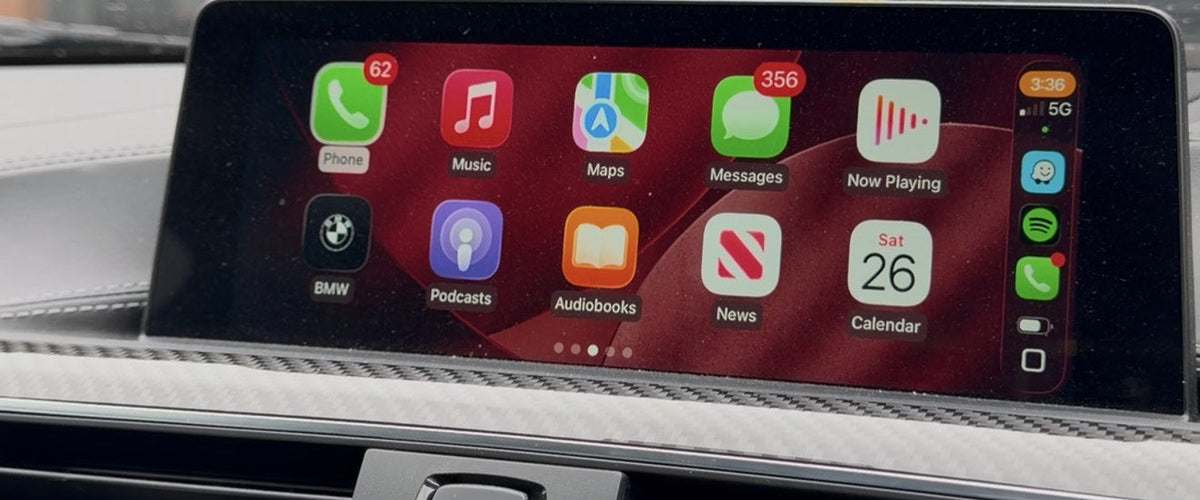
The Z4 G29 and the G15 and G16 8 Series run iDrive 7, so you've got one of the easiest setups to work with. A lot of these cars already have CarPlay.
Check it first
On the iDrive, go to COM → Mobile Devices → New Device → Phone Calls and Audio, and pair your iPhone. Look for Use Apple CarPlay. Android Auto needs software 20-07 or newer, and here's how to connect it. Having trouble? Try the CarPlay fix list.
If it's missing
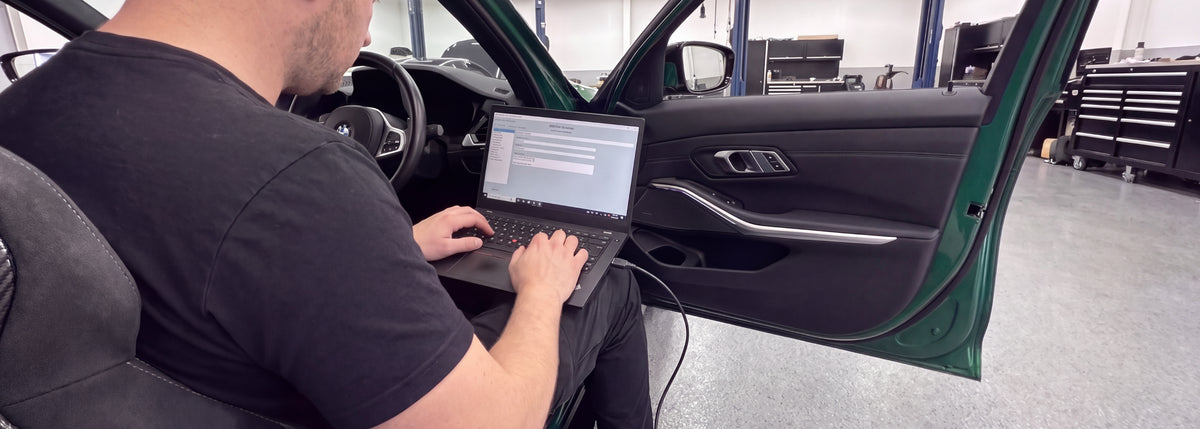
Our iDrive 7 activation ($300 AUD) adds CarPlay and Android Auto remotely, in about 15 minutes. It's listed for the Z4 G29 (2019 to 2024) and 8 Series G15 and G16 (2019 to 2024). You'll need:
- An ENET cable
- A Windows PC, or a Mac running Windows through Parallels or Boot Camp
- A stable internet connection
- A WiFi antenna fitted to the head unit
Compatibility depends on your MGU hardware and software, so send your VIN if you're not sure.


Leave a comment
This site is protected by hCaptcha and the hCaptcha Privacy Policy and Terms of Service apply.