
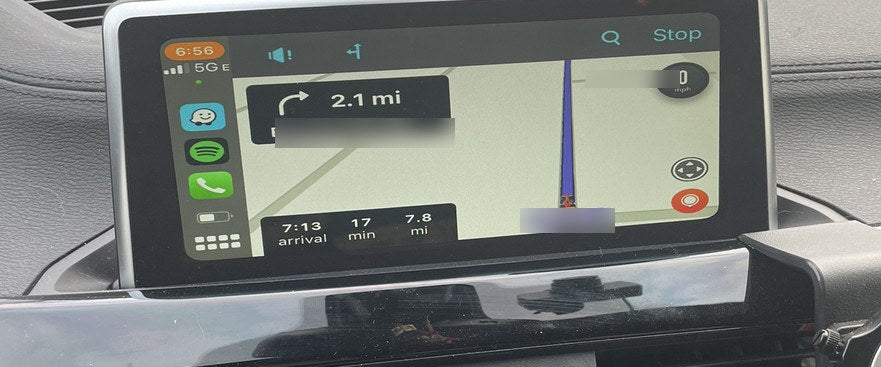

BMW X1 F48 CarPlay: How to Add It by Build Date
The X1 F48 used more head units than most BMWs, and a lot of them were entry level systems, so year alone won't tell you much. The version screen gives you a clear answer in under a minute. This covers all F48 sDrive and xDrive models.
Does the BMW X1 F48 have CarPlay?
Early cars don't. Apple lists the BMW X1 as a CarPlay model from model year 2018, but that's a guide and not a rule for your car. Whether yours came with it depends on the head unit and how it was specified. If it didn't, it may still be possible.
What your iDrive map type tells you
The head unit is the computer behind your screen, and the map name tells you which one you have. ROUTE is an older entry level unit, WAY is the newer one (EntryNav2), and a code starting with NBTEvo_ means NBT EVO.
On the iDrive go to Navigation → Options → Settings → Position & Version History → Version and look at the map name and code.
| You see | Usually built | What it means | From (AUD) |
|---|---|---|---|
| ROUTE | 2015 to 2016 | No native CarPlay. A head unit may suit, so send us your VIN | $549 |
| NBTEvo_A, C, D, E, F or G | 2015 to 2017 | NBT EVO on older software. Send us your VIN and we'll confirm your options | Ask us |
| NBTEvo_H onwards | 2016 onwards | NBT EVO on iDrive 5 or 6. Activation may be possible, but the X1 isn't on our standard list, so send us your VIN first | Ask us |
| WAY | 2018 to 2022 | EntryNav2 activation, if it has a WiFi socket | $189.99 |
Years are a guide only and vary by country and build. Here's more on how to read your version screen.
CarPlay on a WAY or no navigation X1
Plenty of X1s have WAY navigation or none at all, and that doesn't rule you out. EntryNav2 can have CarPlay activated remotely in a few minutes, with fullscreen where your software supports it. You need an ENET cable, a Windows PC or compatible Mac setup, and a stable internet connection.
Check this first: some EntryNav2 units don't have a WiFi socket, and activation can't add one. Send us your VIN before you buy and we'll check yours. A WiFi antenna also needs to be fitted.
X1 F48 CarPlay screen upgrade
If your X1 can't be activated, our 10.25 inch head unit is made for the F48 (2015 to 2022), across sDrive and xDrive models. It comes in NBT and EVO versions.
- Direct fit harness, no cutting or coding, and most installs take around 30 minutes
- Steering wheel controls, iDrive controller, factory speakers, microphone and reverse camera keep working
- Ships from Australia in around 7 days with a 12 month warranty
- In Melbourne, we can install it for you

X1 F48 Android Auto
Our head unit runs wireless and wired Android Auto as well as CarPlay. Native Android Auto activation isn't listed for the X1, so message us if you'd rather keep the factory screen and we'll tell you what's possible on your car.
FAQ
Does a 2016 BMW X1 have Apple CarPlay?
No. Early F48s have older systems without native CarPlay. Check your map type above to see what's possible.
Does a 2018 BMW X1 have Apple CarPlay?
It may, if it was specified from new. If not, a car with WAY navigation can often be activated, depending on the WiFi hardware. Others need a VIN check.
Does this apply to the X2?
EntryNav2 activation is also listed for the F39 X2, but our F48 head unit isn't, so send us your VIN.
What happens if a dealer update wipes it?
A dealer software update can reset it. If that happens, message us and we'll help you get it back.
Not sure what fits your X1?
Take the What Fits My BMW quiz, or send your VIN and a photo of your version screen through our contact page. We'll tell you exactly what fits before you pay. For other models, see our main guide on adding Apple CarPlay to your BMW.


Leave a comment
This site is protected by hCaptcha and the hCaptcha Privacy Policy and Terms of Service apply.