
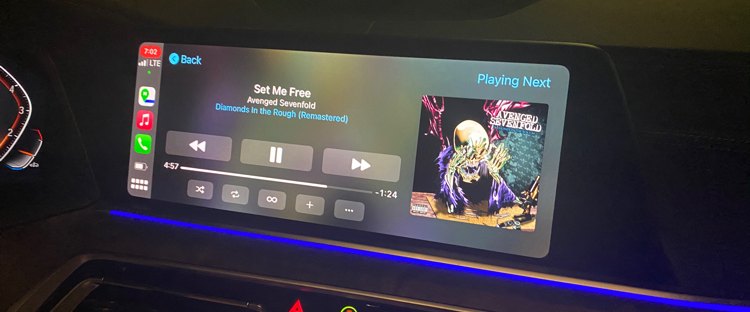

BMW X5 G05, X6 G06 and X7 G07 CarPlay and Android Auto
The G05 X5 was the first BMW with iDrive 7, so it's further along than the cars before it. Many of these have CarPlay already. If yours doesn't, there's no need for a new screen.
Check if it's already there
Try pairing first. On iDrive 7, go to COM → Mobile Devices → New Device → Phone Calls and Audio, then look for Use Apple CarPlay. If it's there and doesn't connect, see CarPlay not connecting. For Android, the software must be 20-07 or newer, so read the iDrive 7 update guide.
Activating it
Our iDrive 7 activation ($300 AUD) covers Apple CarPlay and Android Auto, and it's done remotely in about 15 minutes. It's listed for pre facelift cars:
- X5 G05 (2019 to 2022)
- X6 G06 (2019 to 2022)
- X7 G07 (2019 to 2022)
You need an ENET cable, a Windows PC or a Mac running Windows through Parallels or Boot Camp, a stable internet connection, and a WiFi antenna fitted to the head unit. Compatibility depends on your MGU hardware and software, so send your VIN if you're unsure.
Facelift cars
Facelift G05, G06 and G07 cars aren't on the list above. Send your VIN if you have one and we'll tell you what's possible. Got the older F15 X5? See our F15 guide instead.

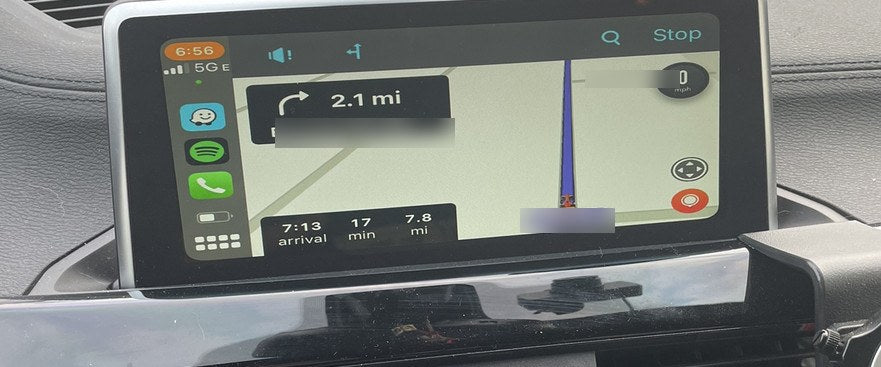

Leave a comment
This site is protected by hCaptcha and the hCaptcha Privacy Policy and Terms of Service apply.