
Home / BMW CarPlay Guides / No touchscreen

BMW CarPlay Without a Touchscreen: How It Works
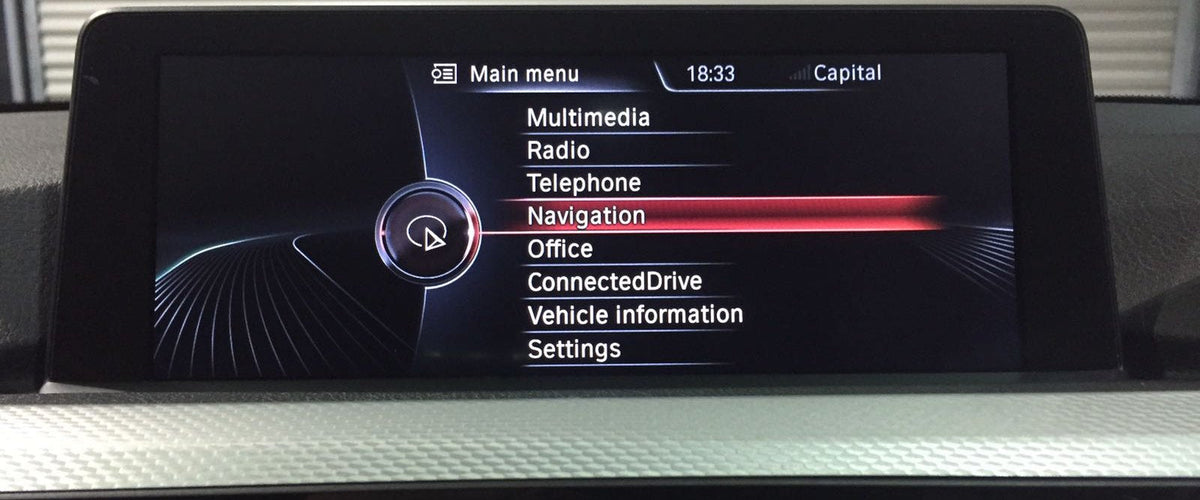
Many BMWs of this era don't have a touchscreen, and owners often assume that rules out CarPlay. It doesn't. It's what the iDrive controller is for.
How you control it
- iDrive controller: turn to move between items, press to select, and push to go back or across.
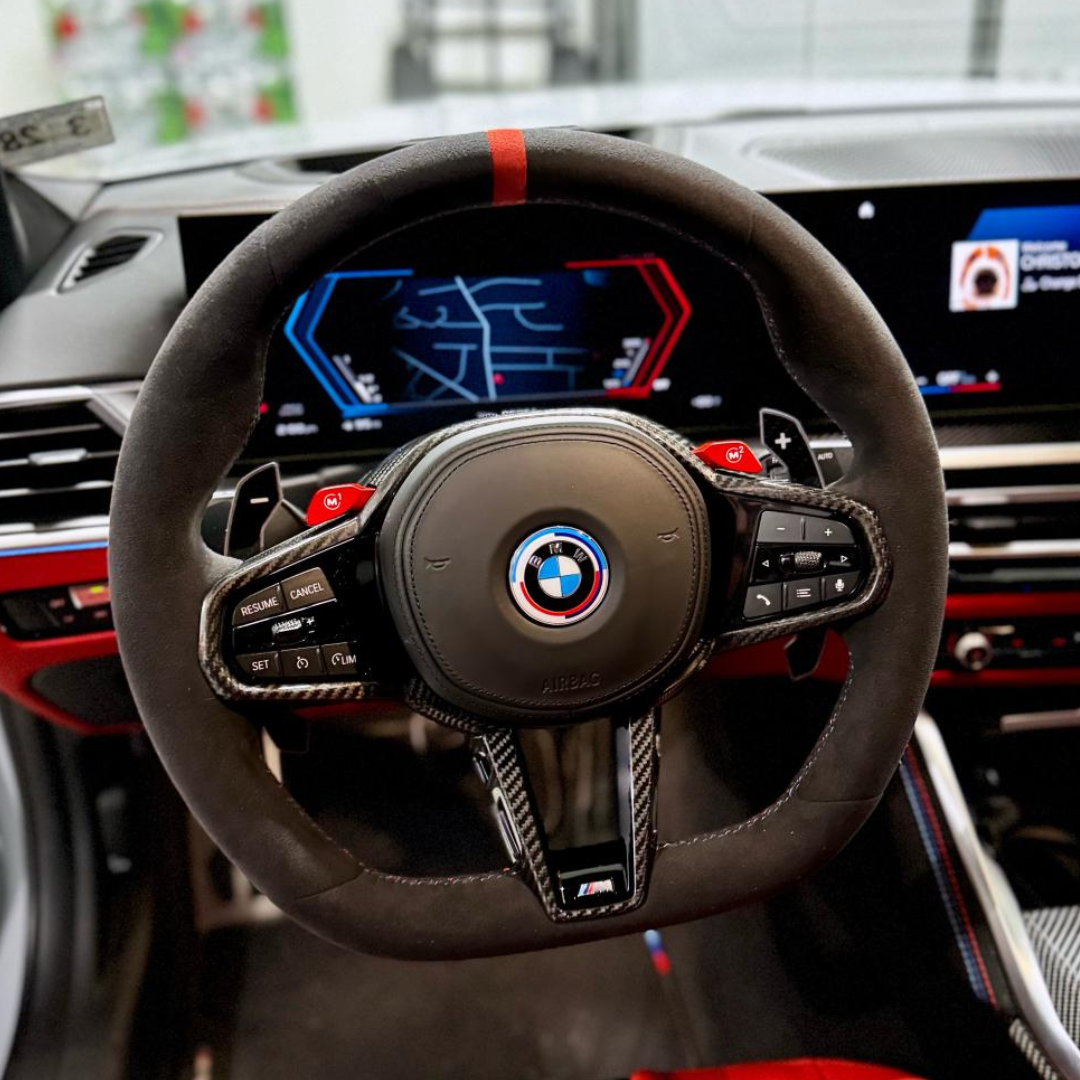
- Steering wheel buttons: use these for skipping tracks, volume and calls.
- Siri: hold the voice button on the wheel to ask for directions, send a message or play music.
What it's like to use
Most people get used to it fast. Scrolling a long list is slower than a swipe, but it's also easier to do without looking away from the road. For long addresses, Siri or setting the destination on your phone before you leave is much quicker.
Want a touchscreen?
Our CarPlay head units are touchscreens, and they're listed for many older BMWs. If your car's newer and has NBT EVO, activation is much cheaper, and you'd keep your factory screen and controller. Coding can't turn a non touch screen into a touch one, so that decision is really about hardware.


Leave a comment
This site is protected by hCaptcha and the hCaptcha Privacy Policy and Terms of Service apply.