
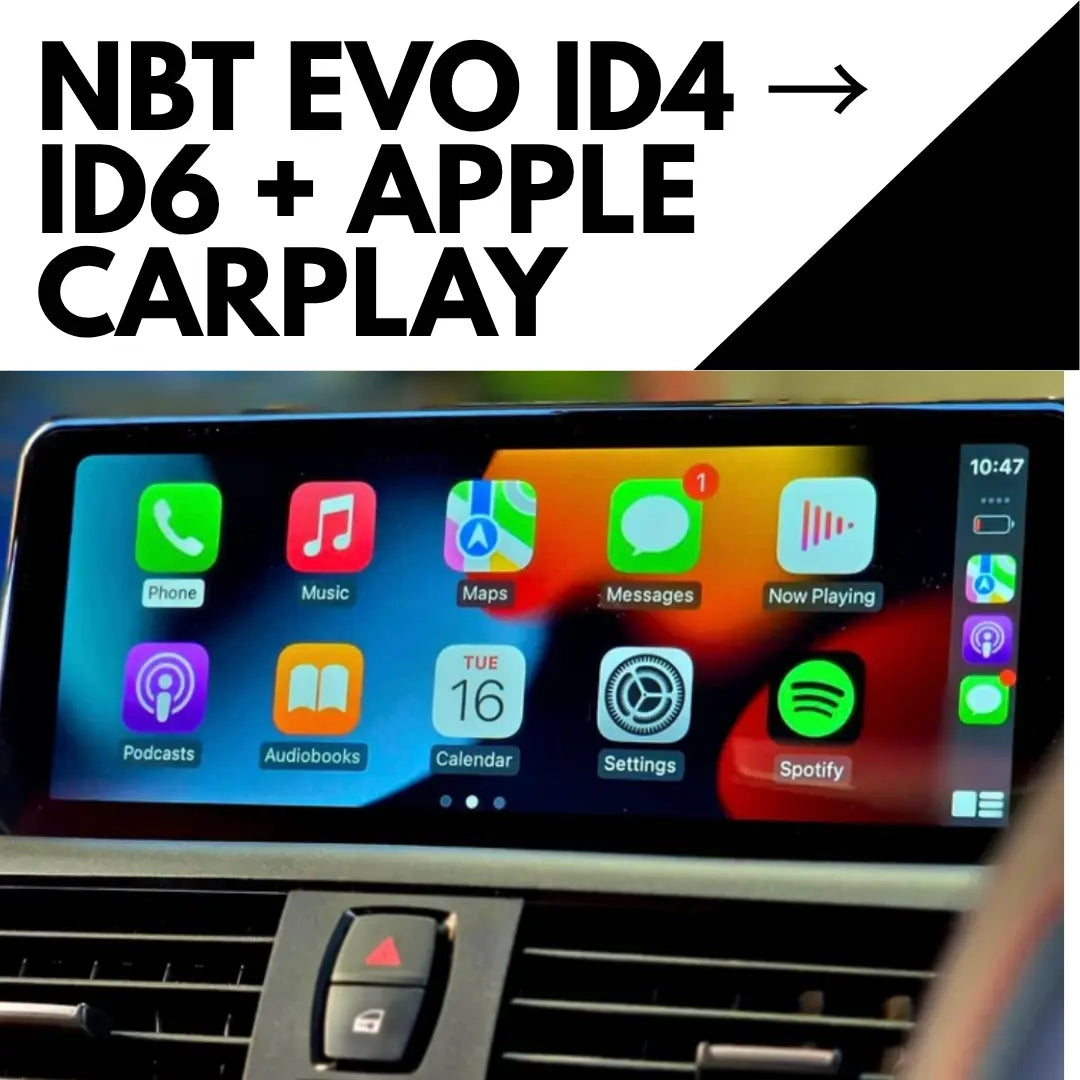
If your BMW has an NBT EVO head unit, it can run one of three iDrive interfaces: iDrive 4, iDrive 5 or iDrive 6. They're the same hardware underneath, but the software decides how your screen looks, whether CarPlay fills the display, and which upgrade makes sense for you.
Here's how to tell which one you have, and what to do about it.
First, confirm you have NBT EVO
Go to Navigation → Options → Settings → Position & Version History → Version. If the code starts with NBTEvo_, keep reading. If it doesn't, read our guide on how to check your BMW iDrive version first.
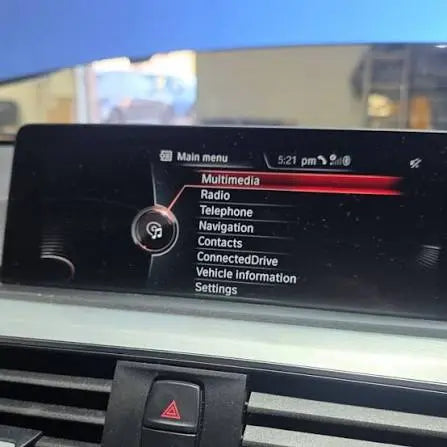
iDrive 4 on NBT EVO
Version codes: NBTEvo_A, C, D, E or F
Typically found in: selected late 2015 and early 2016 BMWs, including F20, F21, F22, F23, F30, F31, F32, F33, F36, F80, F82, F83 and F87.
This is the oldest interface on NBT EVO hardware. The good news is the hardware is capable of much more than the software is showing you.
Your upgrade: our iDrive 4 to iDrive 6 upgrade + CarPlay moves you to the iDrive 6 interface and activates OEM fullscreen CarPlay in one remote session of around an hour. Wireless CarPlay needs a WiFi antenna in the car (OEM part 61119278133 or a suitable FAKRA antenna), sold separately.
iDrive 5
Version codes: later NBTEvo software, from NBTEvo_H onwards
iDrive 5 already supports Apple CarPlay. Your options depend on what you want:
- Just want the newer iDrive 6 look? iDrive 5 to iDrive 6 coding switches the interface without a firmware update. USB for NBTEvo_H to O, remote ENET for NBTEvo_P to Y.
- Want CarPlay? CarPlay activation for NBT EVO includes lifetime CarPlay, screen mirroring and Video in Motion.
- Want everything, including fullscreen on older software? The iDrive firmware update + fullscreen CarPlay updates to the latest compatible OEM firmware and includes the iDrive 6 interface where supported.
iDrive 6
You're on the newest interface NBT EVO runs. What's left is unlocking features:
- No CarPlay yet: CarPlay activation for NBT EVO
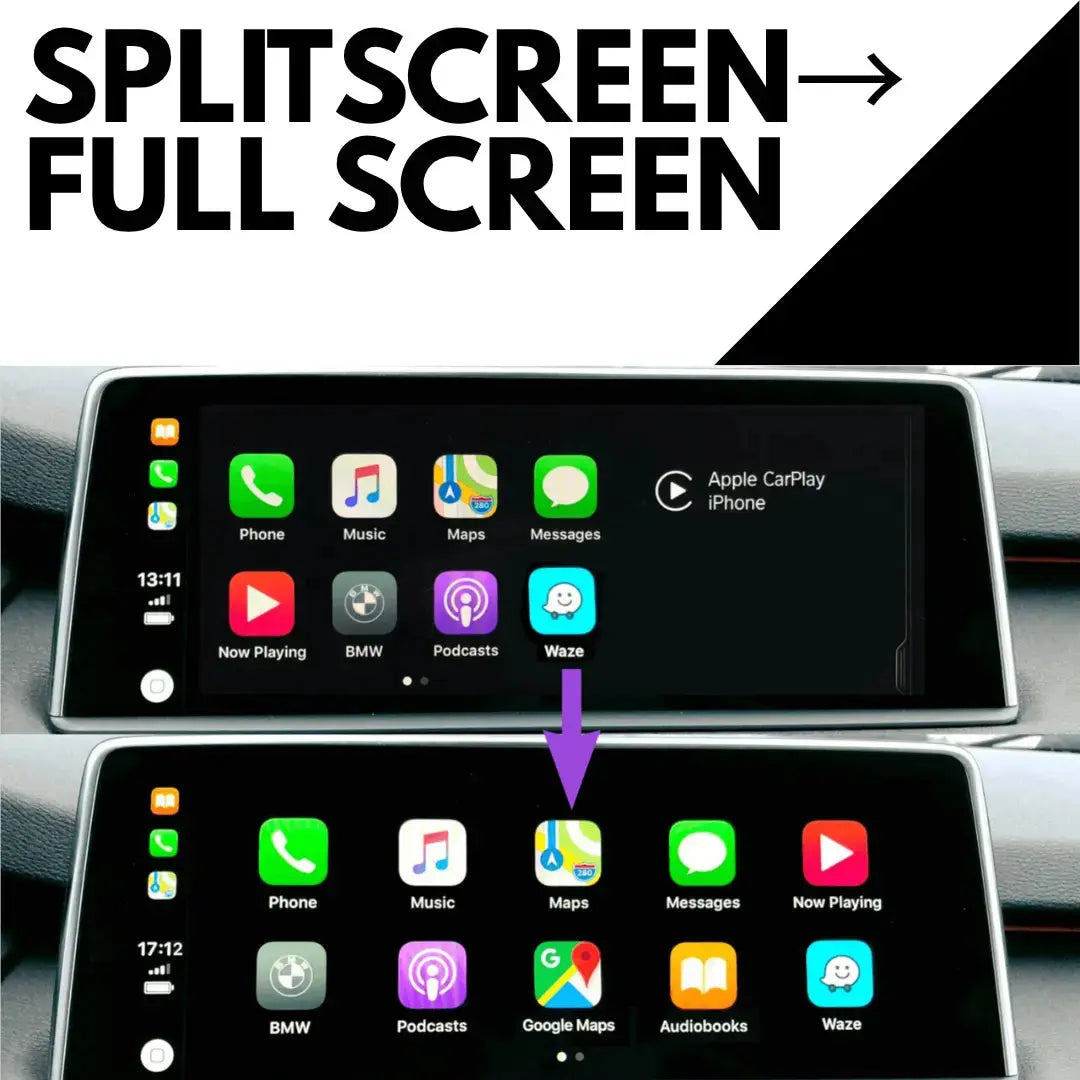
- CarPlay works but sits in split screen: fullscreen CarPlay activation
- Want video to keep playing on the move for passengers: Video in Motion, where legal
The fullscreen CarPlay question
This catches a lot of owners out. Fullscreen CarPlay depends on your software letter, not your iDrive version. It works on NBTEvo_N, O, P, Q, R, S, U, V, W, X and Y. On anything older, CarPlay runs in split screen until the firmware is updated.
Quick summary
| You have | You want | Get this |
|---|---|---|
| iDrive 4 (NBTEvo_A to F) | iDrive 6 + CarPlay | iDrive 4 to 6 upgrade |
| iDrive 5 | iDrive 6 look only | iDrive 5 to 6 coding |
| iDrive 5 or 6 | CarPlay | CarPlay activation |
| Old software letter | Fullscreen CarPlay | Firmware update |
| CarPlay in split screen | Fullscreen | Fullscreen activation |
Not sure which you have?
Send us your VIN, model and year, and a photo of your version screen through our contact page or at support@bimmerdrive.com and we'll tell you exactly which upgrade fits your car before you buy.

Leave a comment
This site is protected by hCaptcha and the hCaptcha Privacy Policy and Terms of Service apply.