

Home / BMW CarPlay Guides / M5, X3 M and X4 M

BMW M5 F90, X3 M and X4 M CarPlay: What to Check
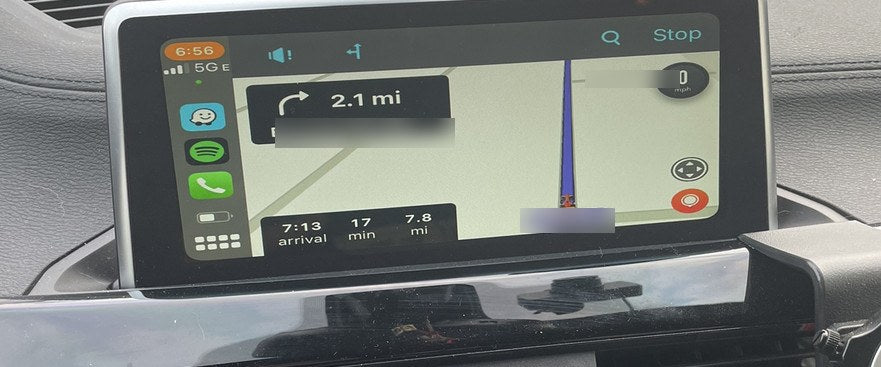
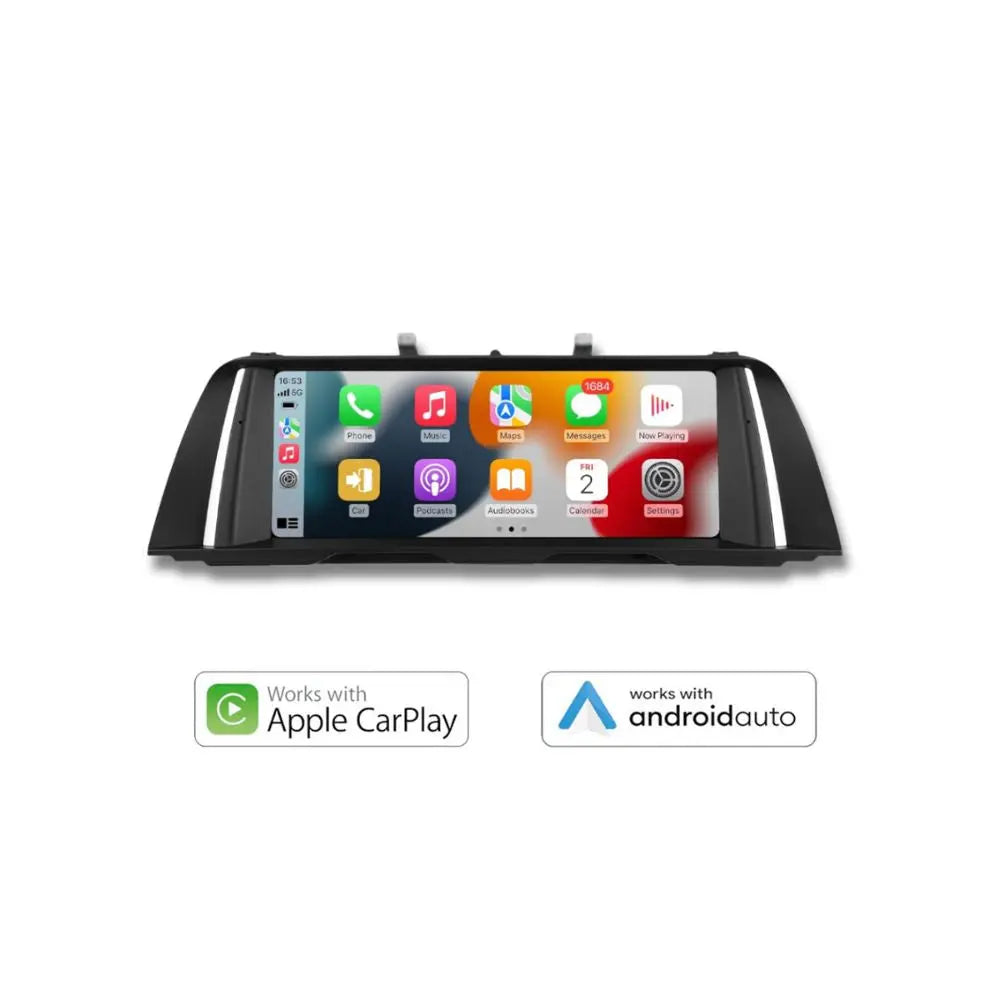
You'd expect these cars to have every option, but CarPlay was still a line on the options list when many of them were built. Some are running it, some aren't, and the fix depends on your head unit.
Check your car
First, try pairing your iPhone as a new device, and look for Use Apple CarPlay. If it's not there, go to Navigation → Options → Settings → Position & Version History → Version, and see what your code starts with.
What you might need
| You see | What you need | From (AUD) |
|---|---|---|
| NBTEvo_ | NBT EVO CarPlay activation | $99.99 |
| A newer system, or anything else | Send us your VIN, since this isn't one to guess | Ask us |
The F90, F97 and F98 are on our NBT EVO activation list, but later builds and facelift cars may run a newer system. Check before you buy.
Want to change how the car drives as well? See the M5 CS flash and the X3 M and X4 M package.

Leave a comment
This site is protected by hCaptcha and the hCaptcha Privacy Policy and Terms of Service apply.