
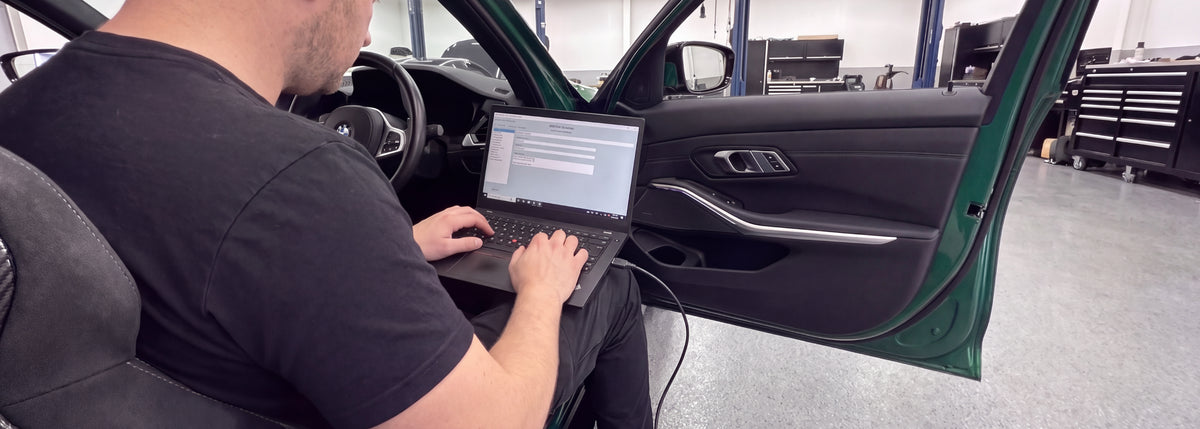

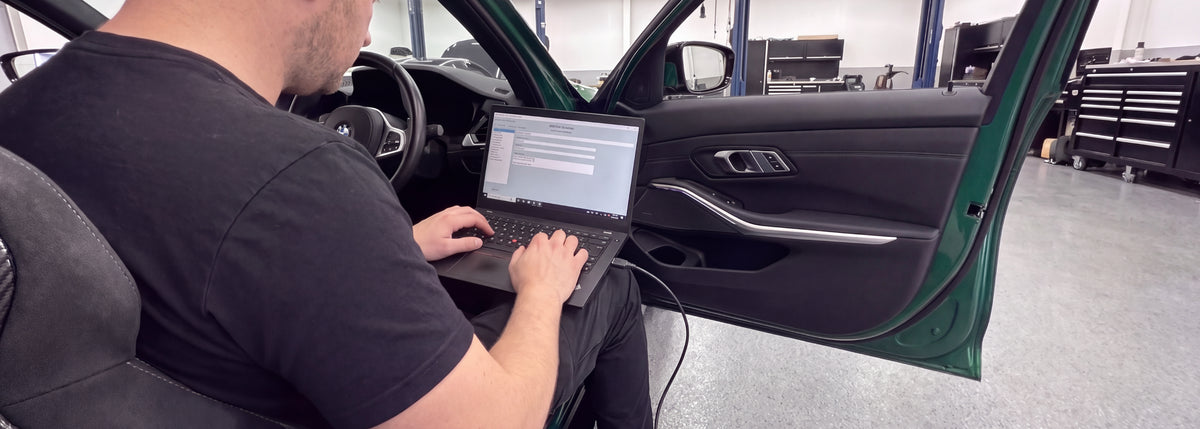
BMW Digital Speedometer: How to Turn It On
With speed cameras everywhere, a number is easier to read at a glance than a needle. Plenty of BMWs can show one. It's just switched off from the factory.
What it is
It's an extra page in the trip computer, in the small display in your instrument cluster. Alongside range, fuel use and average speed, you get your current speed as a number. The option's a setting in the instrument cluster, so there's nothing to fit.
How to find it after coding
This catches people out, because nothing looks different at first. BimmerCode's notes explain that you reach it by cycling through the trip computer pages with the button on the end of the indicator stalk. Keep pressing until the speed appears, and it'll stay on that page.
Which cars
- F30 family: BimmerCode lists it for the F30, F31, F34 and F80, across the common cluster types.
- G20: listed too. Cars with the fully digital cluster also get a setting for how often the number refreshes, at 2, 5 or 10 times a second.
- Cars with a head up display: you already have a digital speed in your line of sight, so this adds less.
What you get depends on which cluster your car has, so check before assuming.
The digital number and the needle read from the same source, so they'll agree with each other. Like most cars, both may read a little above your true speed.
This is one of the safer changes to make, and it's reversible. It's often done together with start stop memory and mirror folding. See the full F30 coding list.


Leave a comment
This site is protected by hCaptcha and the hCaptcha Privacy Policy and Terms of Service apply.