

BMW Ambient Lighting: Can You Add More Colours?
Ambient lighting is one of those features you stop noticing until you sit in a car with a better version. Whether yours can be improved in software depends on what's behind the trim.
What coding can change
On the G20, BimmerCode documents colour settings in the body controller, split by zone:
- The lower area, around the footwells and door pockets
- The upper area
- The contour lines along the dash and doors
Each zone's colour can be set separately, which gives combinations the standard menu doesn't offer. The app notes that some colour variants only apply from software level 22-07, so two cars of the same model can have different choices.
Like other body controller options on this car, it needs an adapter from the app's supported list.
What needs hardware
- A car with no ambient lighting. If there are no light strips, coding has nothing to switch on.
- Older cars with two colours. Many F Series cars have lamps that can only make orange and white. Software can't make a two colour lamp show blue.
- Extra strips or zones. Adding light where there wasn't any means fitting parts, then coding the car to recognise them.
That last one works like any retrofit. The parts go in, and the car's build data and modules are updated to match. It's the same idea as our Harman Kardon coding.
How to check your car
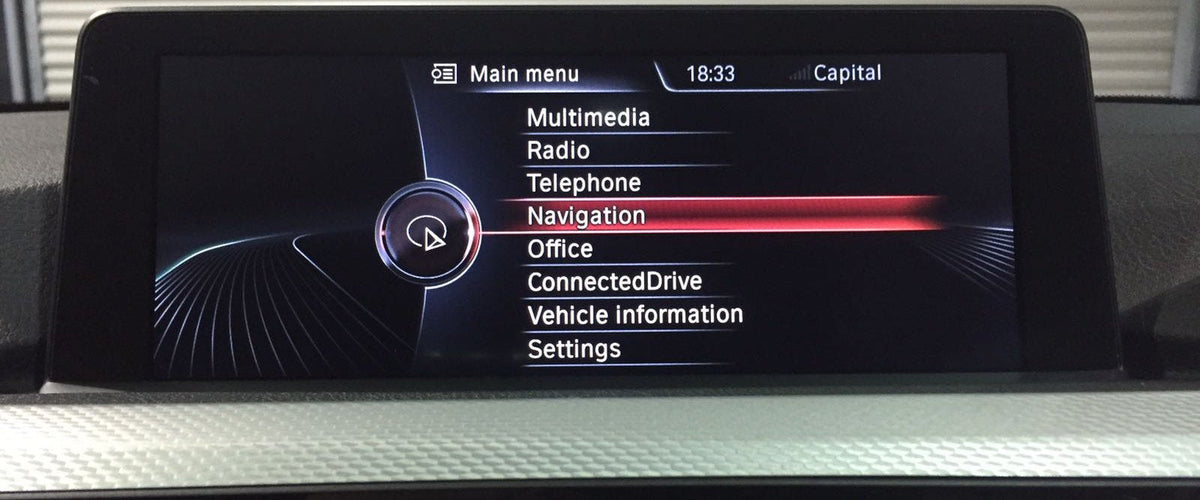
- Open the lighting settings in iDrive and count the colours you're offered.
- Look at the car at night and note where the light actually comes from.
- Send us your VIN if you want to know what it was built with.
If the menu already gives you a full colour list, coding can refine it. If it gives you two, you're looking at hardware. More options for the same session are in the G20 coding list.


Leave a comment
This site is protected by hCaptcha and the hCaptcha Privacy Policy and Terms of Service apply.