
Home / BMW CarPlay Guides / BimmerCode vs E-Sys

BimmerCode vs E-Sys: What's the Difference?
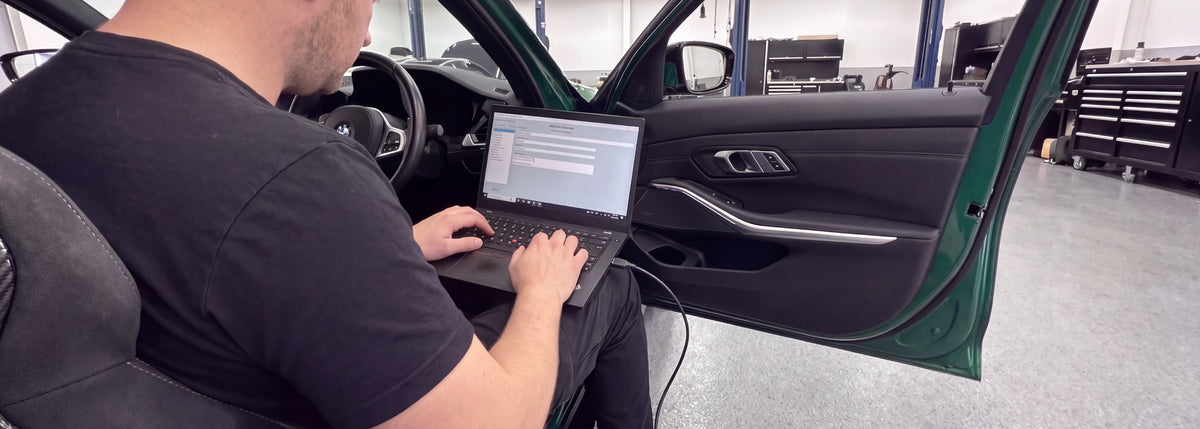
Both change settings in your BMW's modules, but they're built for different people. One's a simple app with on and off switches, and the other's a powerful tool for people who know what they're changing.
Side by side
| BimmerCode | E-Sys | |
|---|---|---|
| Runs on | Your phone, with a compatible adapter | A Windows laptop with an ENET cable |
| Ease of use | Simple options with plain names | Technical, with a real learning curve |
| Control | What the app offers for your car | Much deeper access to module settings |
| Cars | Check the app's list for your model | Mainly F and G Series |
Who each suits
- BimmerCode: owners who want common tweaks like comfort settings and don't want to learn much. It's a good place to start.
- E-Sys: enthusiasts who want to learn, and are happy to research each change and take backups first.
- A remote coder: owners who want it done and don't want to buy or learn anything beyond a cable. Here's how that works.
What about CarPlay?
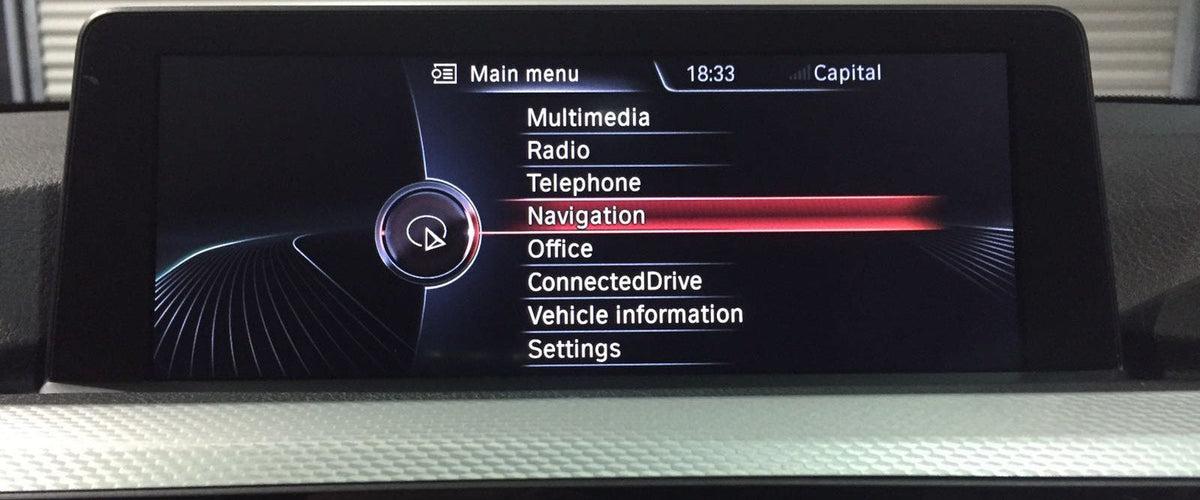
Neither one adds CarPlay to a head unit that can't run it. BimmerCode can change fullscreen on some cars, but on older software it just stretches the image. Activation is usually what's needed if CarPlay isn't there. Here's how activation works.

Leave a comment
This site is protected by hCaptcha and the hCaptcha Privacy Policy and Terms of Service apply.